Game analytics built around your game
Reports for balance, retention, and revenue, plus an AI assistant that answers questions about your players. When your game needs something no analytics tool has, we build it for you. Free up to 1,000 tracked records a month.
AI assistant
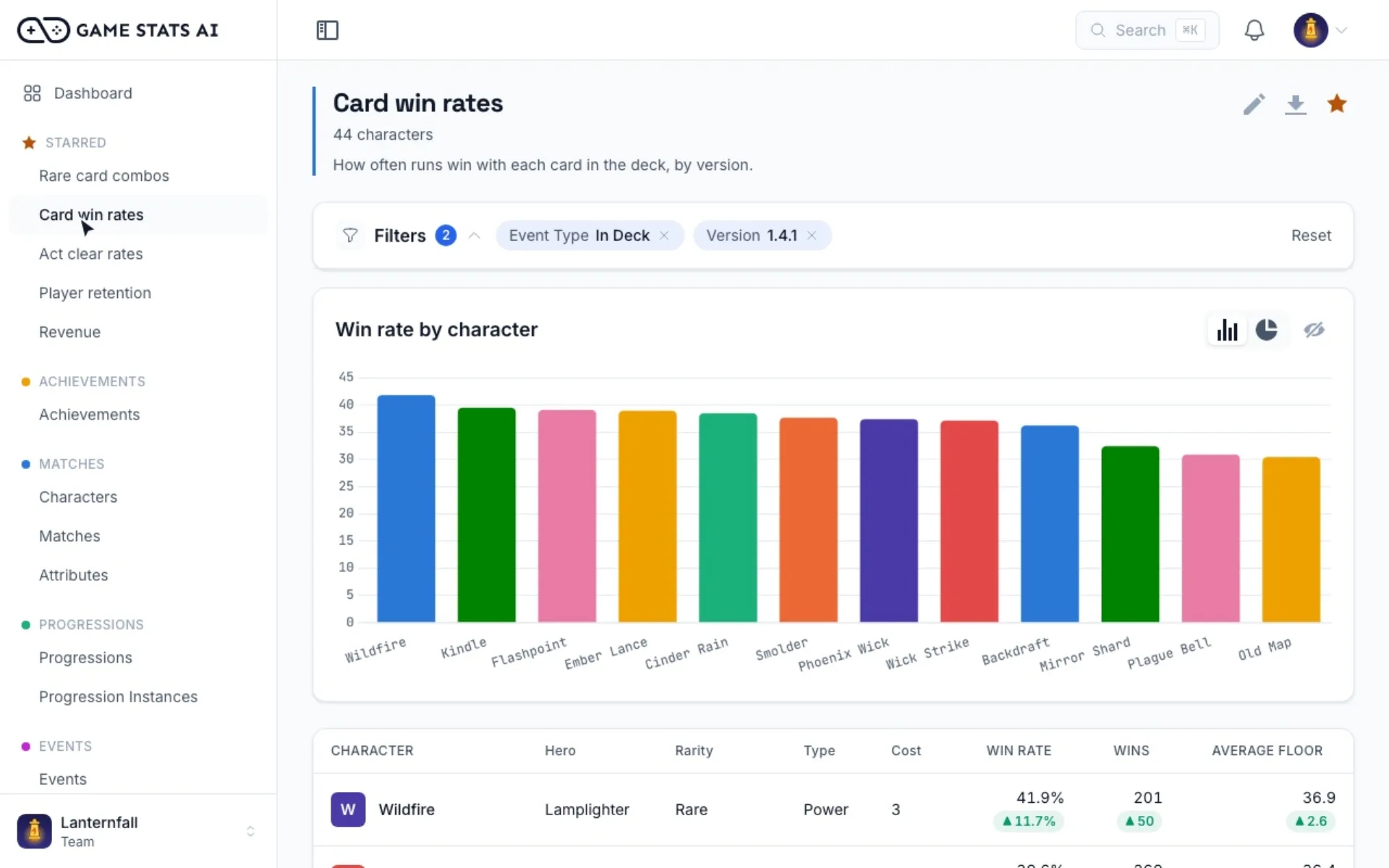
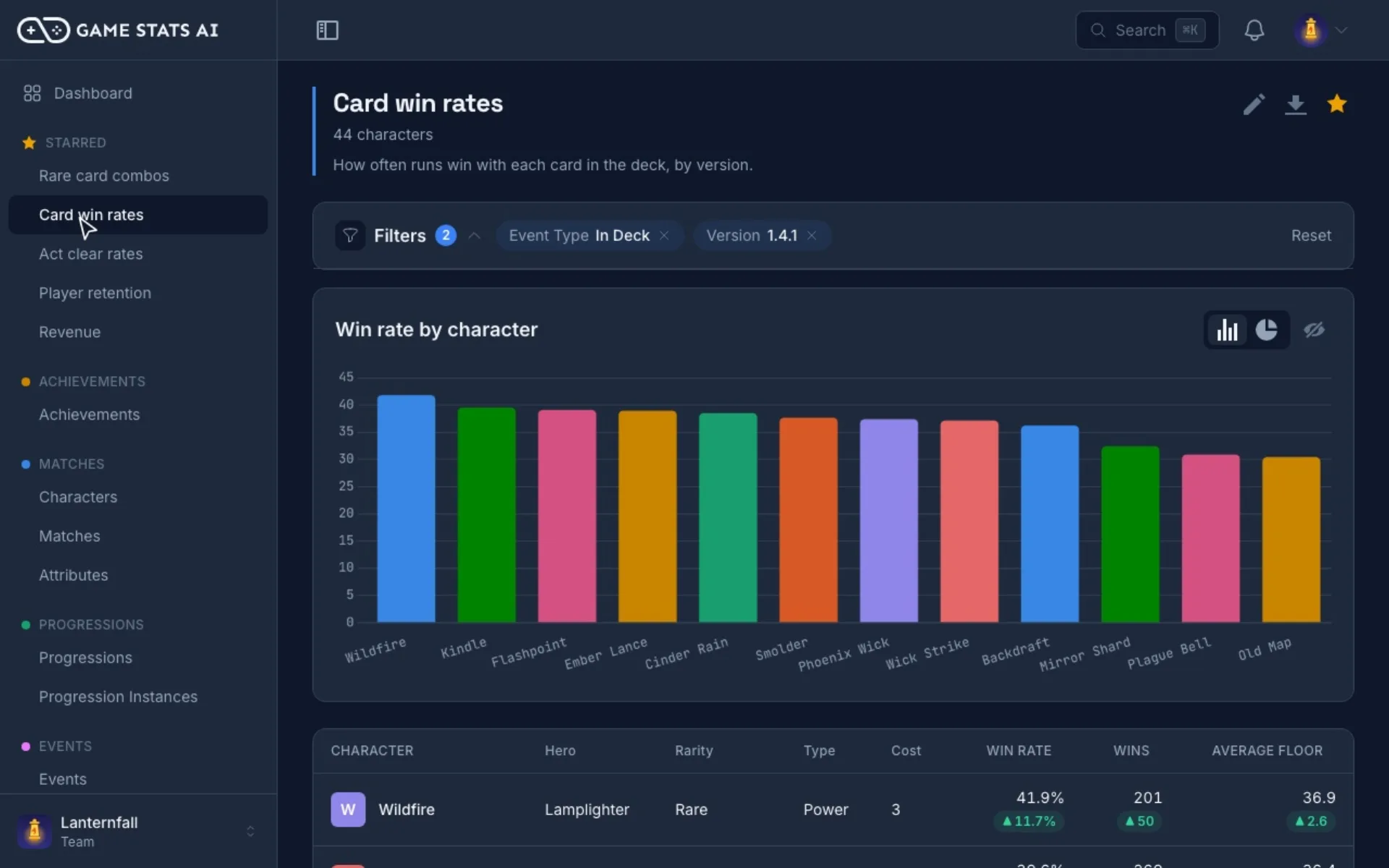
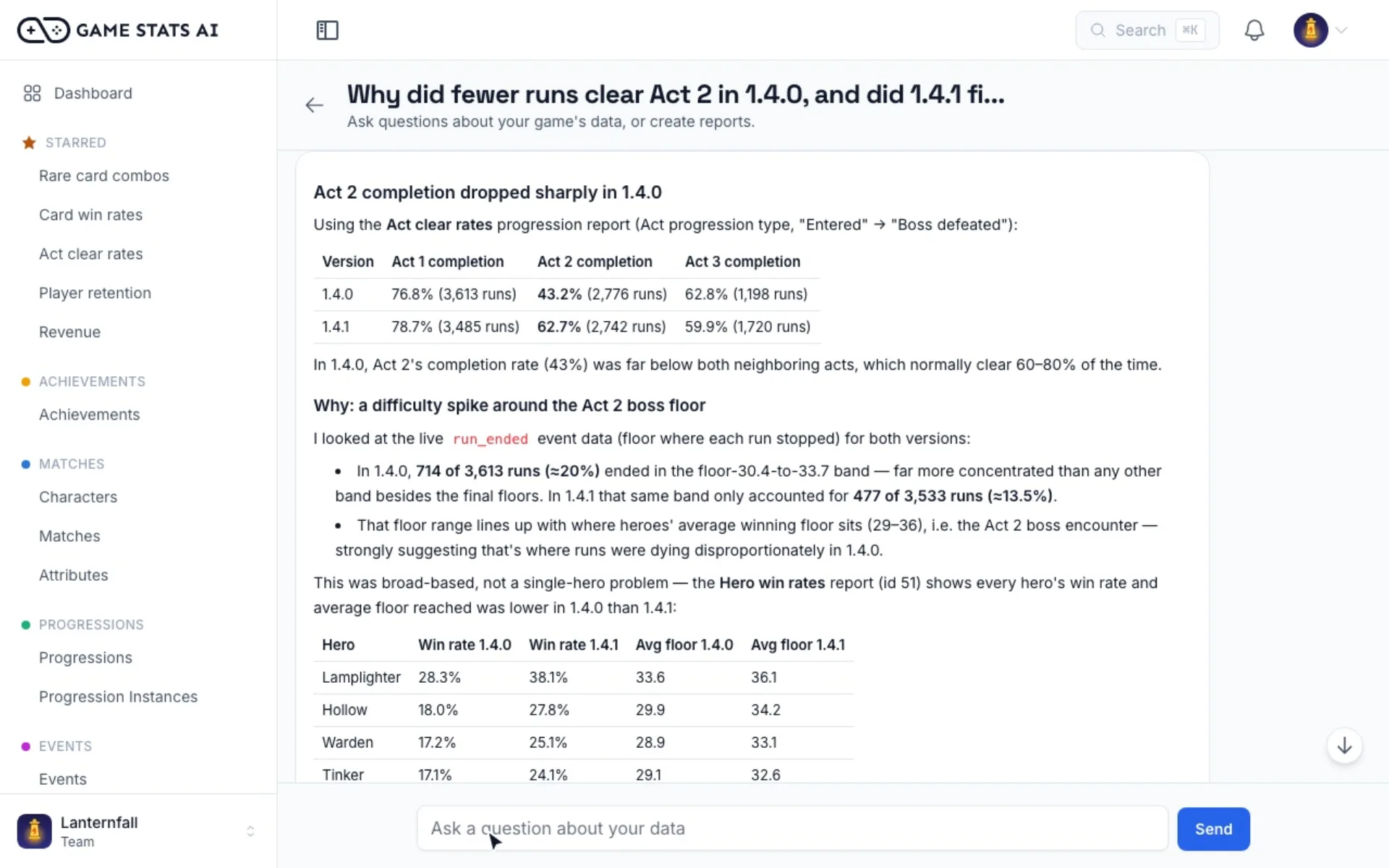
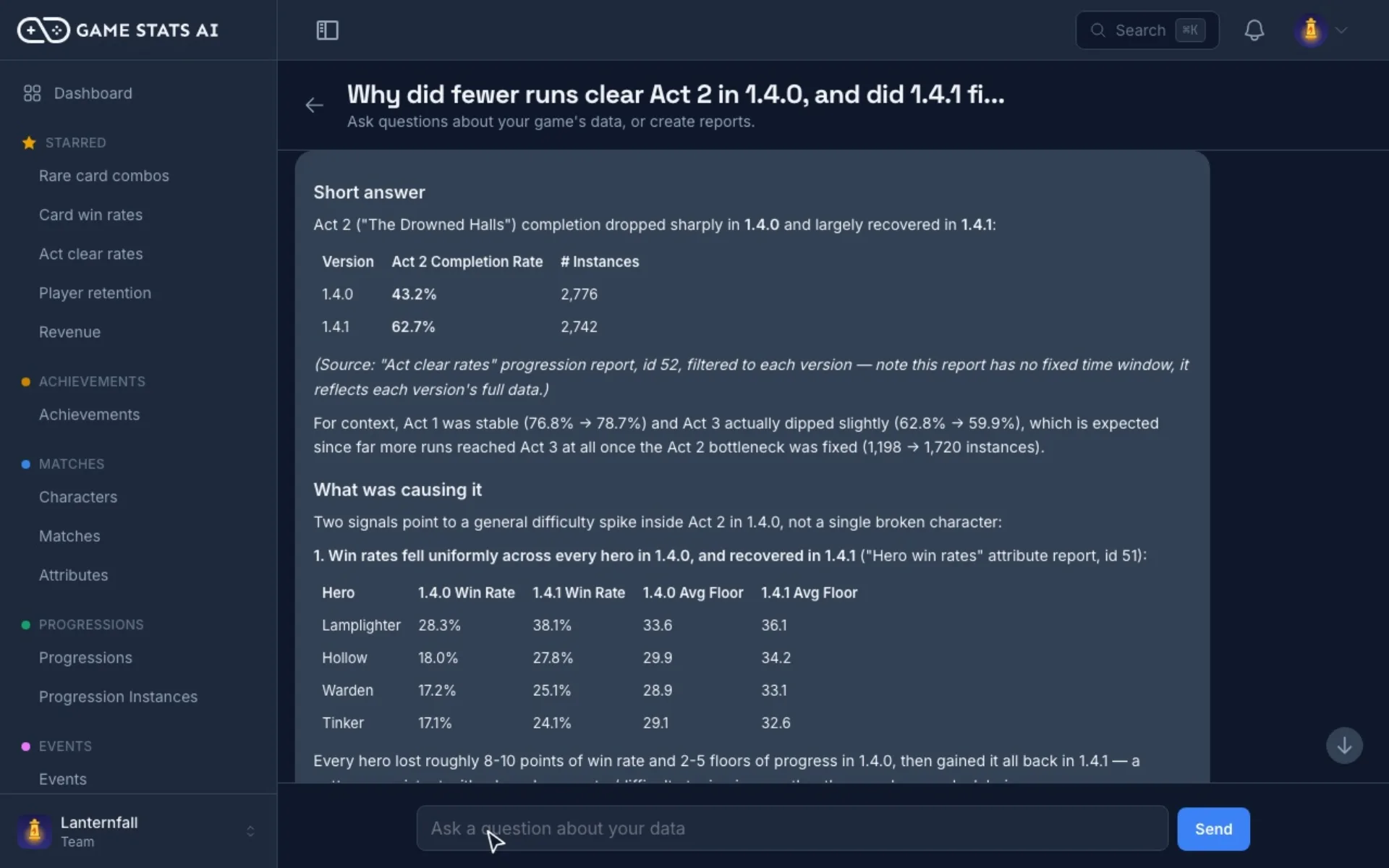
Ask your game anything
Ask which character is overpowered, where players quit, or what changed since the last patch. The assistant reads your reports, answers with real numbers, and can save a new report for you.
-
In the app
The built-in assistant is included with every paid plan, right next to your reports and dashboards.
See plans -
In Claude or ChatGPT
Connect our MCP server and ask from the AI assistant you already use. Included with every plan.
Set up the MCP connector -
In Discord
Type
/askin your Discord server and the answer is posted right in the channel, using your plan's assistant questions.
Reports
The reports your game needs
Every plan includes every report type. Build one in a few clicks, or ask the assistant to build it for you.
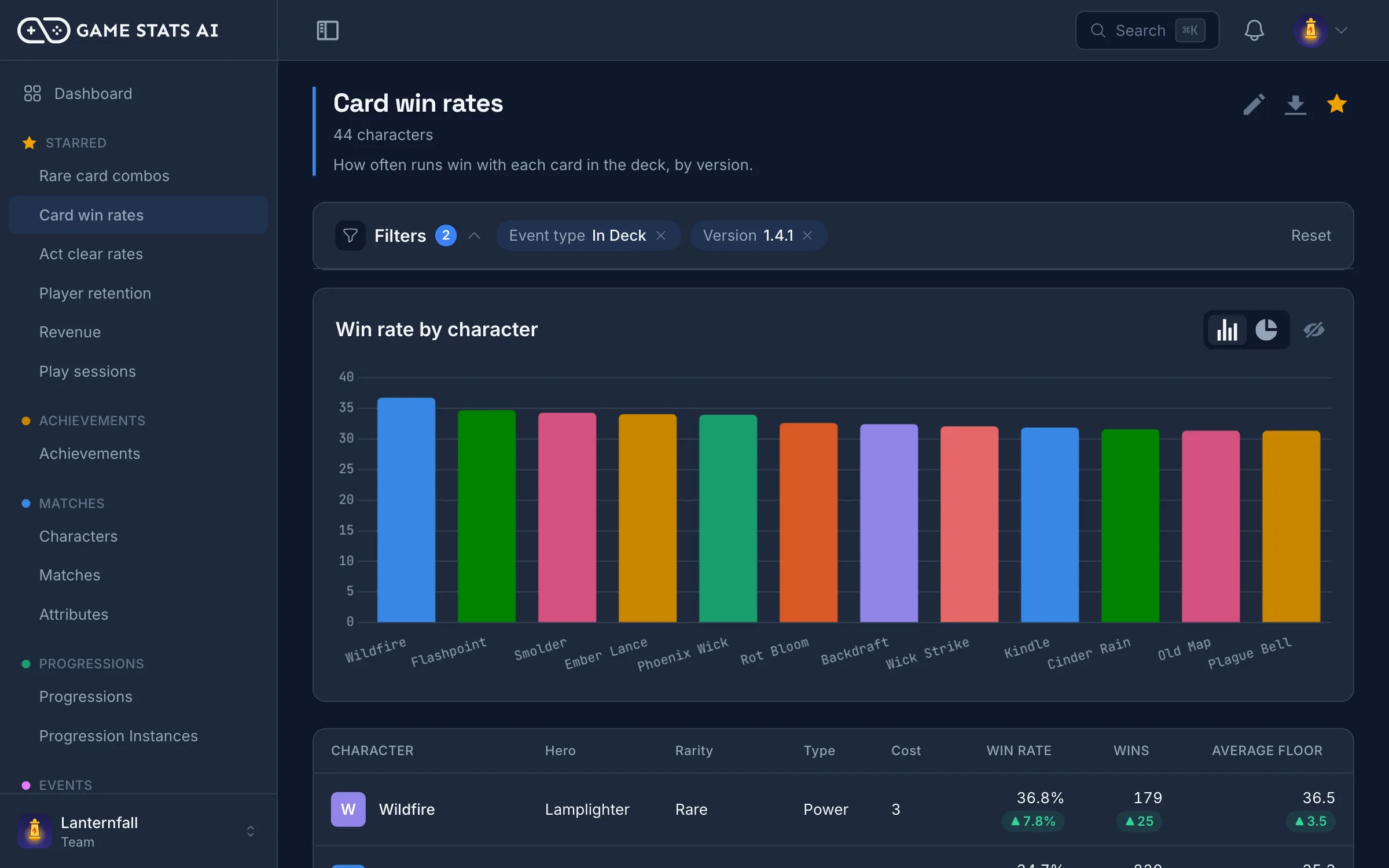
Find what is overpowered
Compare win rates by character, weapon, or map, and see how each patch moved them.
How to balance a game with data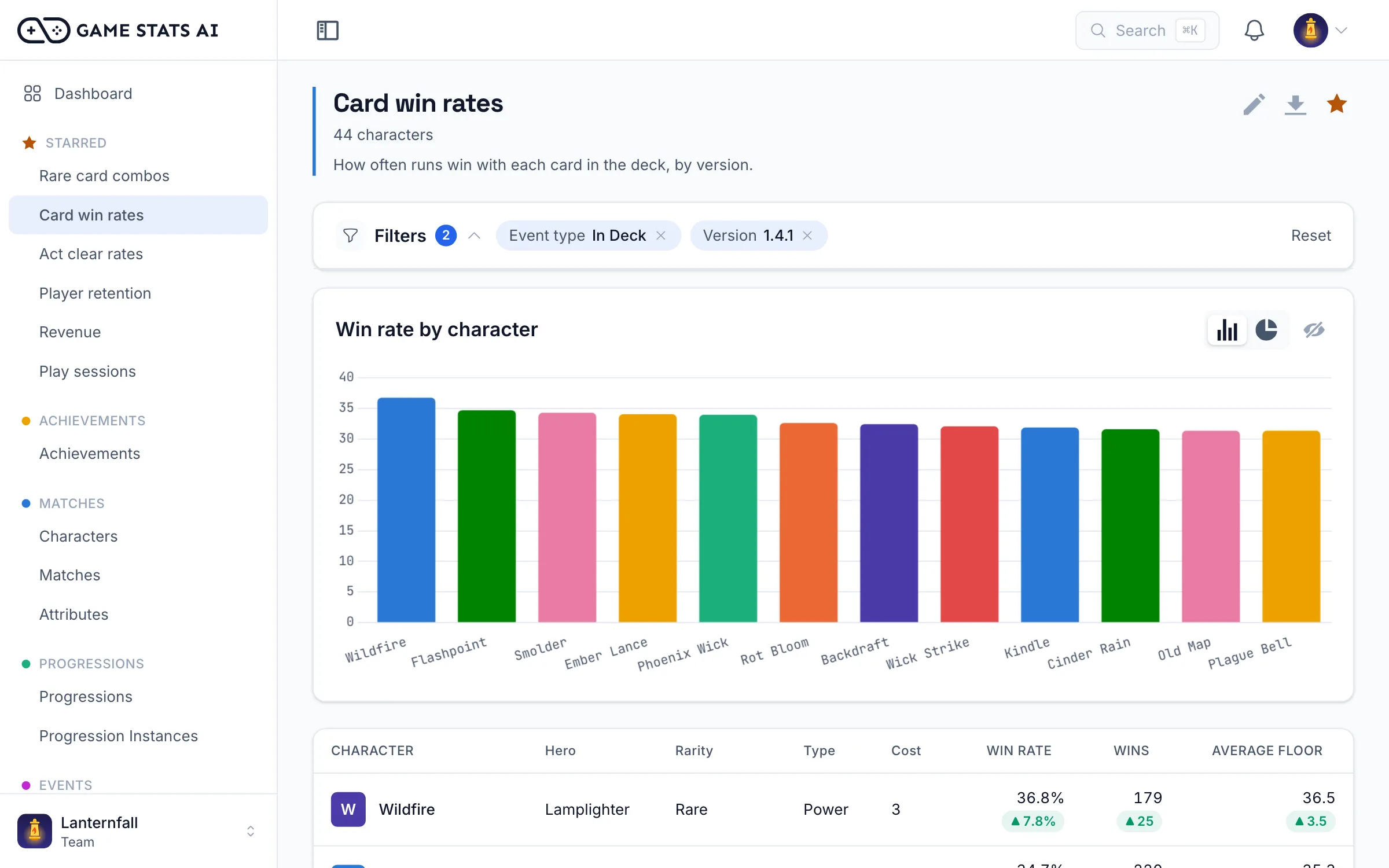
See who comes back
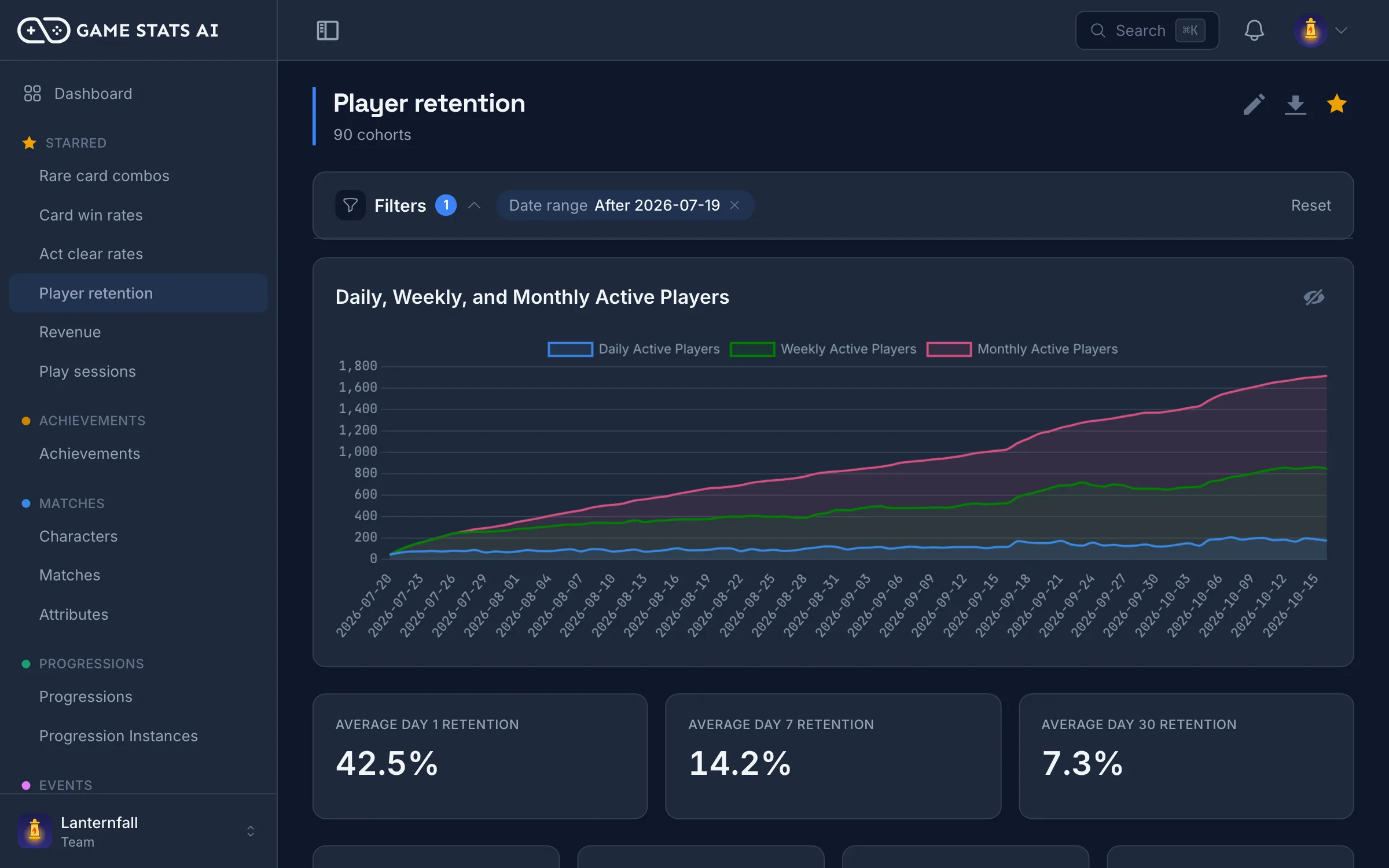
See how many new players return 1, 7, and 30 days after they first play, plus daily, weekly, and monthly active players.
How to measure game retention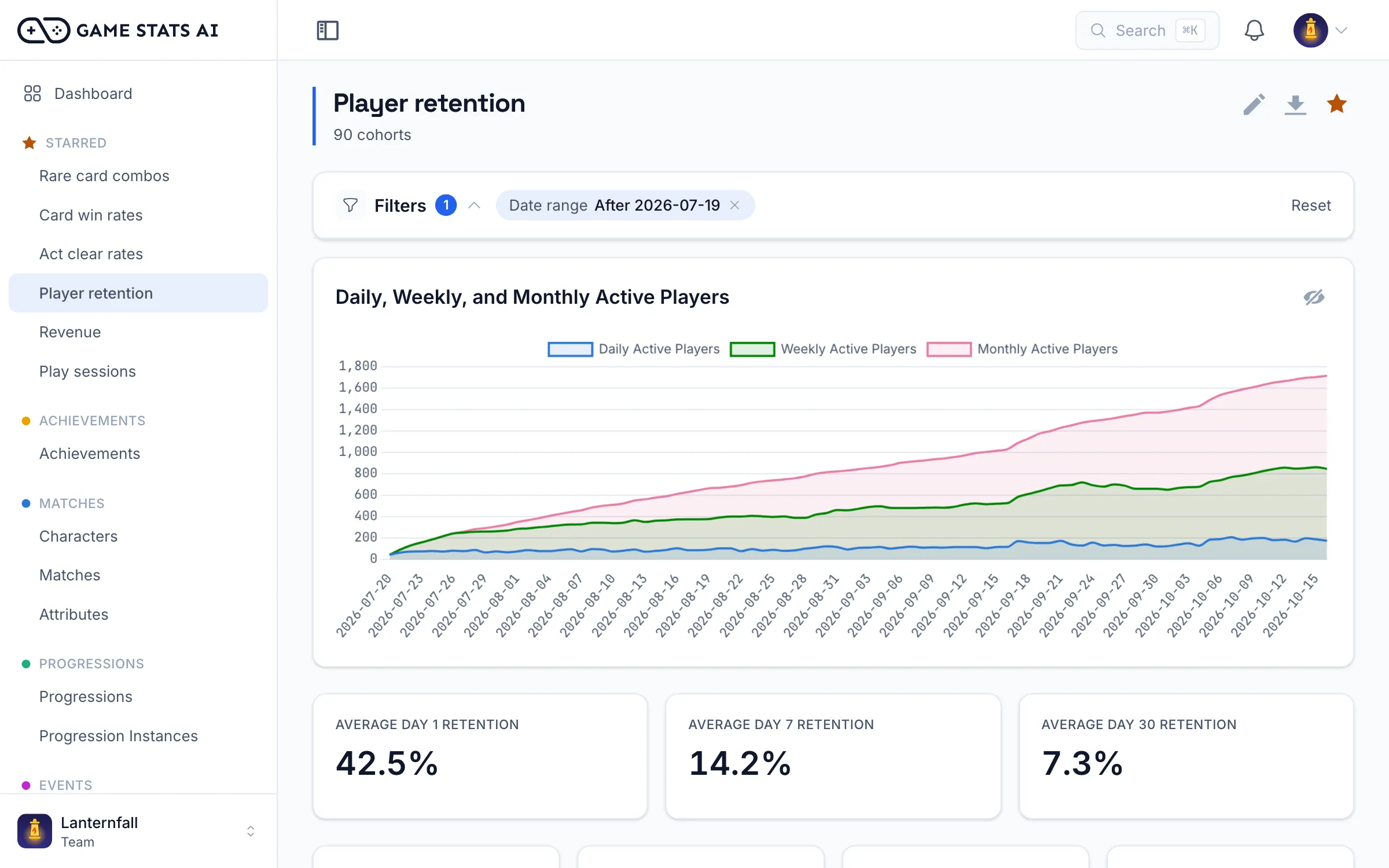
Know what your players spend
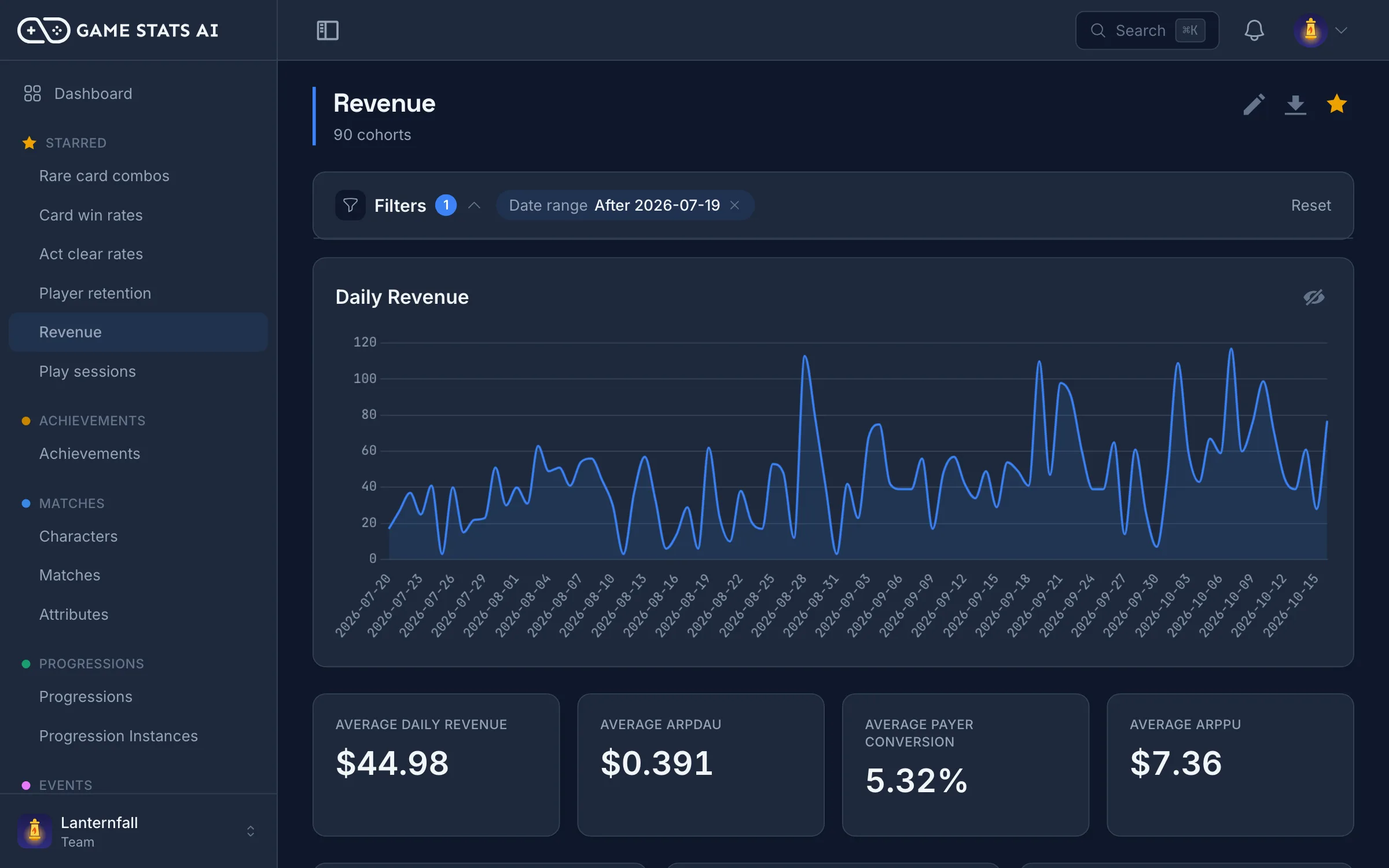
Track daily revenue, ARPDAU, payer conversion, and ARPPU from your purchase events.
ARPDAU, ARPPU, and ARPU explained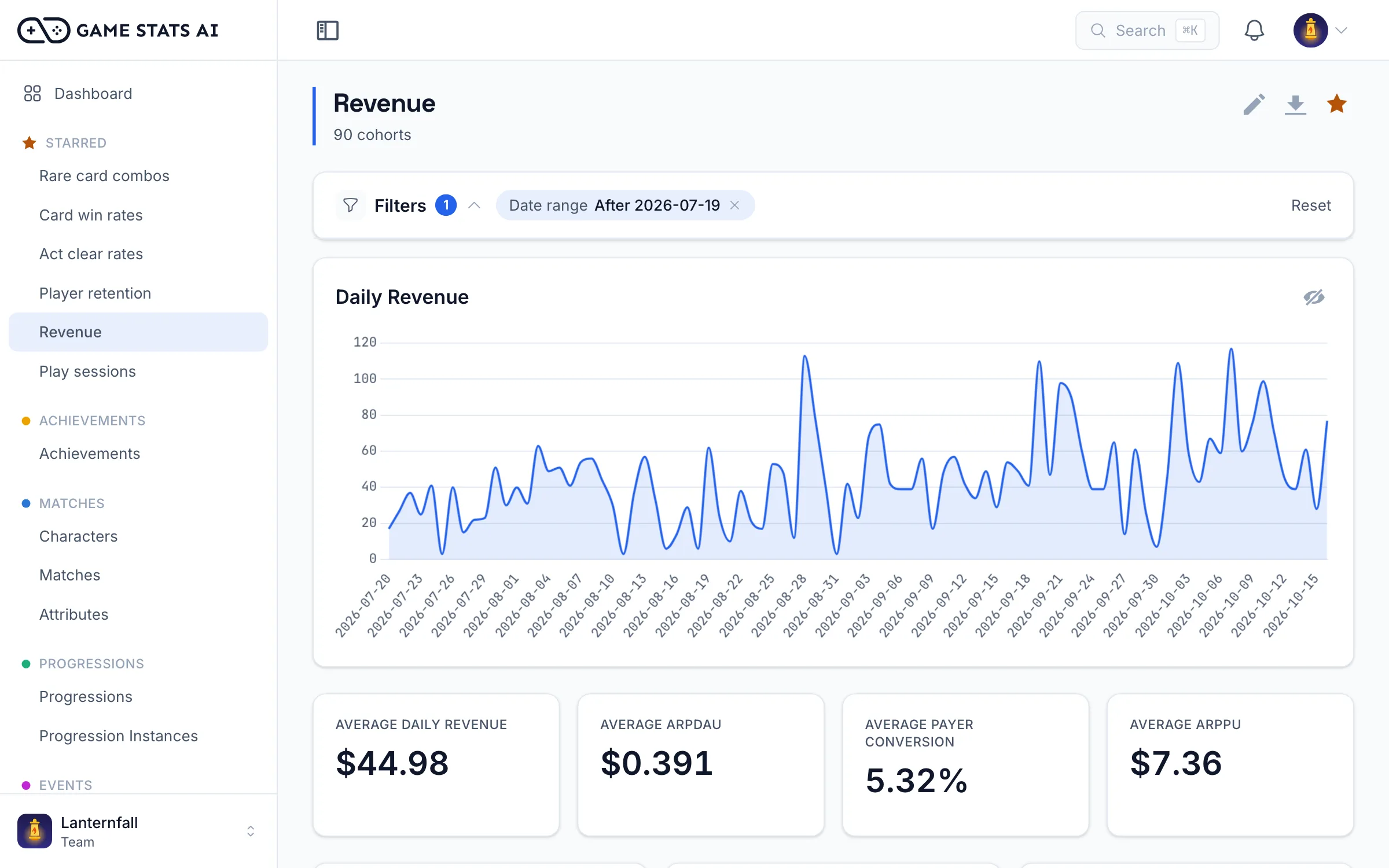
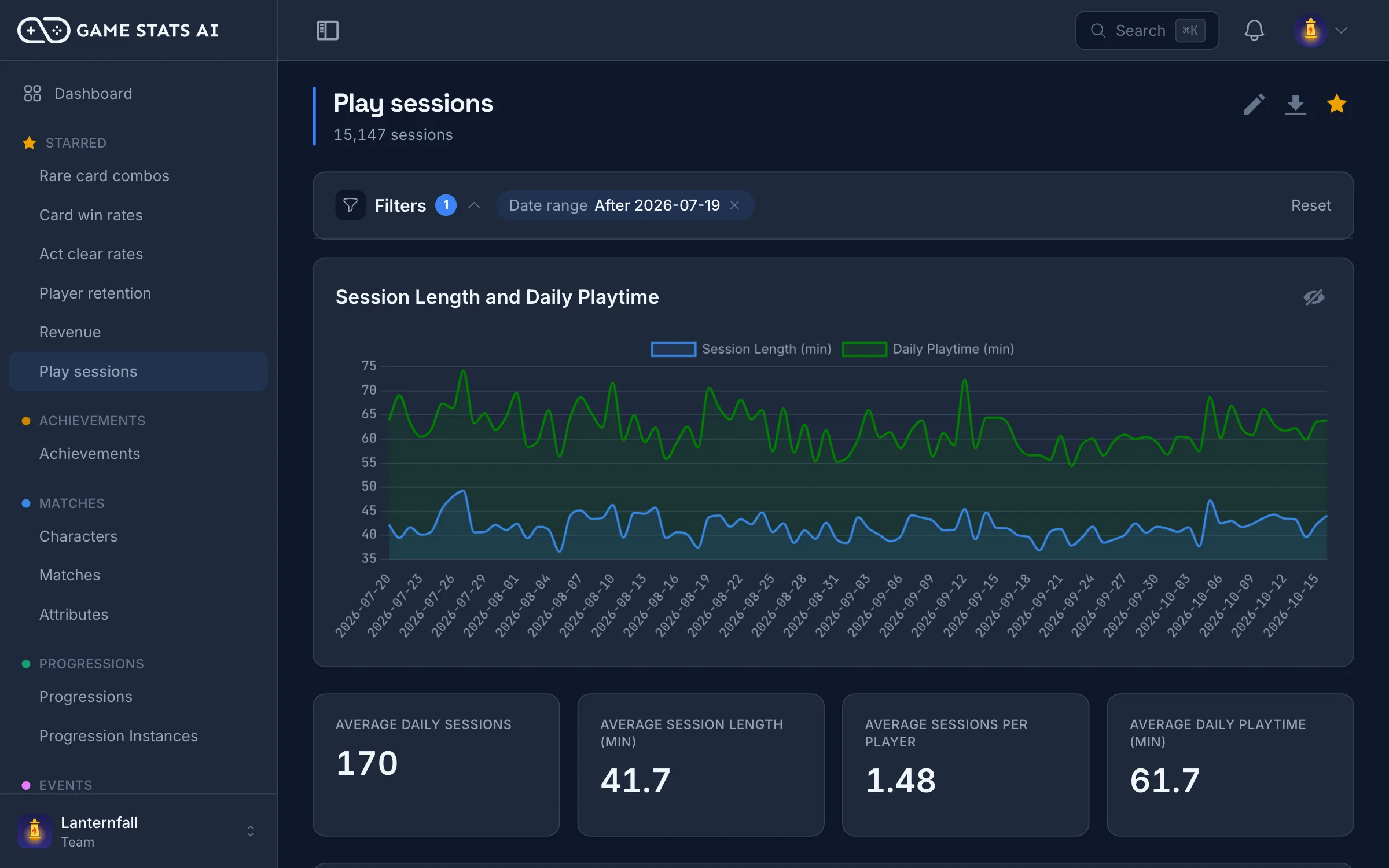
See how long players stay
Track sessions per day, average session length, sessions per player, and daily playtime from your session events.
Mobile game KPIs: which metrics to track and why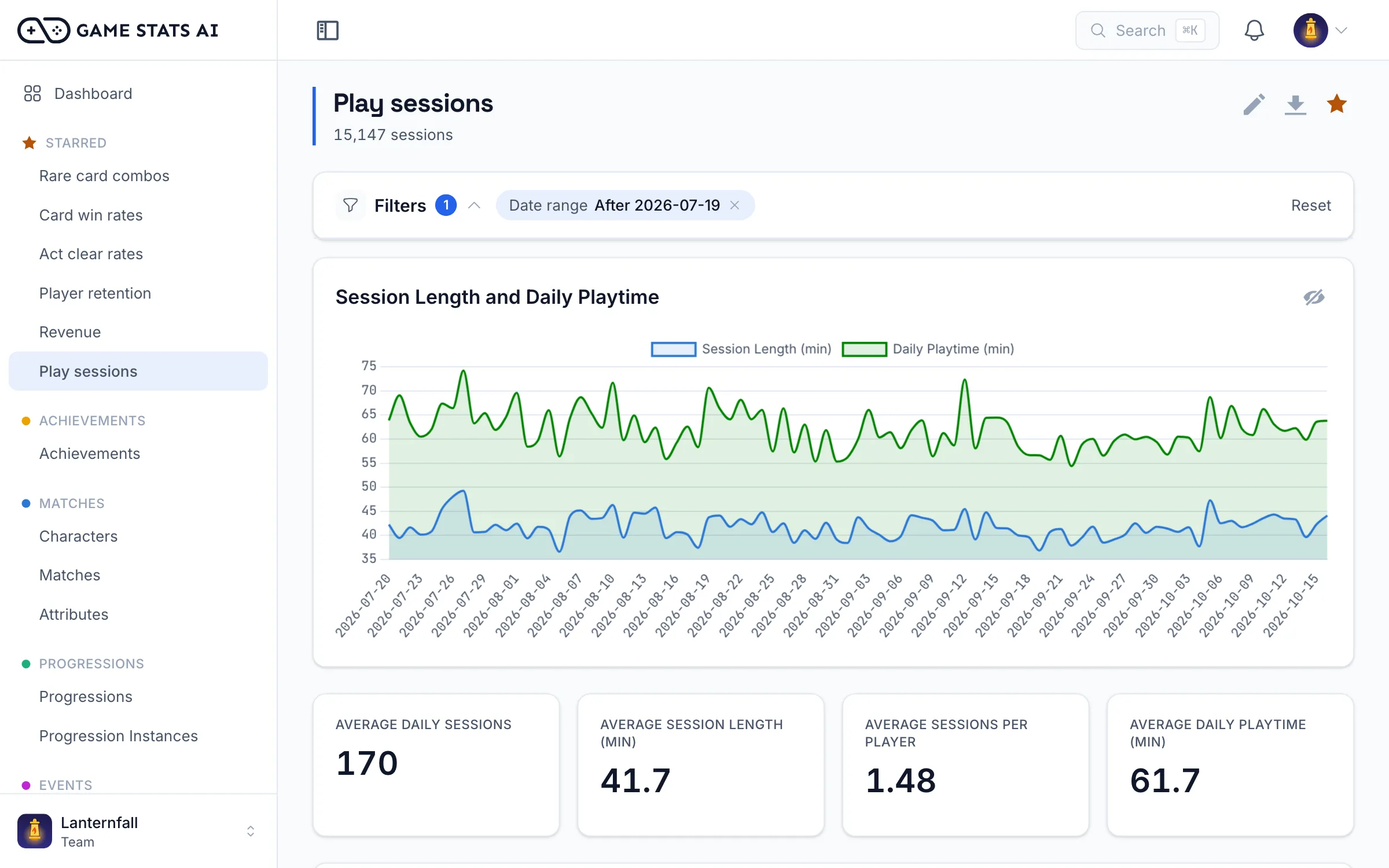
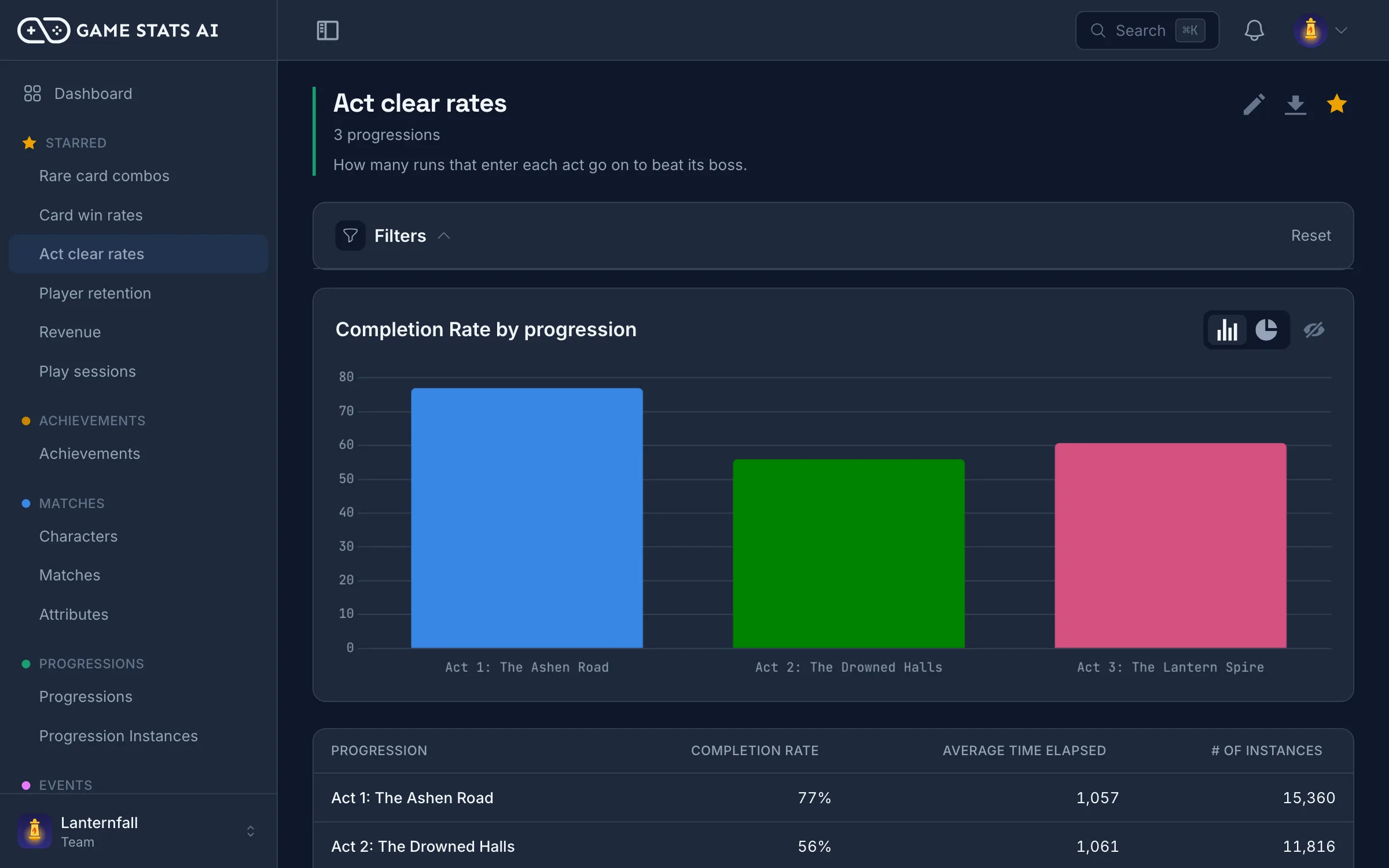
Find where players get stuck
See how long each level takes and how often players fail it, so you know which ones to fix first.
Find which levels players get stuck on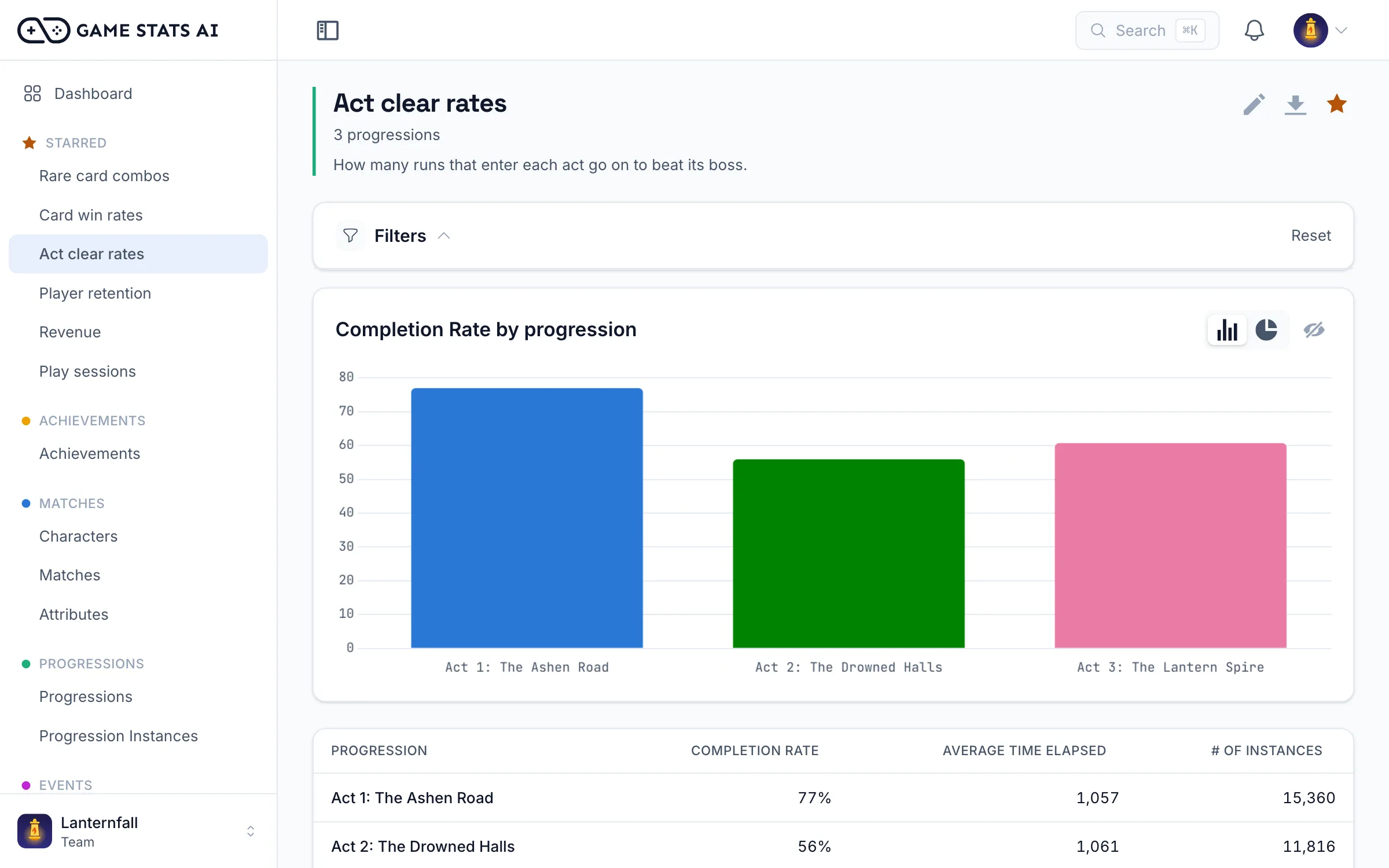
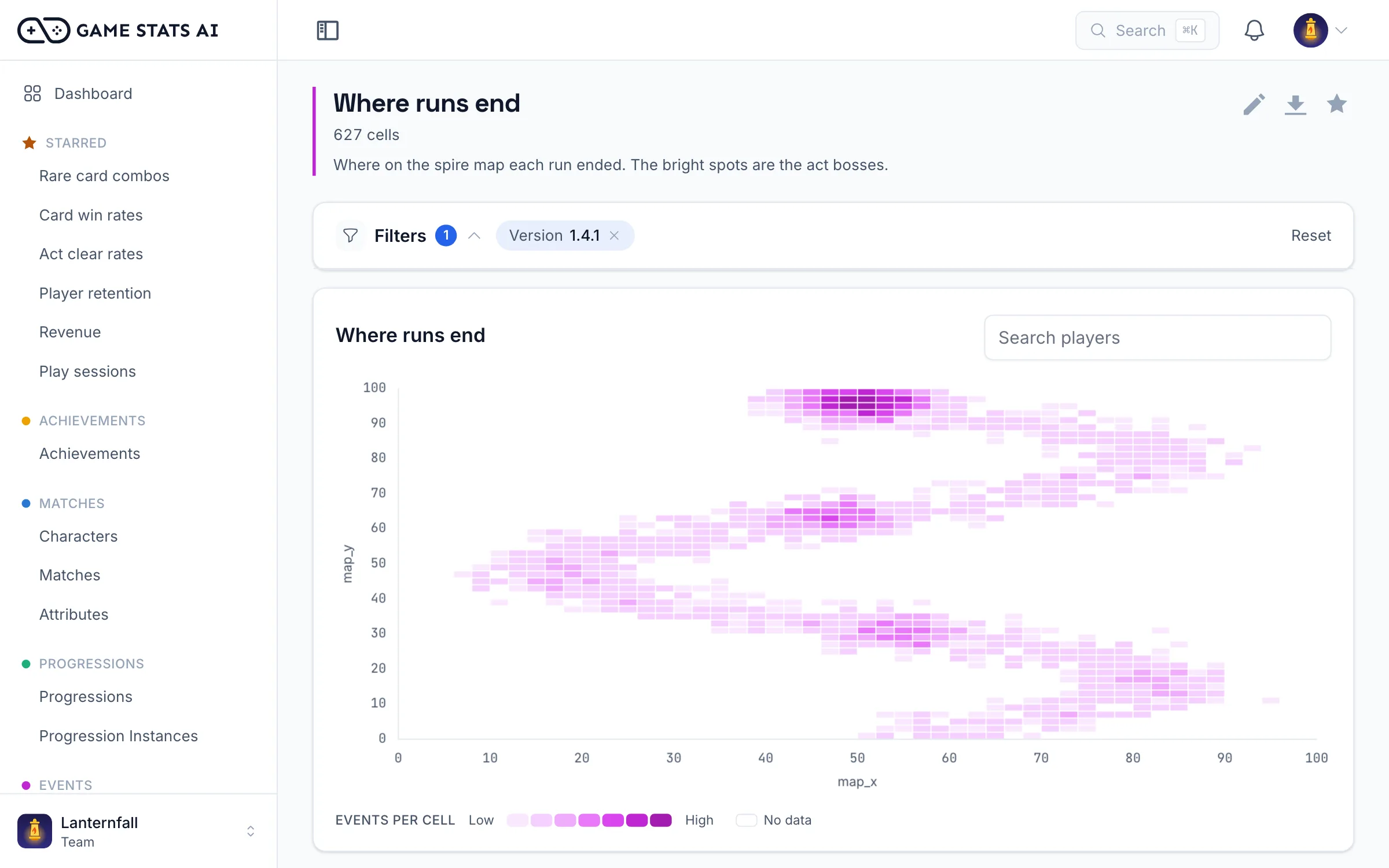
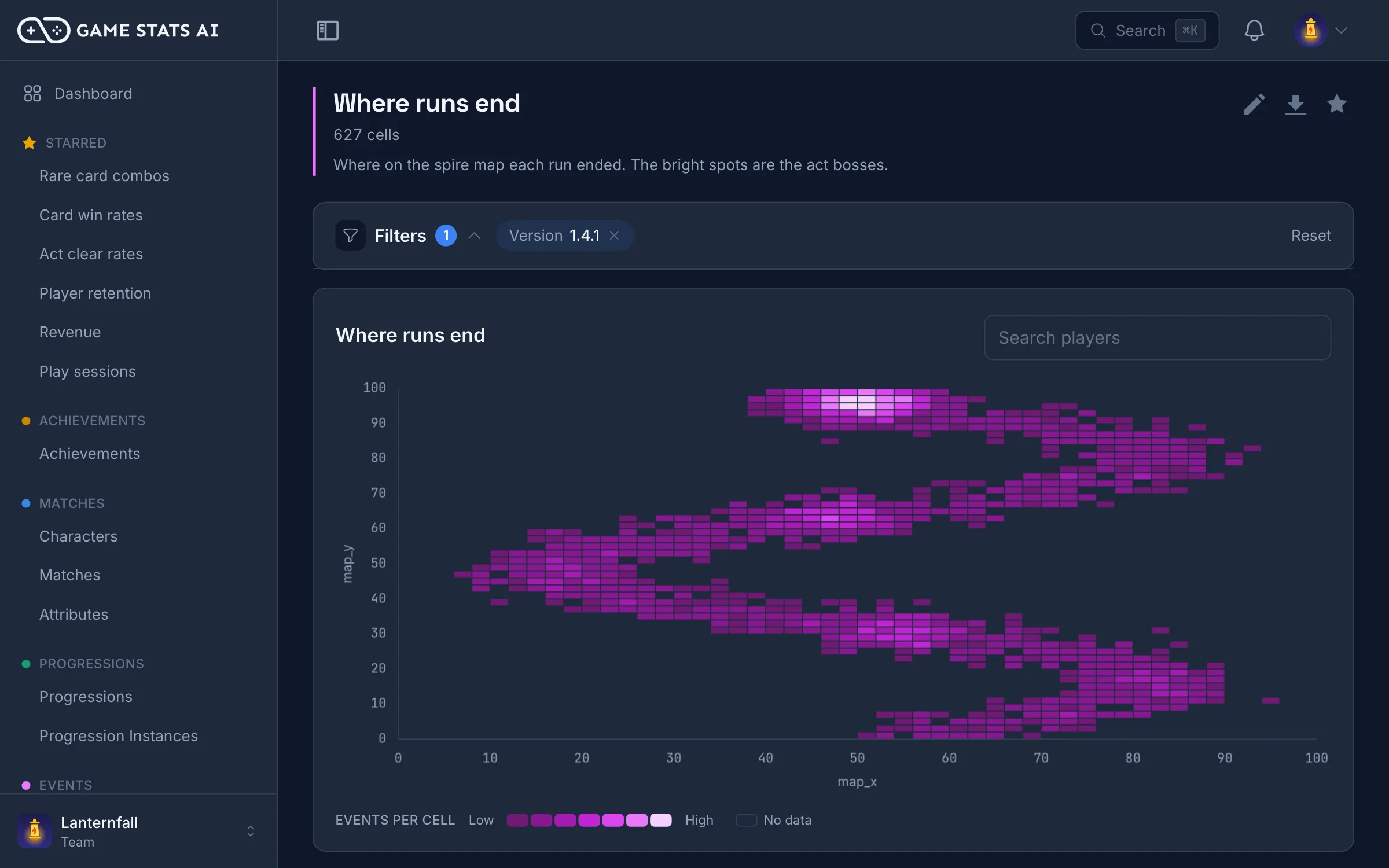
See where the action happens
Plot any two numeric event attributes, like x and y positions, as a density heatmap to see where players spend their time.
Custom development
When your game needs something no analytics tool has, we build it
Big analytics tools give every game the same reports. Your game has its own mechanics, and the questions that matter most are often ones no standard report answers. On Pro and Enterprise, tell us what you need and we build it into Game Stats AI for your game, usually within a few days.
-
Custom reports
A report built around your game's mechanics, with the metrics and breakdowns your team actually uses.
-
Custom features
New filters, dashboard cards, views, or workflows that fit how your team works.
-
Custom integrations
Ingest the format your game already sends, or connect your backend, store, or internal tools.
Quick start
From first event to first report in minutes
Send an event from your game or your server with one HTTP request. Event names, players, and versions are created the first time you send them, so there is nothing to set up first.
curl https://gamestats.ai/api/v1/accounts/$ACCOUNT_ID/events \
  -H "Authorization: Bearer $API_TOKEN" \
  -H "Content-Type: application/json" \
  -d '{
    "event_name": "level_completed",
    "player_username": "player_123",
    "version_name": "1.0",
    "occurred_at": "2026-10-15T18:30:00Z",
    "event_attributes": { "level": 3, "seconds": 94.5, "deaths": 2 }
  }'
[Serializable] class LevelStats { public int level; public float seconds; public int deaths; }

[Serializable] class GameEvent
{
    public string event_name;
    public string player_username;
    public string version_name;
    public string occurred_at;
    public LevelStats event_attributes;
}

IEnumerator SendLevelCompleted(int level, float seconds, int deaths)
{
    var gameEvent = new GameEvent
    {
        event_name = "level_completed",
        player_username = playerUsername,
        version_name = Application.version,
        occurred_at = DateTime.UtcNow.ToString("o"),
        event_attributes = new LevelStats { level = level, seconds = seconds, deaths = deaths },
    };
    var url = $"https://gamestats.ai/api/v1/accounts/{accountId}/events";
    using var request = UnityWebRequest.Post(url, JsonUtility.ToJson(gameEvent), "application/json");
    request.SetRequestHeader("Authorization", $"Bearer {apiToken}");
    yield return request.SendWebRequest();
}
func send_level_completed(level: int, seconds: float, deaths: int) -> void:
    var url := "https://gamestats.ai/api/v1/accounts/%s/events" % account_id
    var headers := PackedStringArray([
        "Authorization: Bearer %s" % api_token,
        "Content-Type: application/json",
    ])
    var body := JSON.stringify({
        "event_name": "level_completed",
        "player_username": player_username,
        "version_name": ProjectSettings.get_setting("application/config/version"),
        "occurred_at": Time.get_datetime_string_from_system(true) + "Z",
        "event_attributes": {"level": level, "seconds": seconds, "deaths": deaths},
    })
    http_request.request(url, headers, HTTPClient.METHOD_POST, body)
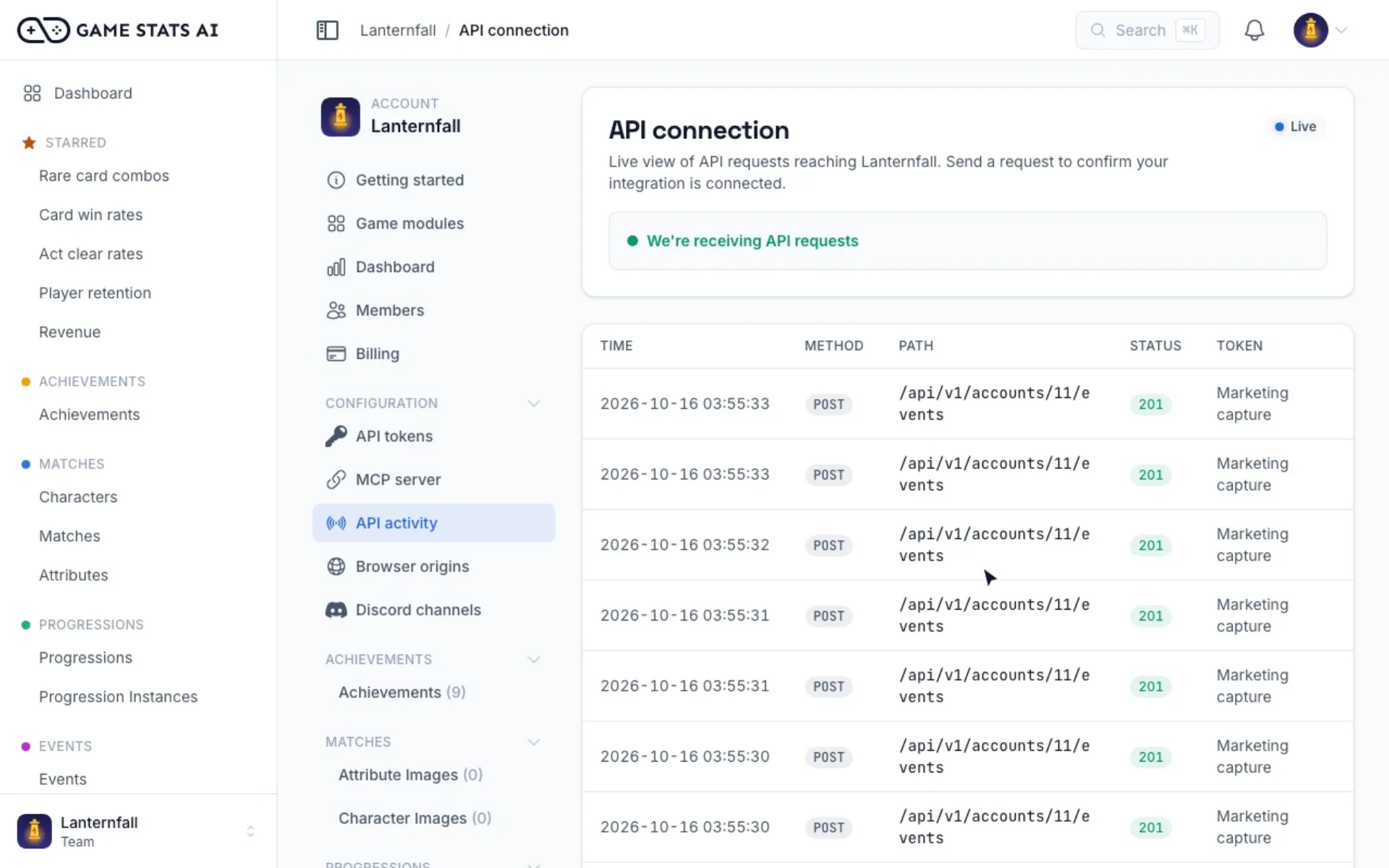
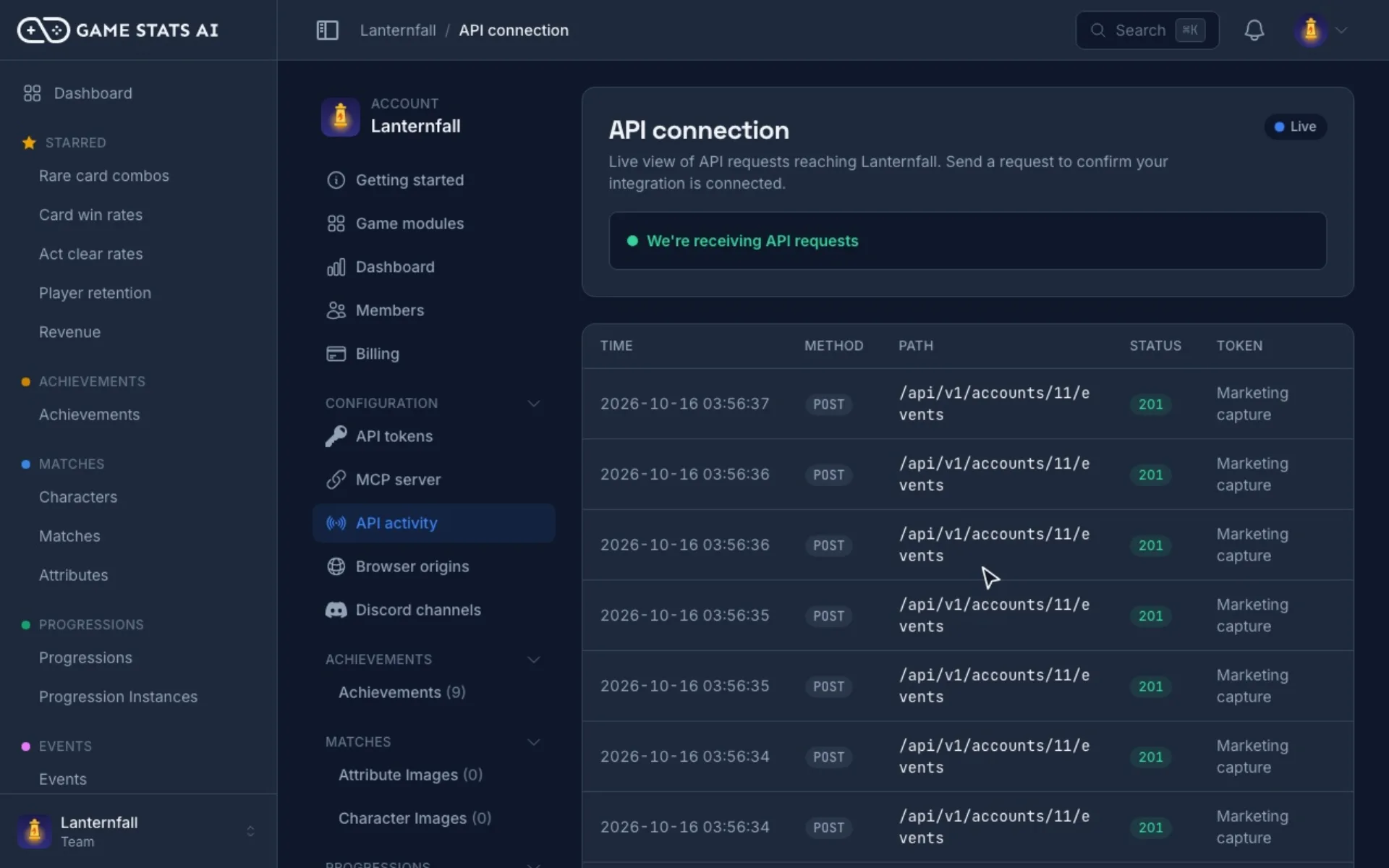
Already have your own data format? On Studio and above, we build a custom ingest endpoint that accepts exactly what your systems send, and on Pro and Enterprise we build custom features too. Learn about custom development
Read the API docsPricing
Free to start, paid plans from $19 a month
Every plan includes every report type, the REST API, and the MCP server. Paid plans add the in-app AI assistant, higher limits, and unlimited team members. Pro and Enterprise include custom development.
- Free
- $0 / month
- 1,000 tracked records a month
- Indie
- $19 / month
- 100,000 tracked records a month
- Studio
- $49 / month
- 1,000,000 tracked records a month
- Pro
- $149 / month
- 5,000,000 tracked records a month
FAQ
Questions developers ask
- What is Game Stats AI?
- Game Stats AI is a game analytics platform for game developers. You send matches, events, achievements, progression, purchases, and sessions from your game or server to a REST API, and get hosted reports on game balance, retention, revenue, sessions, and progression. On Pro and Enterprise, we also build custom reports, features, and integrations for your game.
- Can you build a custom feature for my game?
- Yes. On Pro and Enterprise, custom development is included in your plan. Tell us what you need, such as a report, a feature, or an integration, and we build it into Game Stats AI for your game. Most custom features ship within a few days. Studio includes a custom ingest endpoint for your data format.
- Can I ask Claude or ChatGPT about my game analytics?
- Yes. Game Stats AI runs a hosted MCP server. Add it as a connector in Claude, ChatGPT, or any other MCP client, and ask about your players in plain language. It reads your reports and live data, on every plan, including Free.
- Which game engines does Game Stats AI work with?
- Any engine or backend that can send an HTTP request, including Unity, Unreal, Godot, Phaser, LÖVE, and game servers written in C#, C++, Go, or Java. There is no SDK to install.
- How do I track win rates by character?
- Send each match with its players, the characters they picked, and the result. The balance report shows win rates and pick rates by character, weapon, or map, for each version of your game.
- Can I read my reports through an API?
- Yes. The same REST API that receives your game data returns every report as JSON, and it is documented with an OpenAPI spec.
- Is there a free plan?
- Yes. The Free plan includes 1,000 tracked records a month, every report type, the REST API, and the MCP server. Paid plans start at $19 a month.
Start tracking your game today
Free up to 1,000 tracked records a month. Upgrade when your game grows.
Start freeWe care about the protection of your data. Read our privacy policy.