How to track achievements from a Java backend
 By Mike Dalton ·
Achievement tracking records the milestones players reach in your game: clearing a level, finding a hidden item, defeating a boss. Those records show how far players get, where they stop, and which content they never find.
If your game already talks to a backend you control, that backend is a good place to send achievement events from. Your API token stays on your servers instead of shipping inside the game client, and the integration works the same no matter which engine the client uses.
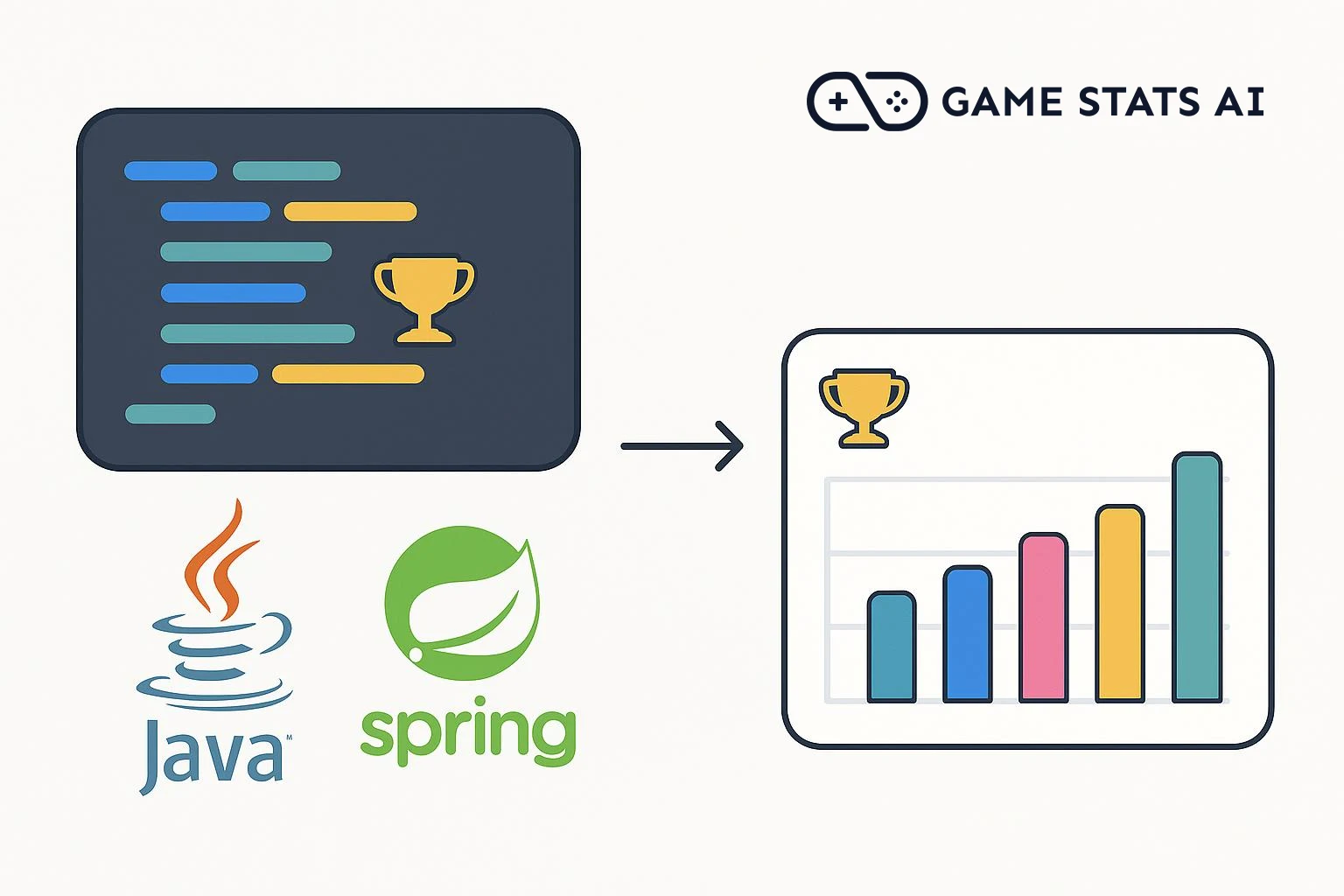
To show what that looks like, we built game-stats-ai-java-example-app, a small Spring Boot service on Java 21 that receives an unlock from the game and forwards it to Game Stats AI using Spring's RestClient and Jackson. This guide walks through it step by step.
Step 1: Create a server token
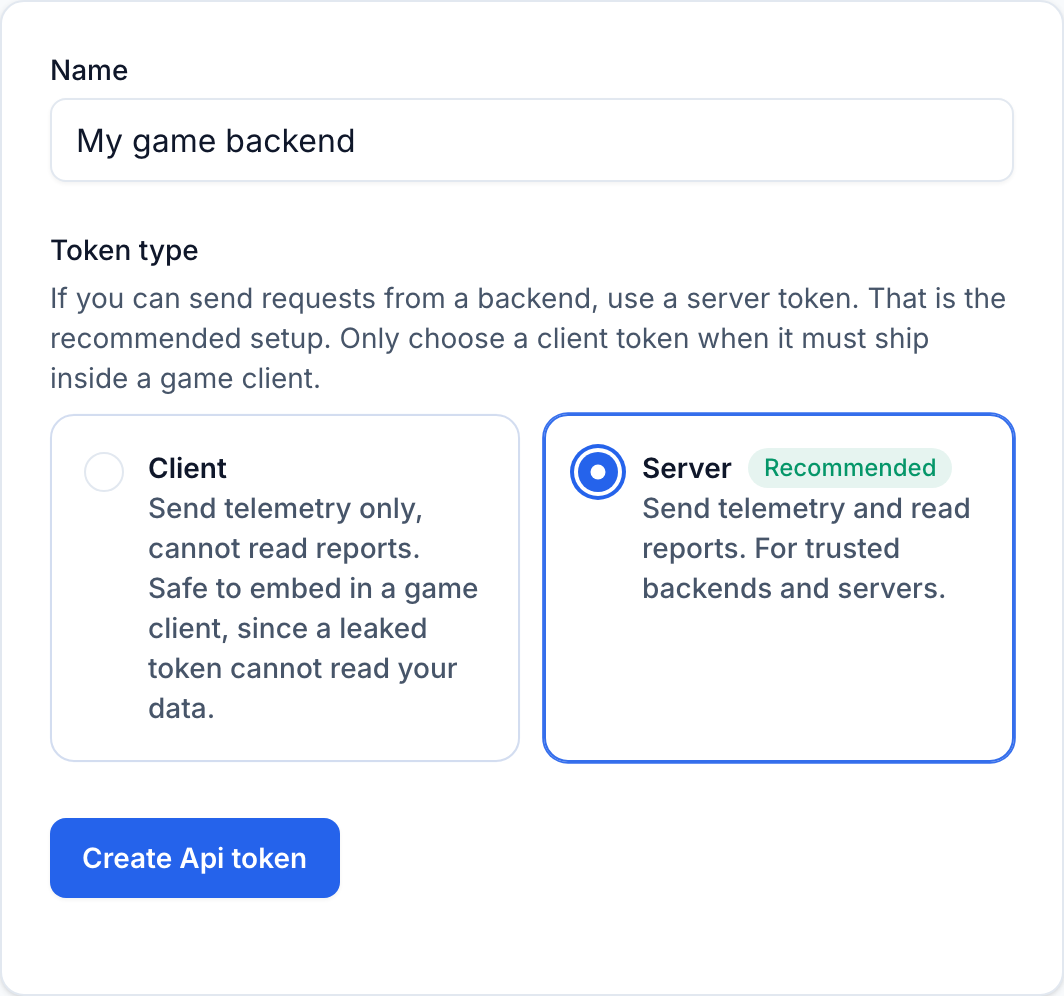
Game Stats AI has two kinds of API tokens. Client tokens can only send telemetry, so they are safe to embed in a game client. Server tokens can send telemetry and read reports, and they must stay on a trusted backend.
Since this code runs on your backend, create a server token at gamestats.ai/api_tokens. The same page shows the account id that the endpoint URL needs.
Step 2: Store the token and account id in configuration
application.yml holds the API host and reads the account id and token from environment variables:
gamestats:
  base-url: https://gamestats.ai
  account-id: ${GAMESTATS_ACCOUNT_ID:}
  token: ${GAMESTATS_TOKEN:}
The token is a secret, and reading the account id from the environment the same way keeps both out of the repository. Set the GAMESTATS_ACCOUNT_ID and GAMESTATS_TOKEN variables wherever the app runs:
export GAMESTATS_ACCOUNT_ID=your_account_id
export GAMESTATS_TOKEN=server_your_token_here
Using environment variables in every environment keeps development and production identical. If you prefer a file for local development, put the values in a gitignored application-local.yml and start the app with SPRING_PROFILES_ACTIVE=local.
A record bound to the gamestats prefix holds the three values:
package ai.gamestats.example;

import org.springframework.boot.context.properties.ConfigurationProperties;
import org.springframework.boot.context.properties.bind.DefaultValue;

@ConfigurationProperties("gamestats")
public record GameStatsProperties(
    @DefaultValue("https://gamestats.ai") String baseUrl,
    String accountId,
    String token) {
}
Step 3: Define the event payload
Game Stats AI accepts achievement events at a single endpoint:
POST https://gamestats.ai/api/v1/accounts/{account_id}/achievement_events
Authorization: Bearer <token>
Content-Type: application/json
The body is four required fields. A record with @JsonProperty annotations maps the Java names to the snake_case names the API expects:
package ai.gamestats.example;

import com.fasterxml.jackson.annotation.JsonProperty;
import java.time.Instant;

public record AchievementEvent(
    @JsonProperty("version_name") String versionName,
    @JsonProperty("player_username") String playerUsername,
    @JsonProperty("achievement_name") String achievementName,
    @JsonProperty("occurred_at") Instant occurredAt) {
}
You can drop the annotations and set Jackson's SNAKE_CASE property naming strategy instead; the annotations keep the wire format visible in one place.
occurred_at is an ISO 8601 timestamp. Jackson serializes an Instant in that format with a trailing Z, so Instant.now() needs no format string.
Achievements, players, and versions are created the first time they appear in an event, so there is nothing to register in advance. Sending the same achievement for the same player again has no effect, which makes retries safe.
Step 4: Configure a RestClient
Spring Boot auto-configures a RestClient.Builder that already carries the framework's JSON and HTTP setup. Inject it into the client and set the base URL and the bearer token once, in the constructor:
public GameStatsClient(RestClient.Builder restClientBuilder, GameStatsProperties properties) {
    this.restClient = restClientBuilder
        .baseUrl(properties.baseUrl())
        .defaultHeader(HttpHeaders.AUTHORIZATION, "Bearer " + properties.token())
        .build();
    this.accountId = properties.accountId();
}
A built RestClient is immutable and thread-safe, so this one shared instance handles every request. If your app does not use dependency injection, call RestClient.builder() yourself and keep the result in a long-lived field.
Step 5: Send the event and handle the response
The client posts the record and inspects the result:
package ai.gamestats.example;

import java.util.List;
import org.springframework.http.HttpHeaders;
import org.springframework.stereotype.Component;
import org.springframework.web.client.HttpClientErrorException;
import org.springframework.web.client.RestClient;

@Component
public class GameStatsClient {

    private final RestClient restClient;
    private final String accountId;

    public GameStatsClient(RestClient.Builder restClientBuilder, GameStatsProperties properties) {
        this.restClient = restClientBuilder
            .baseUrl(properties.baseUrl())
            .defaultHeader(HttpHeaders.AUTHORIZATION, "Bearer " + properties.token())
            .build();
        this.accountId = properties.accountId();
    }

    public void sendAchievement(AchievementEvent achievementEvent) {
        try {
            restClient.post()
                .uri("/api/v1/accounts/{accountId}/achievement_events", accountId)
                .body(achievementEvent)
                .retrieve()
                .toBodilessEntity();
        } catch (HttpClientErrorException.UnprocessableEntity exception) {
            ValidationErrors errors = exception.getResponseBodyAs(ValidationErrors.class);
            throw new IllegalStateException(String.join("; ", errors == null ? List.of() : errors.errors()));
        }
    }

    public record ValidationErrors(List<String> errors) {
    }
}
A queued event returns 201 Created with an empty JSON object. A payload that fails validation returns 422 Unprocessable Entity with the reasons, like {"errors":["Achievement name can't be blank"]}, and the client surfaces them in the exception message. A wrong or missing token returns 401 or 403 with no body, which retrieve() turns into an HttpClientErrorException.
Step 6: Call it when a player unlocks an achievement
Wherever your backend learns about an unlock, inject GameStatsClient and send the event. The example app does that in a controller that the game client calls:
package ai.gamestats.example;

import java.time.Instant;
import org.springframework.http.HttpStatus;
import org.springframework.web.bind.annotation.PathVariable;
import org.springframework.web.bind.annotation.PostMapping;
import org.springframework.web.bind.annotation.RequestBody;
import org.springframework.web.bind.annotation.ResponseStatus;
import org.springframework.web.bind.annotation.RestController;

@RestController
public class AchievementController {

    private final GameStatsClient gameStatsClient;

    public AchievementController(GameStatsClient gameStatsClient) {
        this.gameStatsClient = gameStatsClient;
    }

    @PostMapping("/players/{username}/achievements")
    @ResponseStatus(HttpStatus.ACCEPTED)
    public void unlock(@PathVariable String username, @RequestBody UnlockRequest request) {
        gameStatsClient.sendAchievement(new AchievementEvent(
            request.versionName(),
            username,
            request.achievementName(),
            Instant.now()));
    }

    public record UnlockRequest(String achievementName, String versionName) {
    }
}
UnlockRequest is a two-field record with the achievement name and the version name the game client sends.
Sending the event inline is the minimum path. Optionally, add Spring Retry's @Retryable for automatic retries, which is safe because resending an unlock has no effect, or move the sends off the request path with @Async or a background queue.
The complete project is in game-stats-ai-java-example-app.