Which API token should your game use?
 By Mike Dalton ·
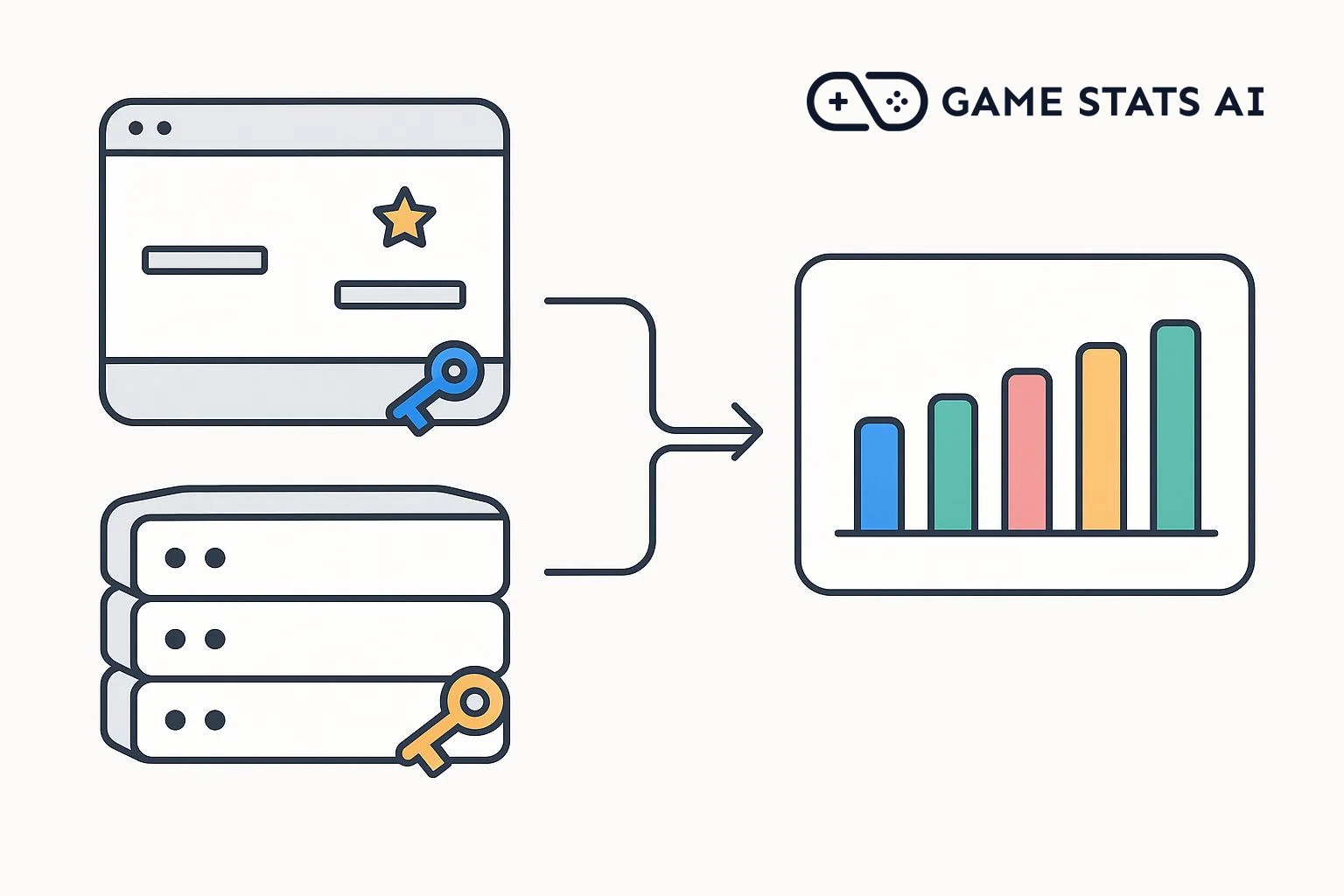
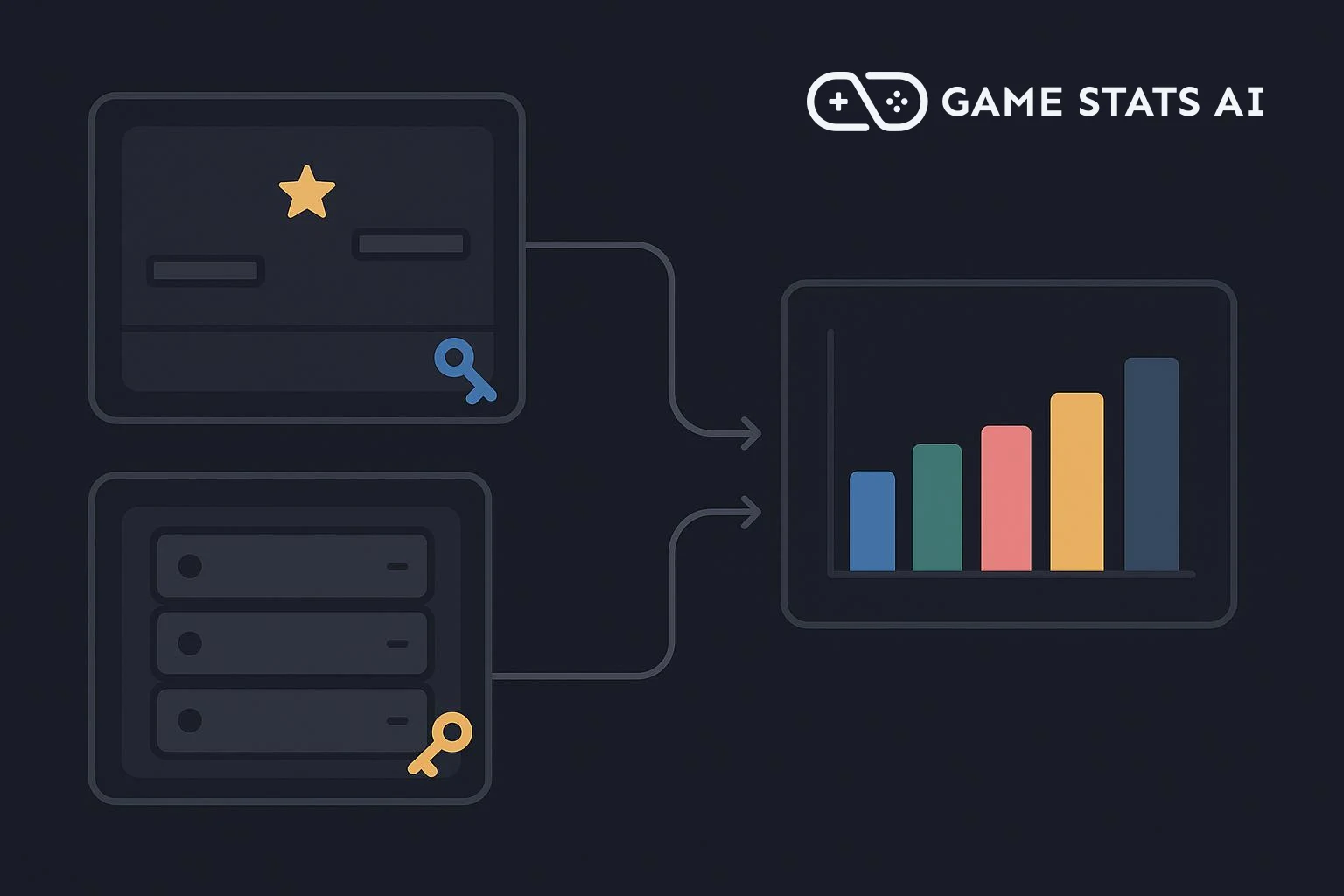
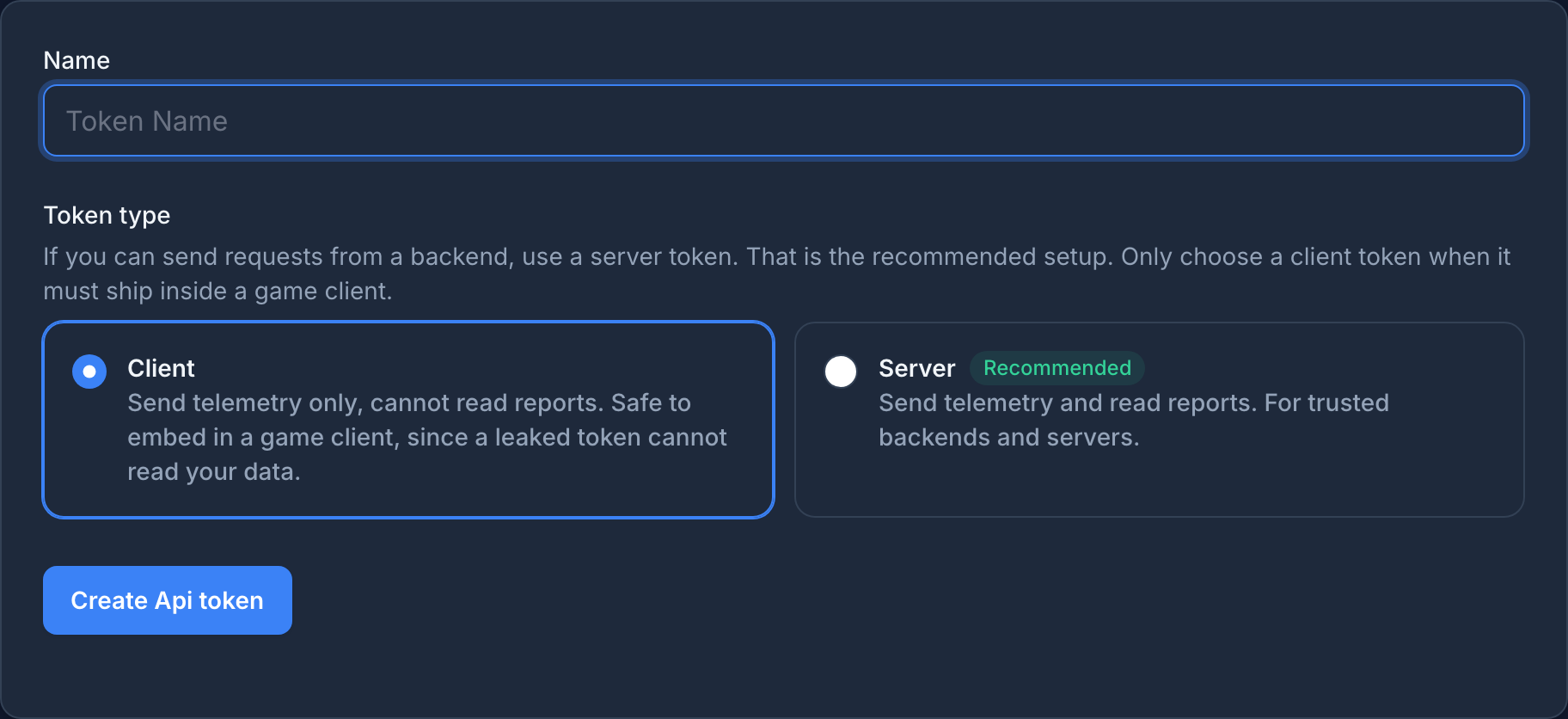
Game Stats AI has two types of API token. A client token can send telemetry, such as matches and achievement events, but cannot read reports. A server token can send telemetry and read reports. Use a client token in anything that ships inside a game build, and a server token in code that runs on a machine you control.
What each token can do
| Client token | Server token | |
|---|---|---|
| Send matches, events, characters, and achievements | Yes | Yes |
| Read reports and other account data | No | Yes |
| Connect to the MCP server | No | Yes |
| Safe to ship inside a game build | Yes | No |
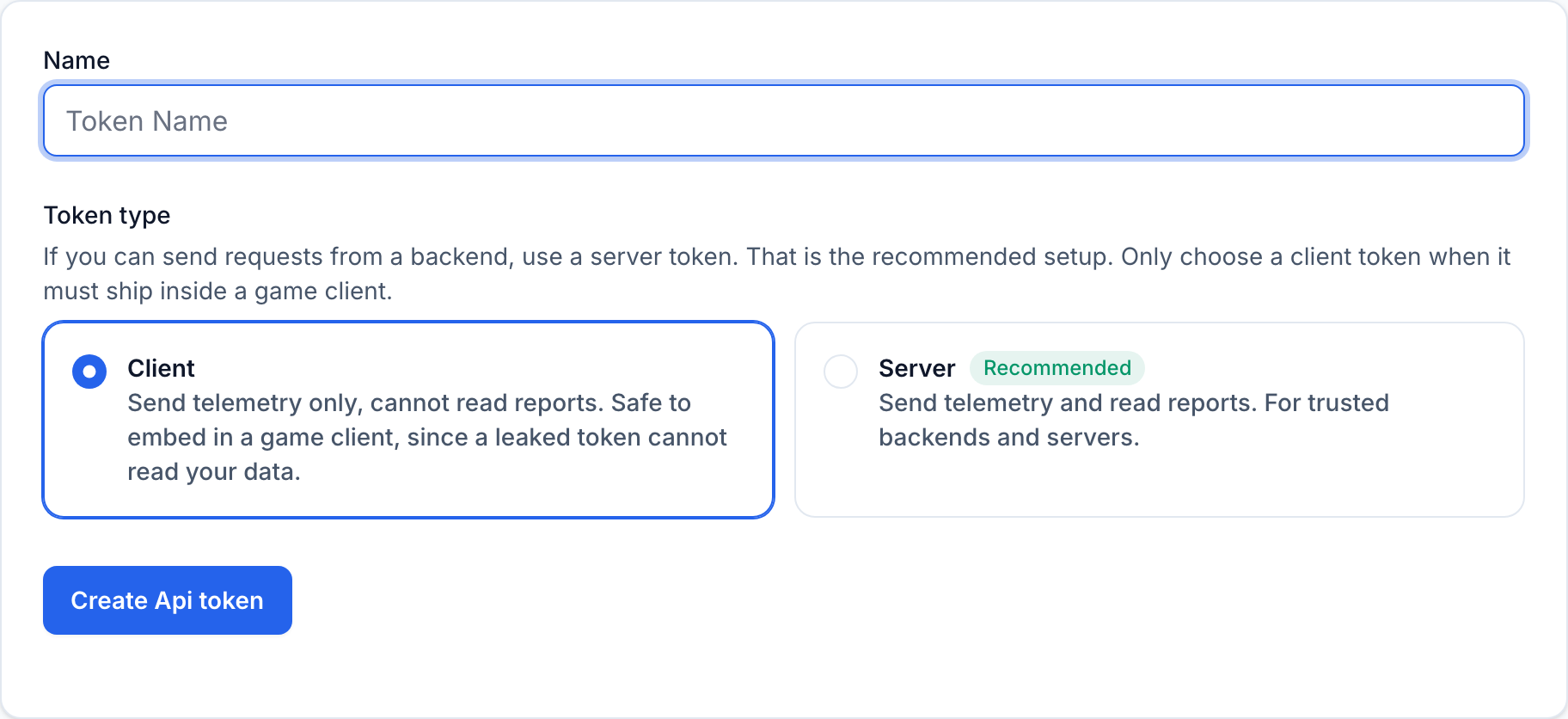
Choose the type when you create the token in Settings > API tokens. The full token is shown once, right after you create it. New tokens start with their type, client_ or server_, so you can tell which kind is in your code.
What the API returns for each token
The requests below put your account id and both tokens in environment variables:
export ACCOUNT_ID=your_account_id
export CLIENT_TOKEN=client_your_token
export SERVER_TOKEN=server_your_token
Each request uses -w "\n%{http_code}\n", which prints the HTTP status code after the response body.
A client token can send telemetry
Send a match to the matches endpoint with the client token:
curl -s -w "\n%{http_code}\n" -X POST "https://gamestats.ai/api/v1/accounts/$ACCOUNT_ID/matches" \
  -H "Authorization: Bearer $CLIENT_TOKEN" \
  -H "Content-Type: application/json" \
  -d '{"external_id": "match_8f3a2c", "version_name": "2.1.0", "match_at": "2026-10-12T20:15:00Z", "match_players": [{"username": "player_3e8", "match_attributes": {"win": 1, "loss": 0}}, {"username": "player_40d", "match_attributes": {"win": 0, "loss": 1}}]}'
{}
201
201 Created means the match was accepted. The endpoints for achievement events, progression events, characters, and achievements accept a client token in the same way.
A client token cannot read reports
Request the account's reports from the character reports endpoint with the same token:
curl -s -w "\n%{http_code}\n" "https://gamestats.ai/api/v1/accounts/$ACCOUNT_ID/character_reports" \
  -H "Authorization: Bearer $CLIENT_TOKEN"
403
403 Forbidden means the token is valid, but its type is not allowed to make this request. The body is empty, so print the status code to see it. Every endpoint that reads data responds this way to a client token, and so does the MCP server.
A token that does not exist, or that has been revoked, gets 401 Unauthorized instead.
A server token can read reports
Send the same request with the server token:
curl -s -w "\n%{http_code}\n" "https://gamestats.ai/api/v1/accounts/$ACCOUNT_ID/character_reports" \
  -H "Authorization: Bearer $SERVER_TOKEN"
[{"id":1,"external_id":null,"label":"Character Win Rates","description":null}]
200
200 OK means the request succeeded, and the body lists the account's character reports. A server token can also send everything a client token can.
Which token to use where
- Inside a game build, for desktop, mobile, console, or the browser: use a client token. Players download the build, and anyone who looks can find the token in it.
- On your game server or backend: use a server token. If your game already sends results through a backend you run, send telemetry from there, and no token ships to players at all.
- In your own scripts and in the MCP server: use a server token, and keep it on your machine.
Treat any token inside a game build as public. A client token limits what someone who finds it can do: they can send telemetry to your account, but they cannot read your reports or any other data in it.
What browser origins do and do not do
A browser game also needs its origin added in Settings > Browser origins. The Phaser guide shows the setup.
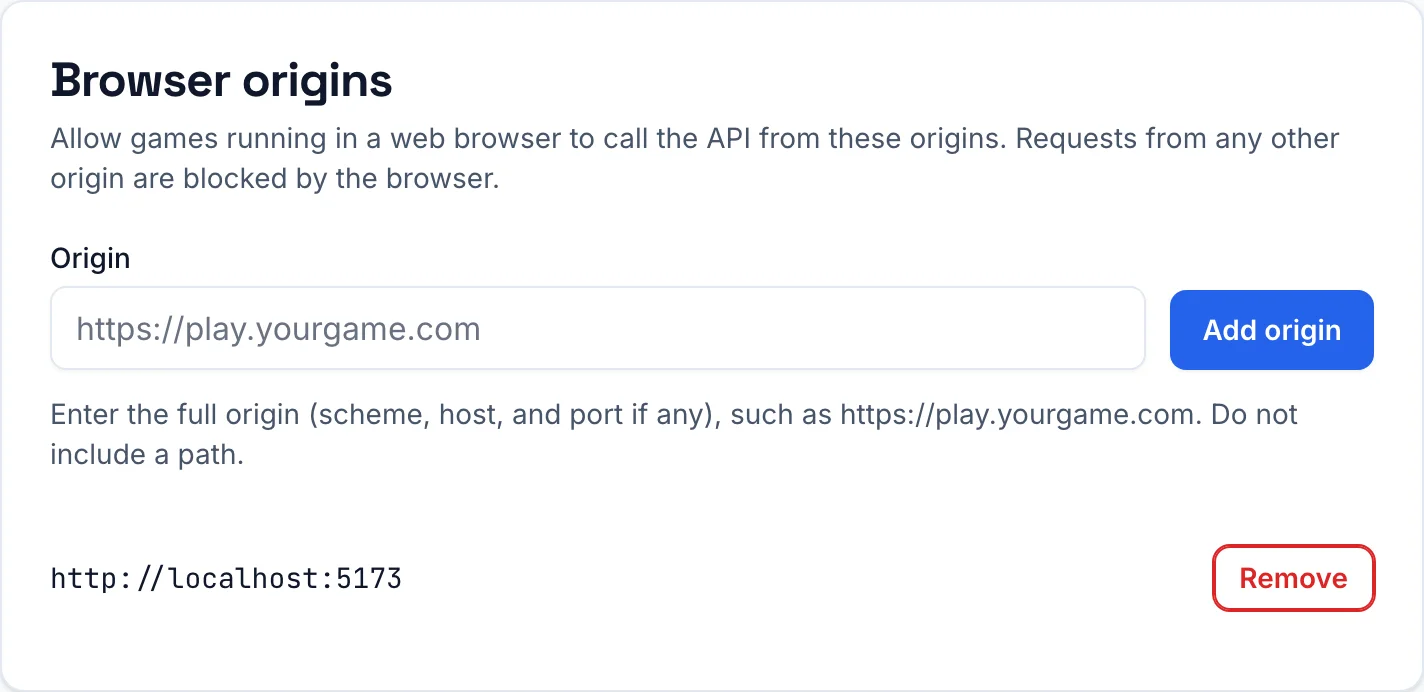
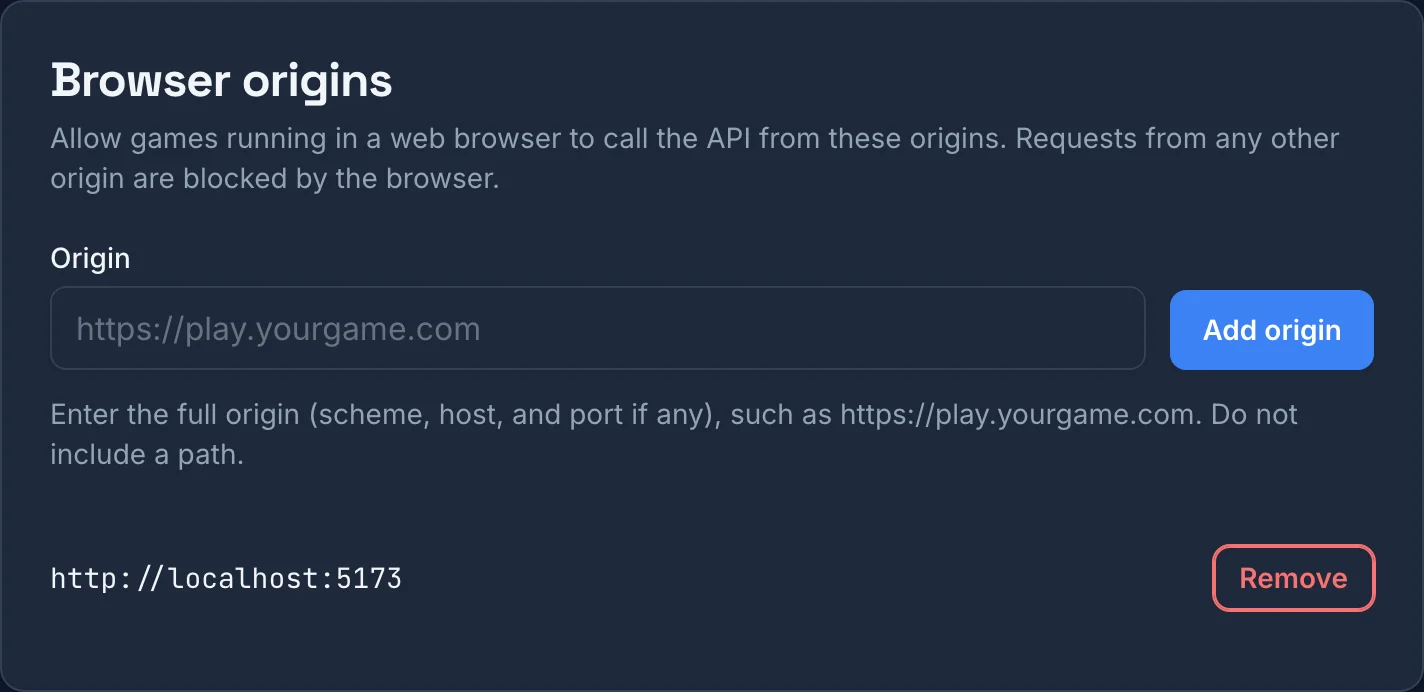
Before a page sends a request with a token to another domain, the browser asks that domain whether the page's origin is allowed. This request is called a preflight. You can send the same preflight with curl:
curl -s -i -X OPTIONS "https://gamestats.ai/api/v1/accounts/$ACCOUNT_ID/matches" \
  -H "Origin: https://play.yourgame.com" \
  -H "Access-Control-Request-Method: POST" \
  -H "Access-Control-Request-Headers: authorization, content-type"
For an origin you added, the response includes this header:
access-control-allow-origin: https://play.yourgame.com
For an origin you did not add, the header is missing, and the browser does not send the request.
The browser runs this check, not the API. curl, scripts, and games that do not run in a browser skip the preflight and send the request directly. Here is the client token sending a match with an origin that is not on the list:
curl -s -w "\n%{http_code}\n" -X POST "https://gamestats.ai/api/v1/accounts/$ACCOUNT_ID/matches" \
  -H "Origin: https://not-your-game.example" \
  -H "Authorization: Bearer $CLIENT_TOKEN" \
  -H "Content-Type: application/json" \
  -d '{"external_id": "match_8f3a2d", "version_name": "2.1.0", "match_at": "2026-10-12T20:20:00Z", "match_players": [{"username": "player_3e8", "match_attributes": {"win": 0, "loss": 1}}, {"username": "player_40d", "match_attributes": {"win": 1, "loss": 0}}]}'
{}
201
The match was accepted. Browser origins stop other websites from using your token in their visitors' browsers. They do not limit what a token can do outside a browser, so they do not protect a token that leaks. The token type does that. Games that do not run in a browser do not need any origins.
If a token leaks
Revoke it in Settings > API tokens. Every request with a revoked token gets 401 from that moment, including requests from builds your players already have.
A leaked server token can read all of your account's data, so revoke it right away and create a new one.
A leaked client token can only send telemetry, so you can choose when to revoke it. Revoke it right away to stop the requests, or first ship an update with a new client token so current players keep sending events, and revoke the old token after that.