How to compare win rates across maps
 By Mike Dalton ·
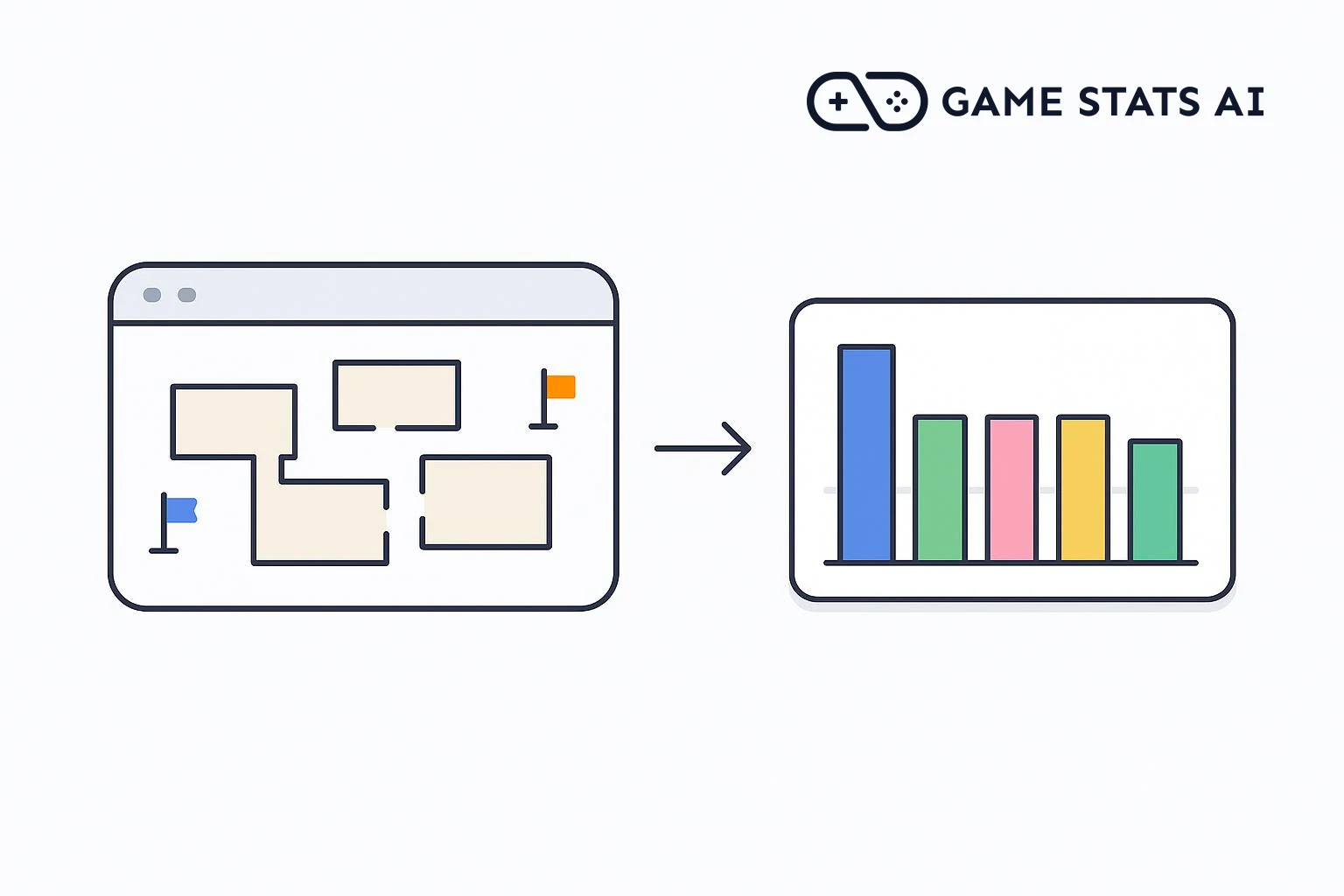
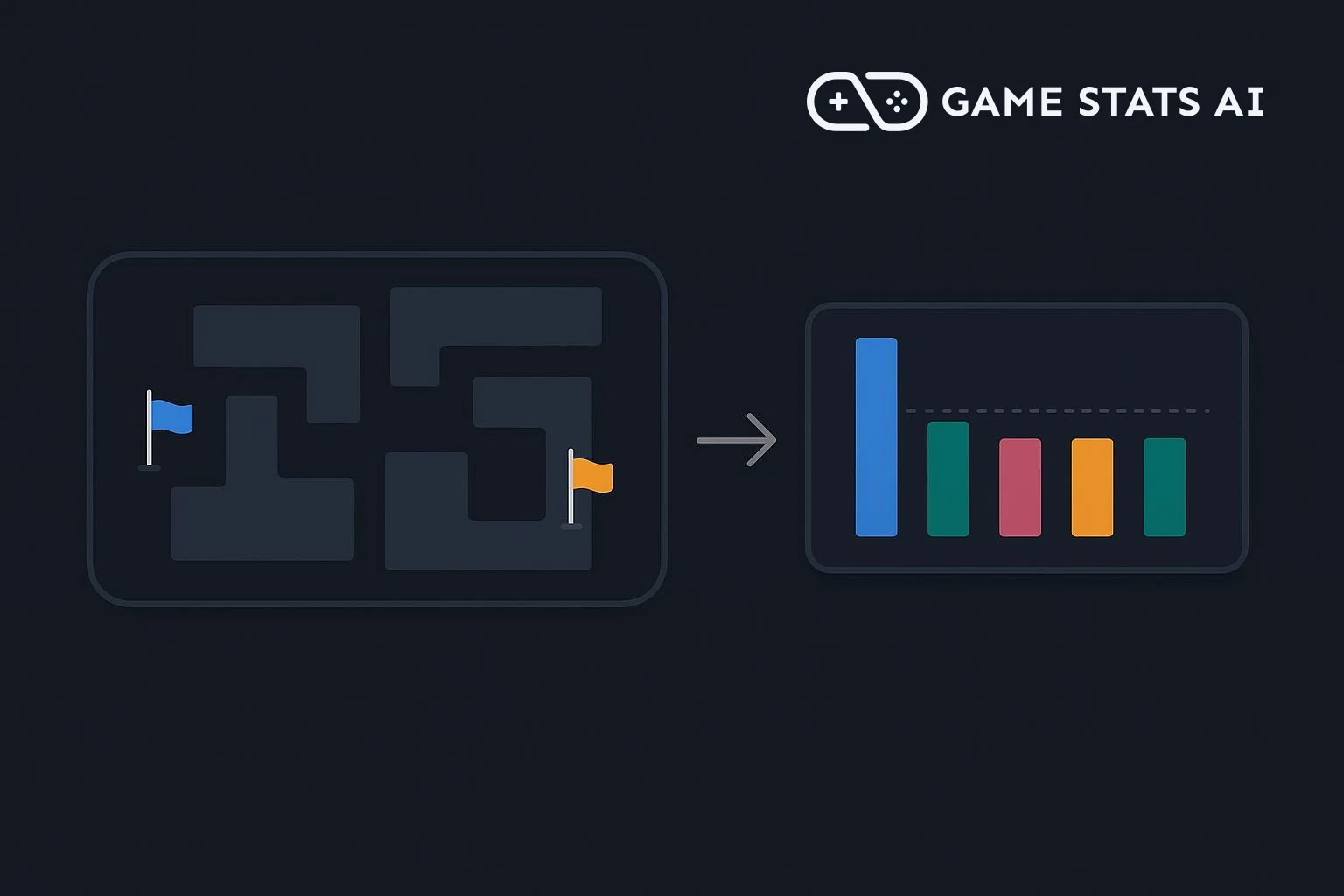
In a game where two sides play different roles, such as attack and defense, a map is balanced when each side wins about half of the matches played on it. A map where one side wins far more often is a map to change.
To show what that looks like, we set up an example team shooter with five maps and 1,600 matches across two versions, 1.0.0 and 1.1.0. In version 1.0.0, a map named Foundry favors the attacking side. Version 1.1.0 changes Foundry to fix that.
Step 1: Choose a token
Match results can come from your game client or from a match server you run. Use a server token if a server sends them, or a client token if the game client does. Create the token in Settings > API tokens, where you also find your account id.
The examples below use curl with both values in environment variables:
export GAMESTATS_TOKEN=your_api_token
export ACCOUNT_ID=your_account_id
Step 2: Send each match with its map and result
When a match ends, send it to the matches endpoint with two match attributes: map, the name of the map, and attack_win, which is 1 if the attacking side won and 0 if the defending side won:
curl -i -X POST "https://gamestats.ai/api/v1/accounts/$ACCOUNT_ID/matches" \
  -H "Authorization: Bearer $GAMESTATS_TOKEN" \
  -H "Content-Type: application/json" \
  -d '{
    "external_id": "match_100_0007",
    "version_name": "1.0.0",
    "match_at": "2026-09-20T21:33:56Z",
    "match_attributes": {"map": "Foundry", "attack_win": 1},
    "match_players": [
      {"username": "player_99d"},
      {"username": "player_ef6"},
      {"username": "player_cd3"},
      {"username": "player_bc2"},
      {"username": "player_55b"},
      {"username": "player_559"}
    ]
  }'
A 201 response means the match was accepted. Players and versions are created on first use. The external_id identifies the match, so sending the same match again updates it instead of counting it twice.
Send map and attack_win in the match's match_attributes, not on the players, because they describe the whole match. A report grouped by a match attribute can only use match attributes in its metrics. A win value on each player would not help here anyway: with teams of equal size, one team wins every match, so the average across all players is 50% on every map.
The average of attack_win across a map's matches is the share of those matches the attacking side won.
Step 3: Build an attribute report
In Reports > New report, choose Attribute report. Set Type to Map Attribute, set Attribute source to Match, and give the report a label:
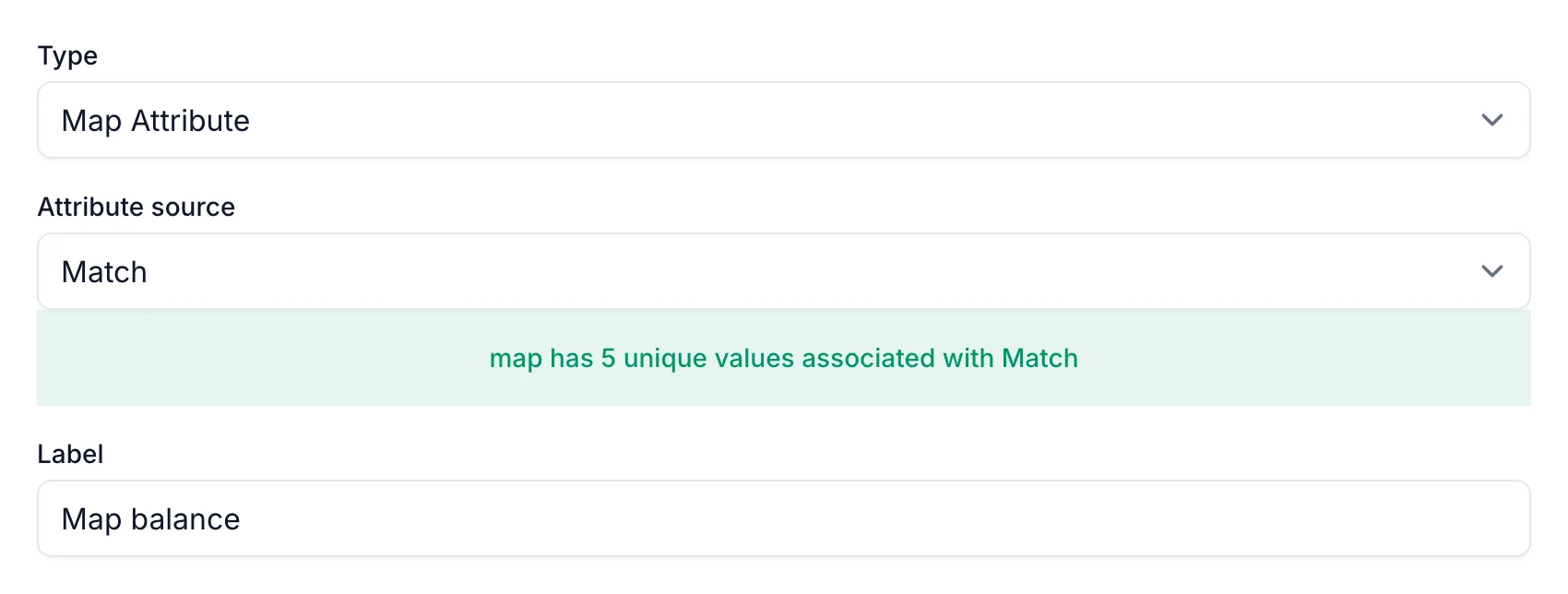
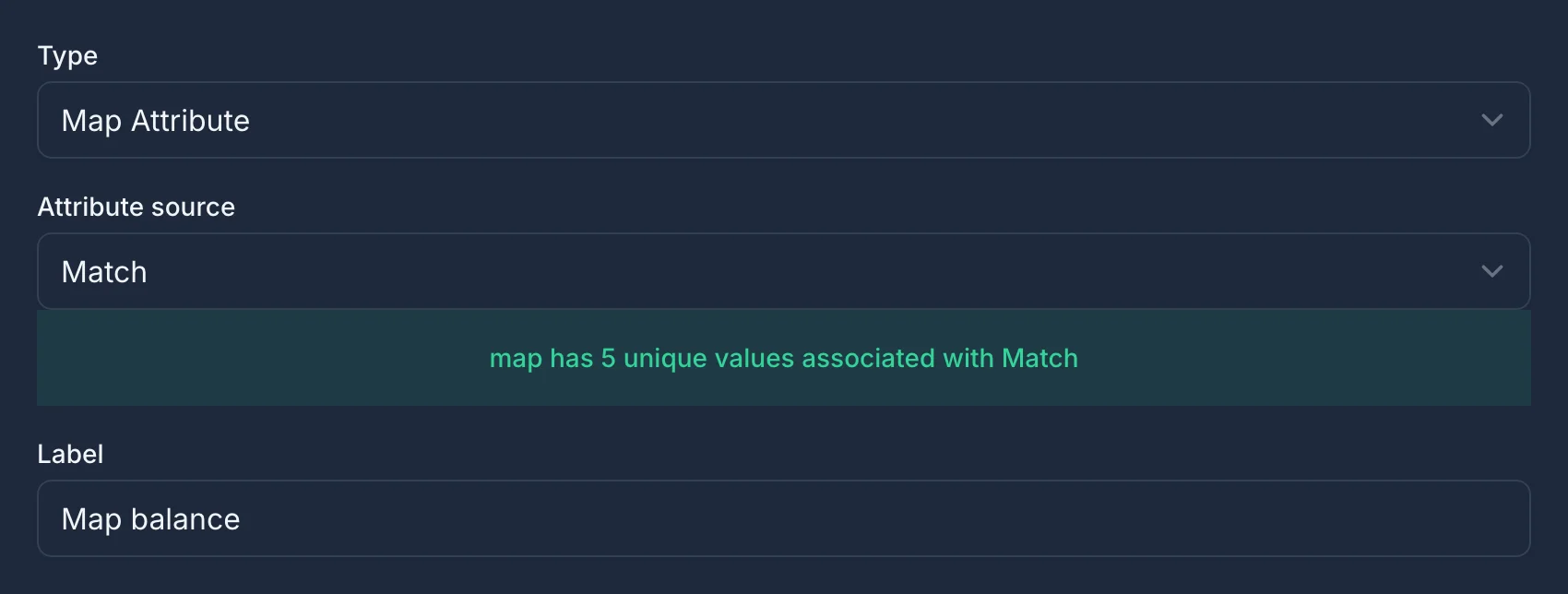
Then add three match metrics:
| Metric type | Attribute | Label | Number format |
|---|---|---|---|
| Average | attack_win | Attack Win Rate | Percentage |
| Percent of Total | None | Play Share | Percentage |
| Count | None | Matches | Unformatted |
Add Attack Win Rate first: the report's chart plots the first metric. Set its number precision to 1 and check Use for sorting, so the map where attackers win most often is listed first:
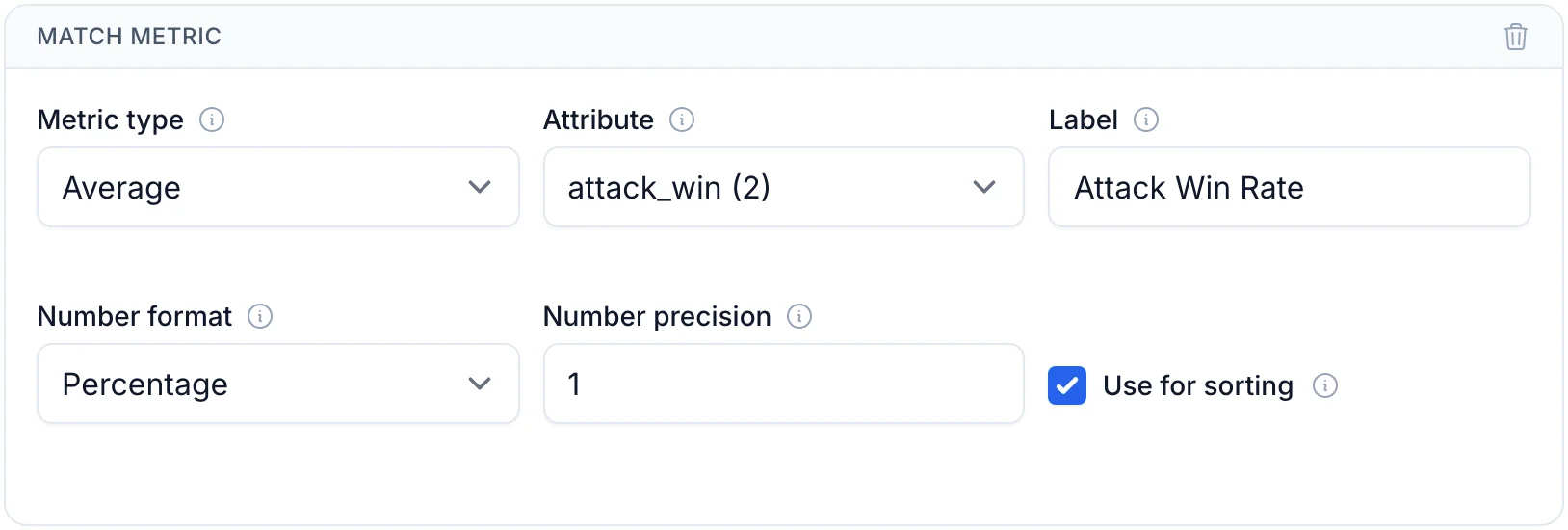
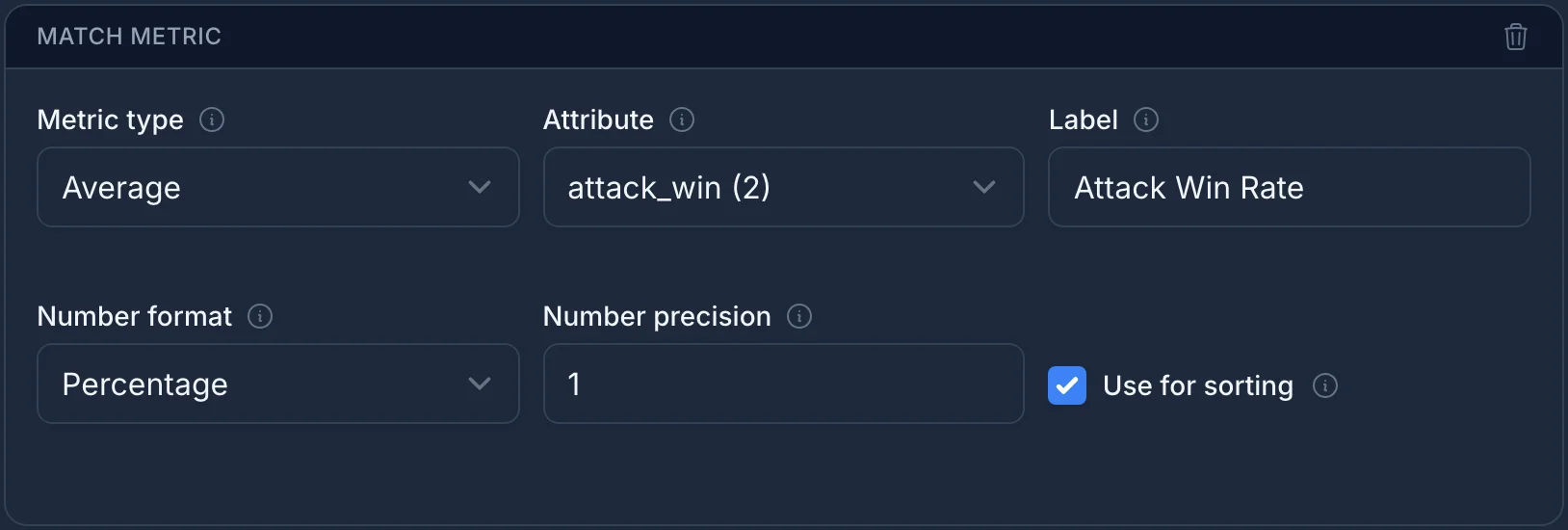
Percent of Total and Count need no attribute. In a report with Match as the attribute source, Play Share is each map's share of all matches, and Matches is the number of matches played on each map.
Step 4: Find the unbalanced map
Pick version 1.0.0 in the report's filters:
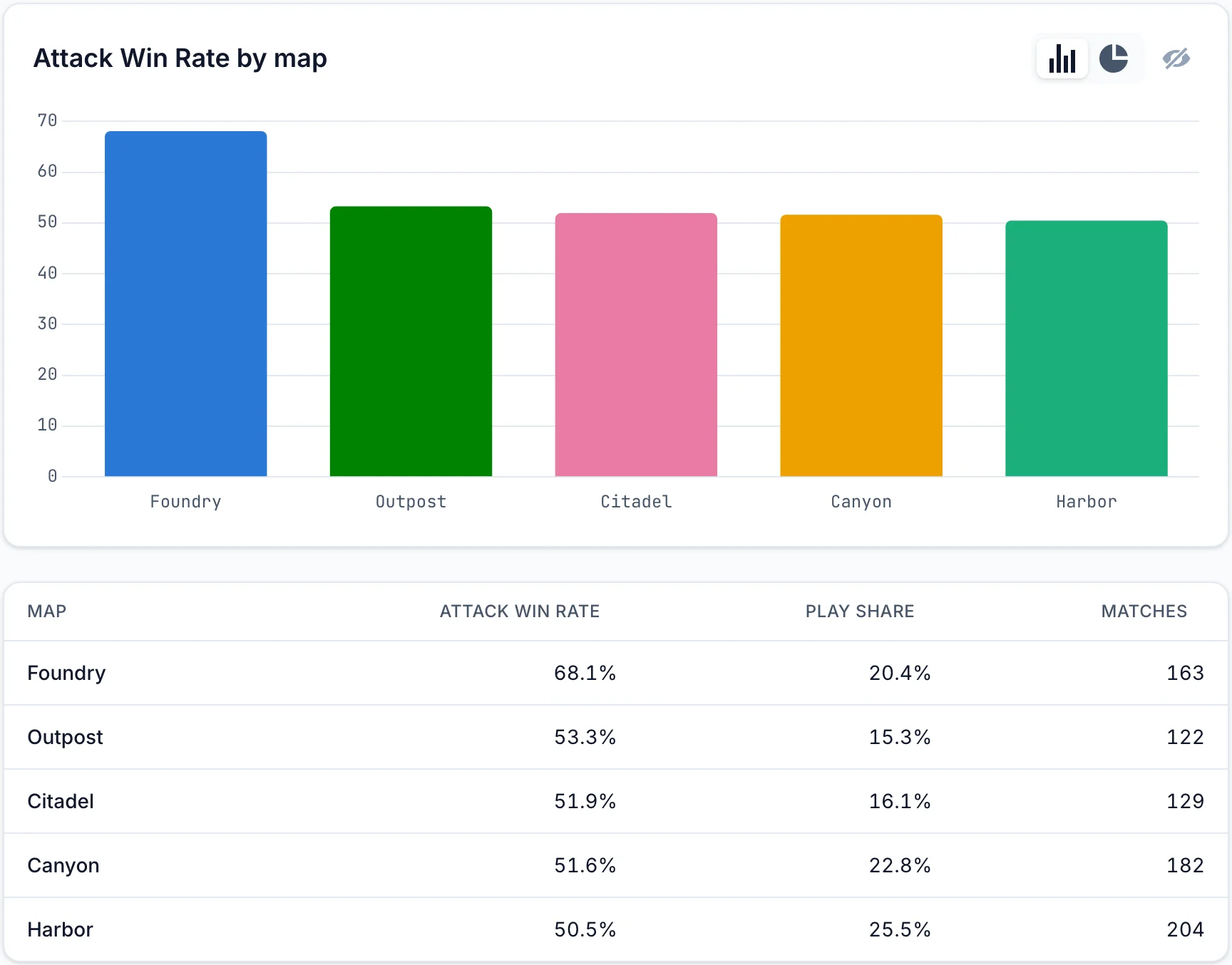
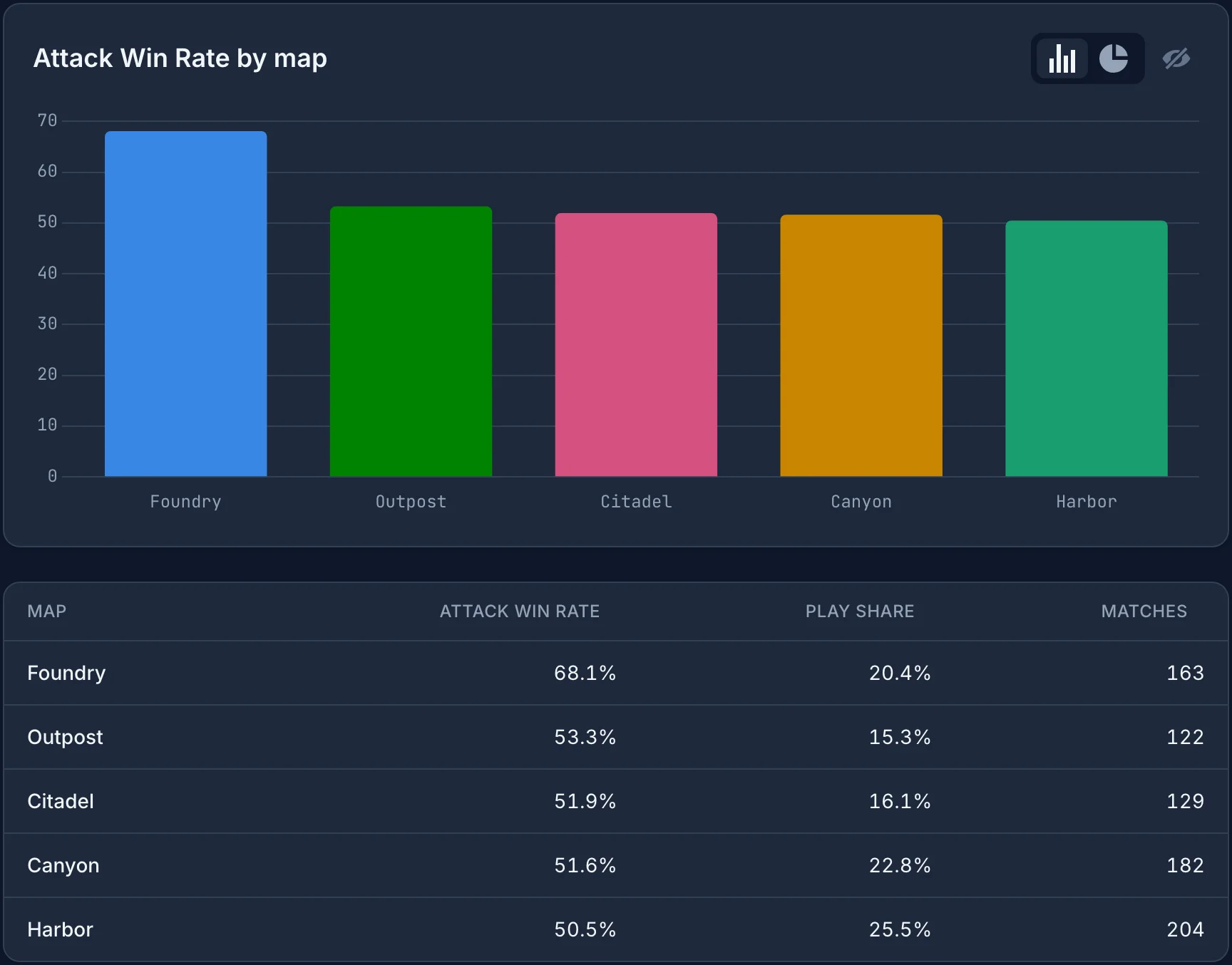
In the example game, attackers win 68.1% of the matches on Foundry, while every other map is between 50.5% and 53.3%. Every match in the example has a winner, so defenders on Foundry win the other 31.9%.
Play Share shows that this is not a map players rarely see: Foundry is 20.4% of all matches in 1.0.0, about one match in five.
Step 5: Check the fix in the next version
The report opens filtered to your latest version, and every value shows how much it changed from the version before it:
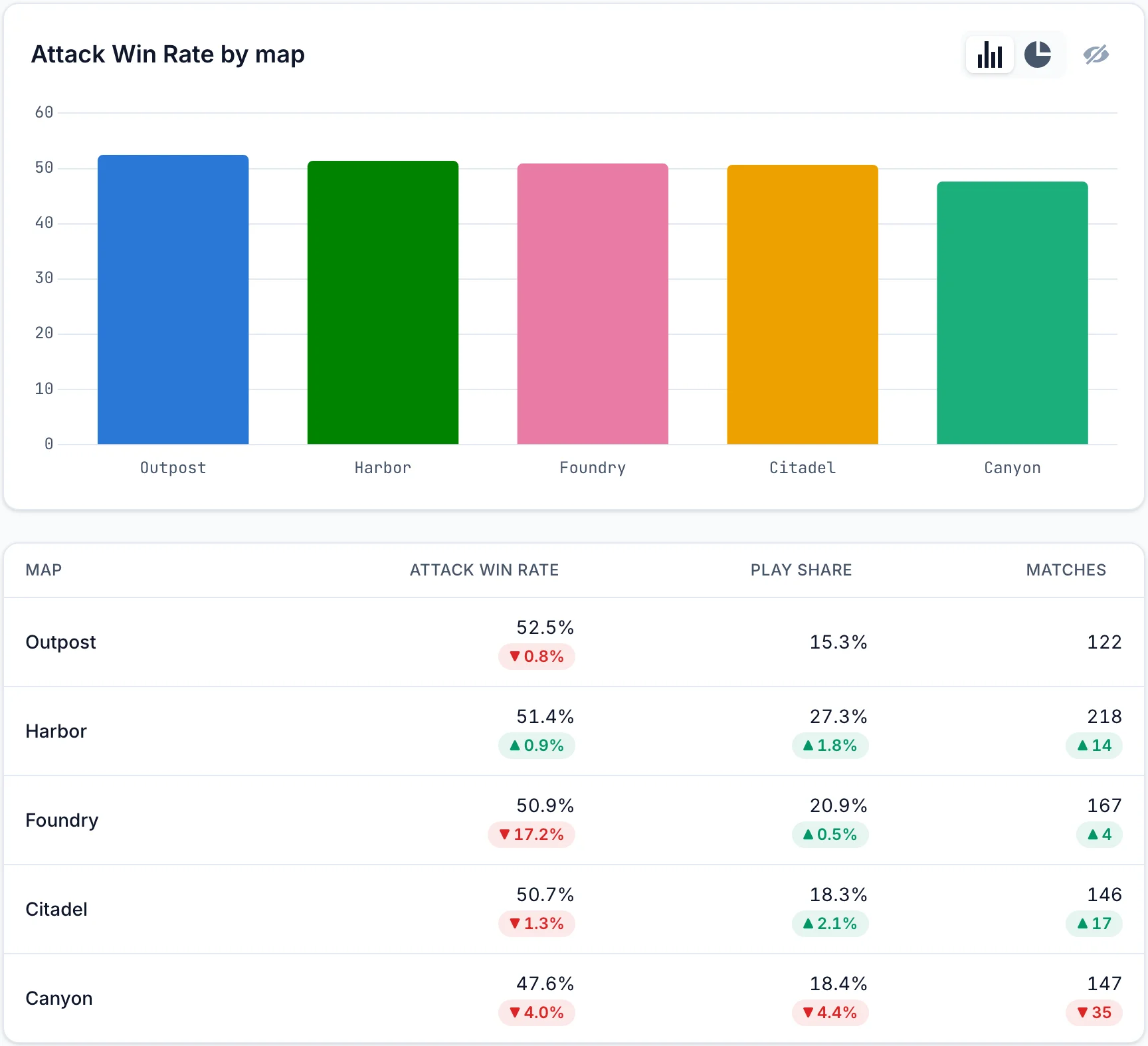
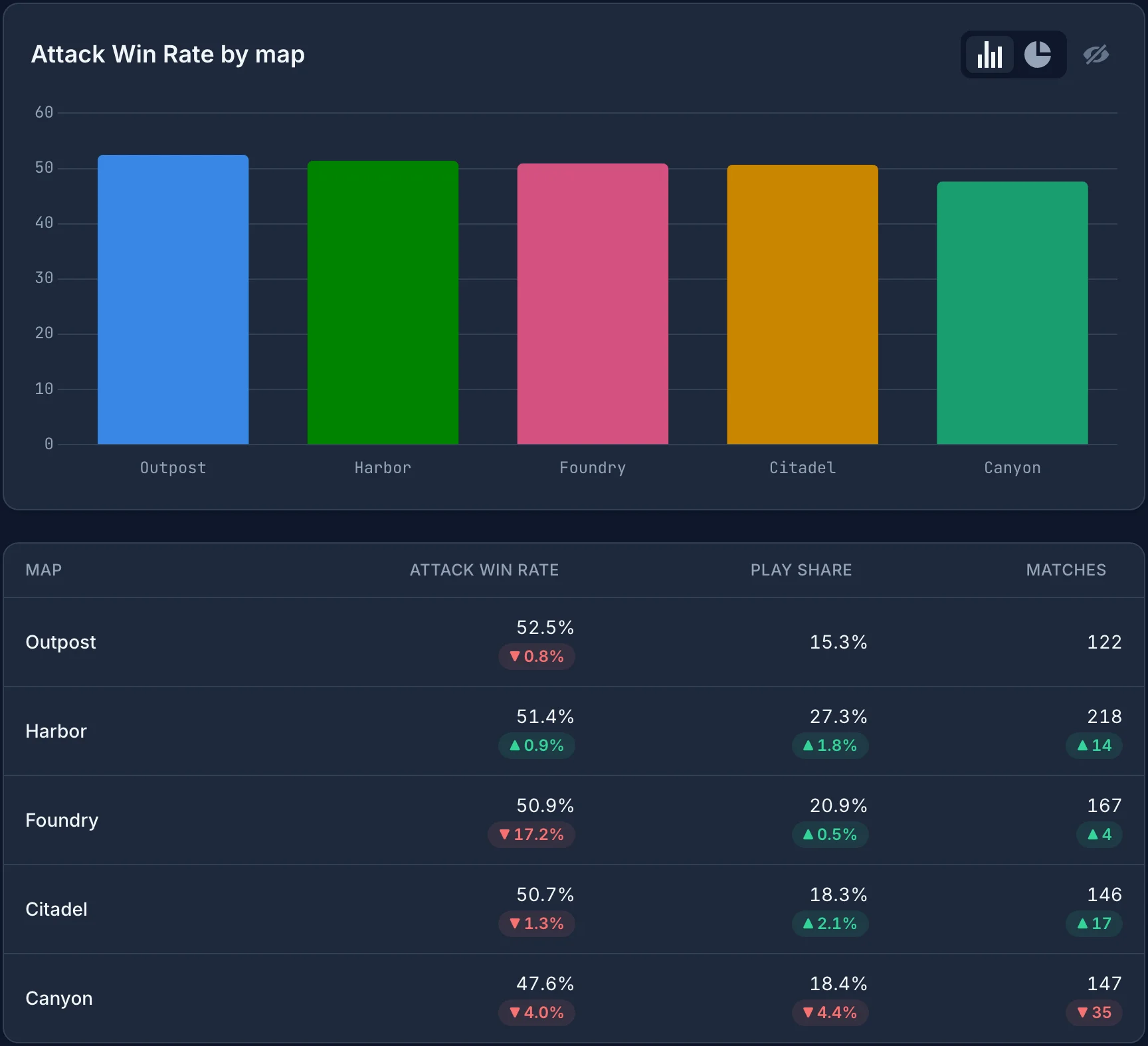
Foundry's attack win rate dropped 17.2 points to 50.9%, and every map is now between 47.6% and 52.5%.
Keep the sample size in mind. Each map has between 122 and 218 matches per version, so a change of a few points, such as Canyon's drop of 4.0 points, can be noise. A large change like Foundry's is a clearer signal. How to balance a game with data shows how many matches you need before a change stands out.
The same approach works for any result you can record as 1 or 0. How to track character win rates in a fighting game uses it to compare characters.