How to track character win rates in a fighting game
 By Mike Dalton ·
A character's win rate is the share of the games played with that character that it won. In a fighting game it is the first number to check when balancing the roster: a character far above 50% is likely too strong, and one far below is likely too weak. General analytics tools can calculate it from custom events, but you build the report yourself; this comparison of game analytics tools covers the options.
To show what that looks like, we set up an example fighting game with six characters and 600 matches across two versions, 1.0.0 and 1.1.0. Version 1.1.0 toned down a character named Volt and strengthened one named Frost.
Step 1: Choose a token
Match results can come from your game client or from a match server you run. Use a server token if a server sends them, or a client token if the game client does. Create the token in Settings > API tokens, where you also find your account id.
The examples below use curl with both values in environment variables:
export GAMESTATS_TOKEN=your_api_token
export ACCOUNT_ID=your_account_id
Step 2: Send your characters
Send each character to the characters endpoint once, with the version it first appears in. The external_id is the id your game uses for the character, and name is what the reports display:
curl -i -X POST "https://gamestats.ai/api/v1/accounts/$ACCOUNT_ID/characters" \
  -H "Authorization: Bearer $GAMESTATS_TOKEN" \
  -H "Content-Type: application/json" \
  -d '{"external_id": "volt", "name": "Volt", "version_name": "1.0.0"}'
version_name is required. Without it, the API responds with 422 and saves nothing.
Step 3: Send each match
When a match ends, send it to the matches endpoint. Each player gets a win and a loss value of 1 or 0, and a match event that names the character they played:
curl -i -X POST "https://gamestats.ai/api/v1/accounts/$ACCOUNT_ID/matches" \
  -H "Authorization: Bearer $GAMESTATS_TOKEN" \
  -H "Content-Type: application/json" \
  -d '{
    "external_id": "match_8f3a2c",
    "version_name": "1.1.0",
    "match_at": "2026-10-09T20:15:00Z",
    "match_players": [
      {
        "username": "player_3e8",
        "match_attributes": {"win": 1, "loss": 0},
        "match_events": [{"character_external_id": "volt", "event_type_name": "chosen_character"}]
      },
      {
        "username": "player_40d",
        "match_attributes": {"win": 0, "loss": 1},
        "match_events": [{"character_external_id": "frost", "event_type_name": "chosen_character"}]
      }
    ]
  }'
A 201 response means the match was accepted. Players and versions are created on first use. The external_id identifies the match, so sending the same match again updates it instead of counting it twice.
Recording win as 1 or 0 is what makes the win rate work: the average of win across a character's games is the share of those games it won.
Step 4: Build a character report
In Reports > New report, choose Character report, give it a label, and add three match metrics:
| Metric type | Attribute | Label | Number format |
|---|---|---|---|
| Average | win | Win Rate | Percentage |
| Sum | win | Wins | Unformatted |
| Sum | loss | Losses | Unformatted |
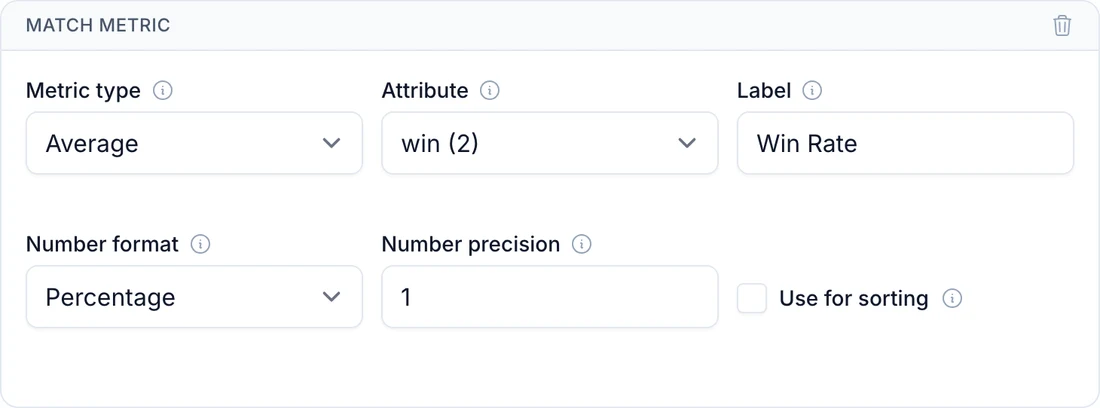
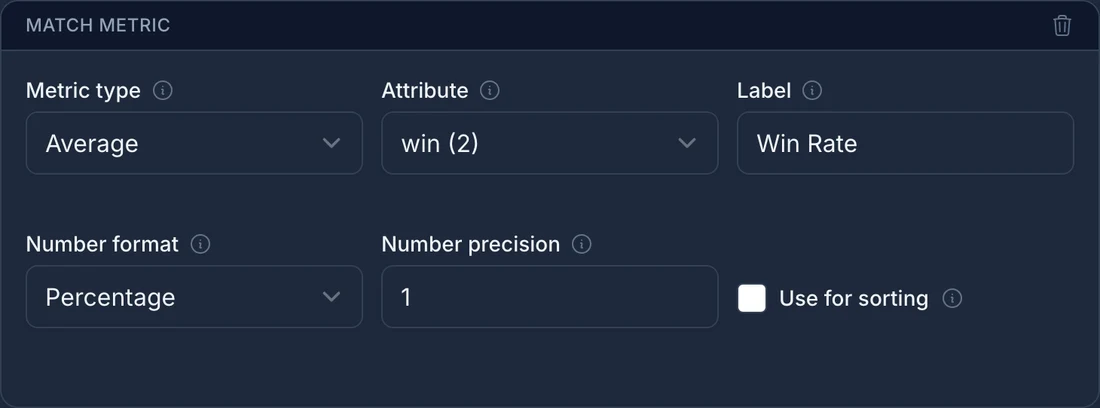
Add Win Rate first: the report's chart plots the first metric, so the chart shows win rate by character. Set its number precision to 1 to show one decimal place.
Step 5: Compare versions
The report opens filtered to your latest version, and every value shows how much it changed from the version before it:
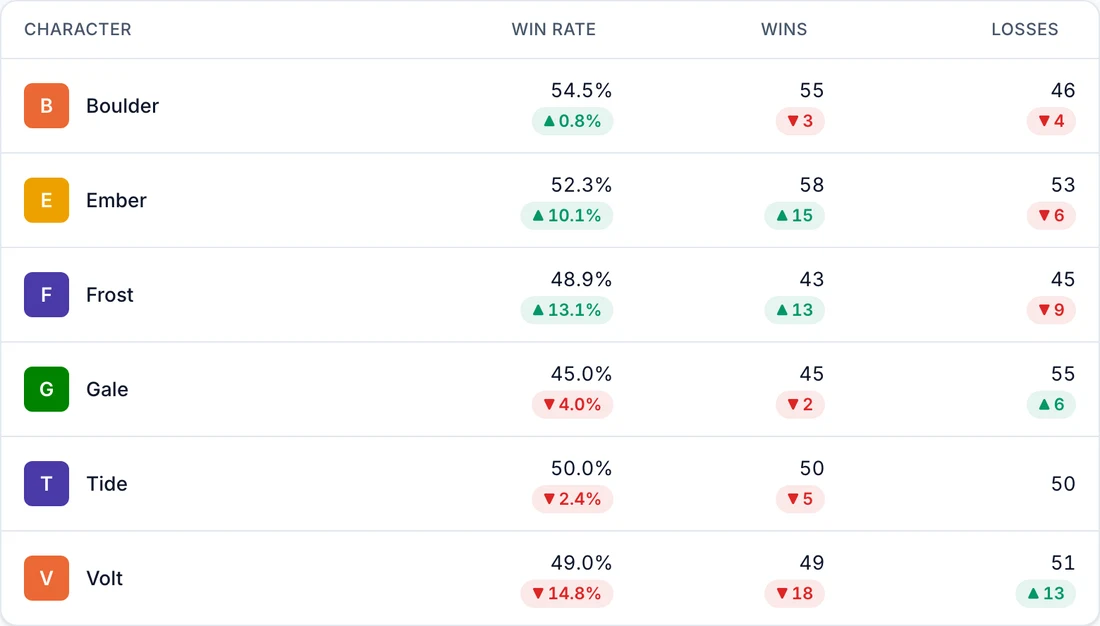
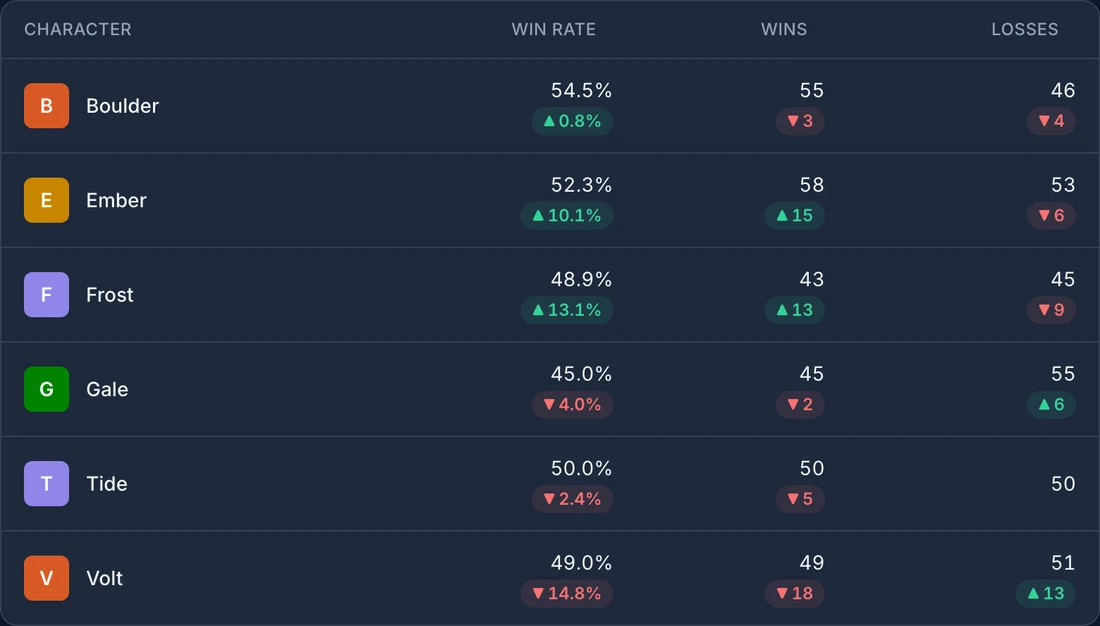
In the example game, the 1.1.0 changes did what they were meant to do. Volt's win rate dropped 14.8 points to 49.0%, and Frost's rose 13.1 points to 48.9%. Every character now sits between 45% and 55%.
To look at an older patch, pick that version in the filters, and the report compares it with the version before it, if there is one. Select more than one version to see them combined, without the change values.
Keep the sample size in mind. Each character in the example has about 100 games per version, so a gap of a few points from 50% can still be noise. A large swing like Volt's is a clearer signal. How to balance a game with data shows how many matches you need before a change stands out.
You can also ask an AI assistant about the same report. How to ask Claude Code about your game data with MCP uses this example game.