How to find which levels players get stuck on
 By Mike Dalton ·
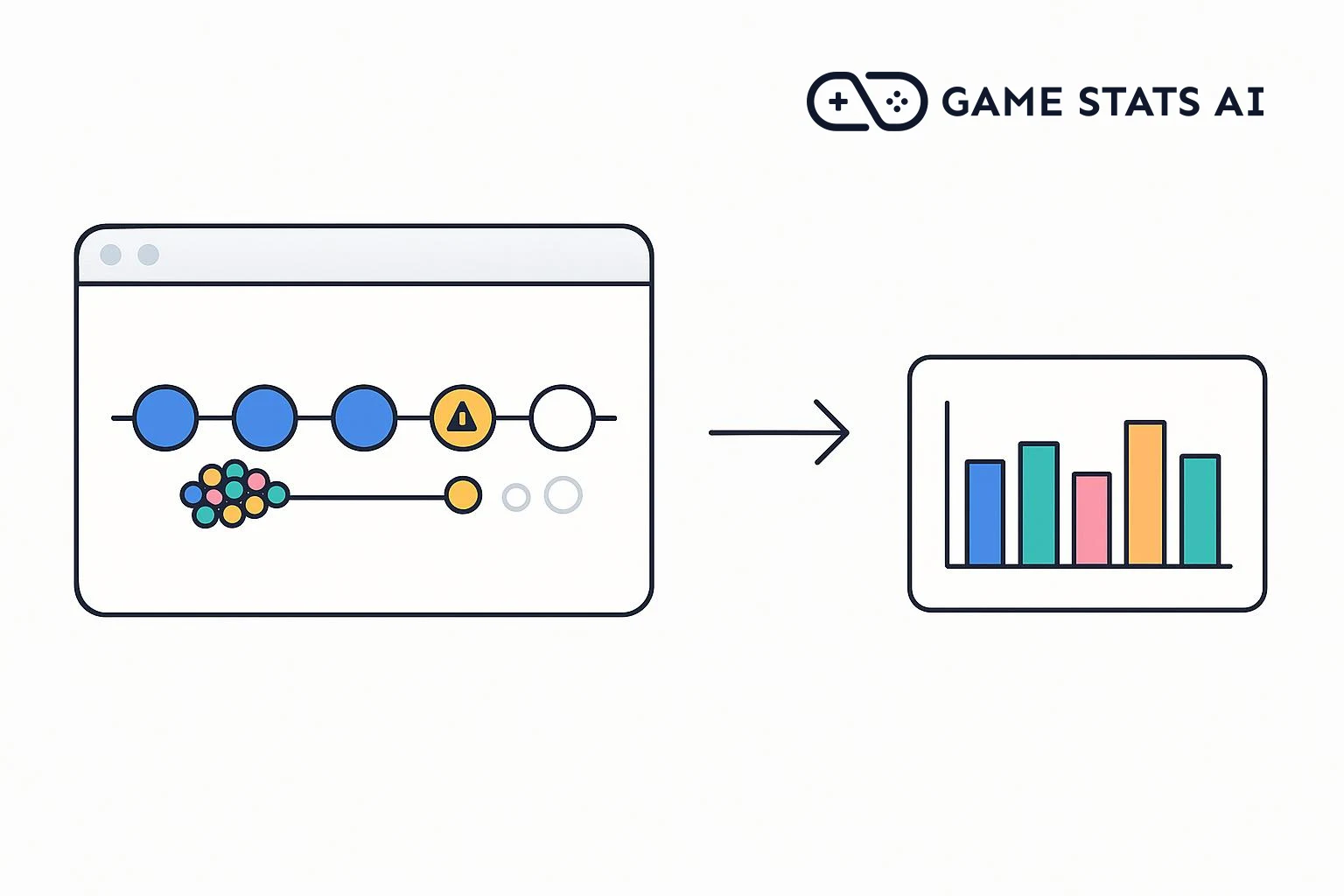
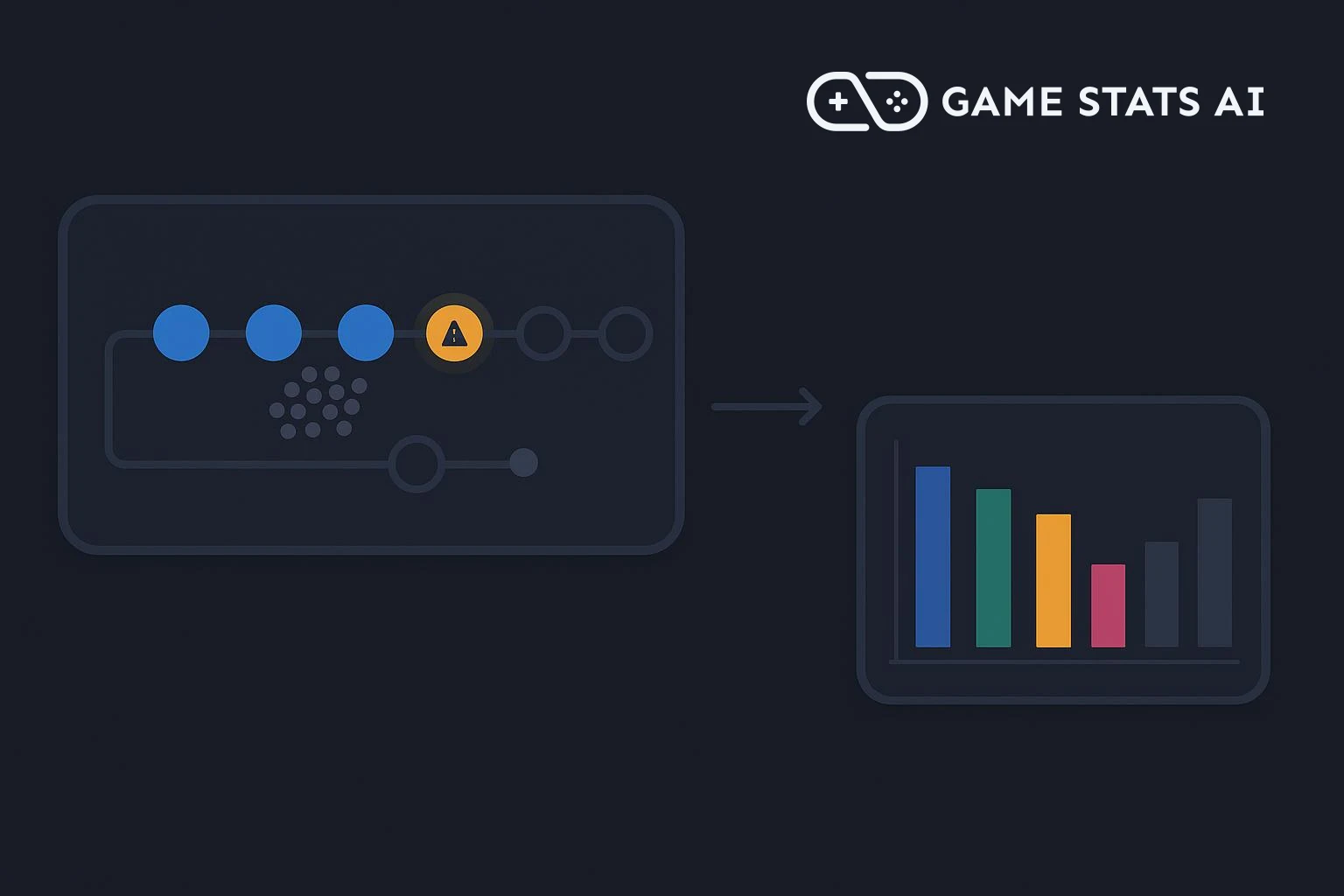
A level's completion rate is the share of attempts at that level that players finish. A level with a much lower completion rate than the levels around it is where players get stuck, and often where they stop playing.
To show what that looks like, we set up an example puzzle game with eight levels and 120 players across two versions, 1.0.0 and 1.1.0. In version 1.0.0, Level 5 is much harder than the levels around it. Version 1.1.0 makes it easier.
Step 1: Choose a token
Progression events can come from your game client or from a game server you run. Use a server token if a server sends them, or a client token if the game client does. Create the token in Settings > API tokens, where you also find your account id.
The examples below use curl with both values in environment variables:
export GAMESTATS_TOKEN=your_api_token
export ACCOUNT_ID=your_account_id
Step 2: Send an event when a level starts
Every time a player starts a level, send a started
event to the progression events endpoint. Each start is one attempt, so a player who restarts a level sends another started
event:
curl -i -X POST "https://gamestats.ai/api/v1/accounts/$ACCOUNT_ID/progression_events" \
  -H "Authorization: Bearer $GAMESTATS_TOKEN" \
  -H "Content-Type: application/json" \
  -d '{
    "player_username": "player_3e8",
    "version_name": "1.0.0",
    "progression_type_name": "level",
    "progression_name": "Level 5",
    "progression_milestone_type_name": "started",
    "progression_milestone_name": "started",
    "started_at": "2026-10-02T14:03:10Z",
    "occurred_at": "2026-10-02T14:03:10Z",
    "time_elapsed": 0
  }'
progression_type_name groups the progressions you want to compare, here every level. progression_name is the level itself, and it is the name the report displays. The report compares milestone types, so use the same two, started and finished, for every level; progression_milestone_name can repeat the type name. started_at marks the start of a new attempt.
A 201 response means the event was accepted. Players, versions, levels, and milestone types are created on first use, so there is nothing to register in advance.
Step 3: Send an event when a level is finished
When the player clears the level, send a finished
event for the same player and level, without started_at:
curl -i -X POST "https://gamestats.ai/api/v1/accounts/$ACCOUNT_ID/progression_events" \
  -H "Authorization: Bearer $GAMESTATS_TOKEN" \
  -H "Content-Type: application/json" \
  -d '{
    "player_username": "player_3e8",
    "version_name": "1.0.0",
    "progression_type_name": "level",
    "progression_name": "Level 5",
    "progression_milestone_type_name": "finished",
    "progression_milestone_name": "finished",
    "occurred_at": "2026-10-02T14:05:31Z",
    "time_elapsed": 141
  }'
Game Stats AI attaches the event to that player's most recent attempt at the level. time_elapsed is the time since the attempt started, here 141 seconds. Use any unit you like, as long as every event uses the same one.
Send nothing when a player fails or quits a level. An attempt without a finished
event counts as not completed.
Step 4: Build a progression report
In Reports > New report, choose Progression report, give it a label, and set Type to level, From to started, and To to finished:
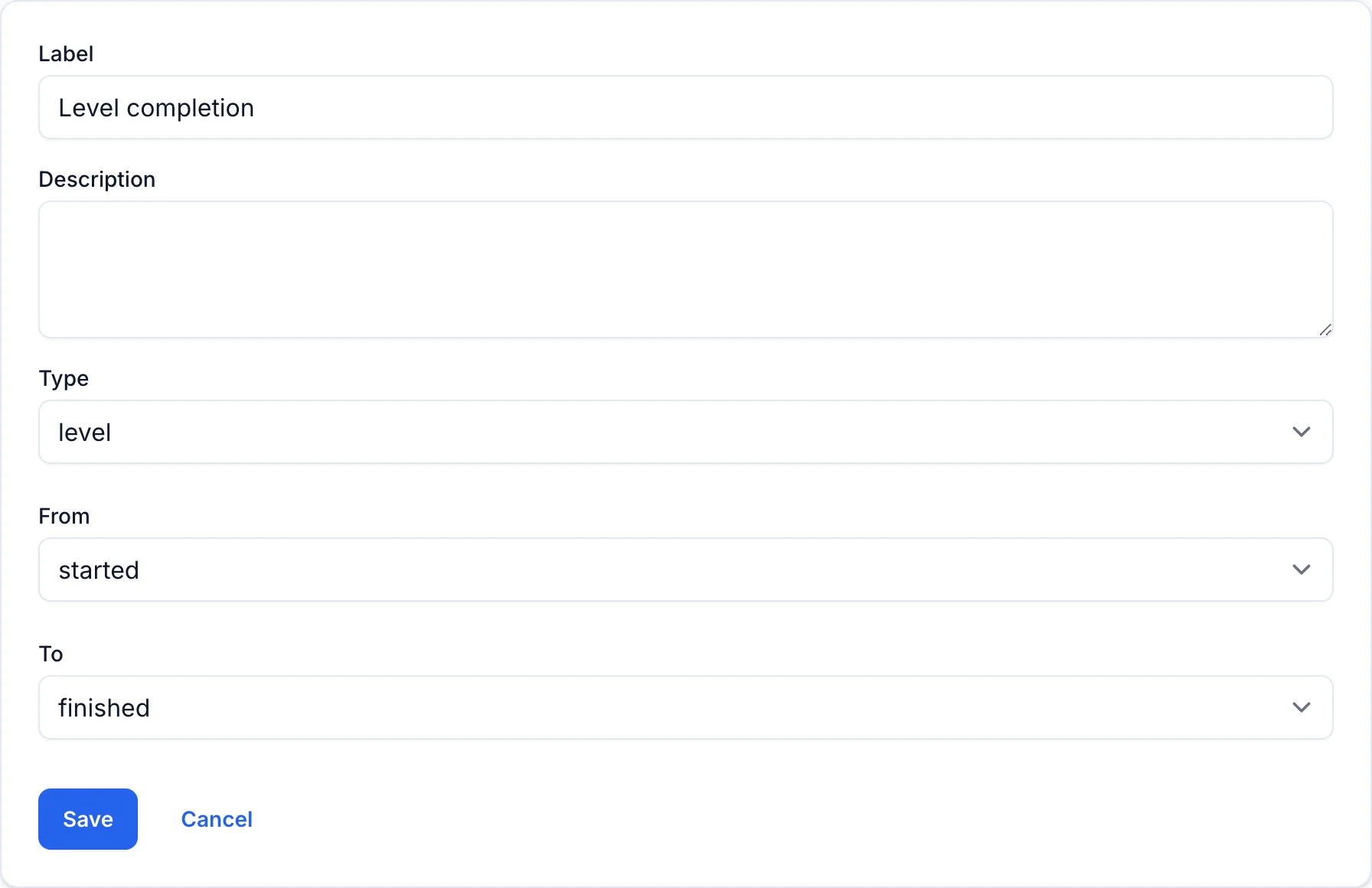
The report shows one row per level, sorted by name so that Level 2 comes before Level 10, with three values:
| Value | Meaning |
|---|---|
| Completion Rate | The share of attempts that reached finished |
| Average Time Elapsed | The average time between startedand finishedfor finished attempts |
| # of Instances | The number of attempts, including retries |
Step 5: Find the level where players get stuck
Pick version 1.0.0 in the report's filters. The chart plots completion rate for each level:
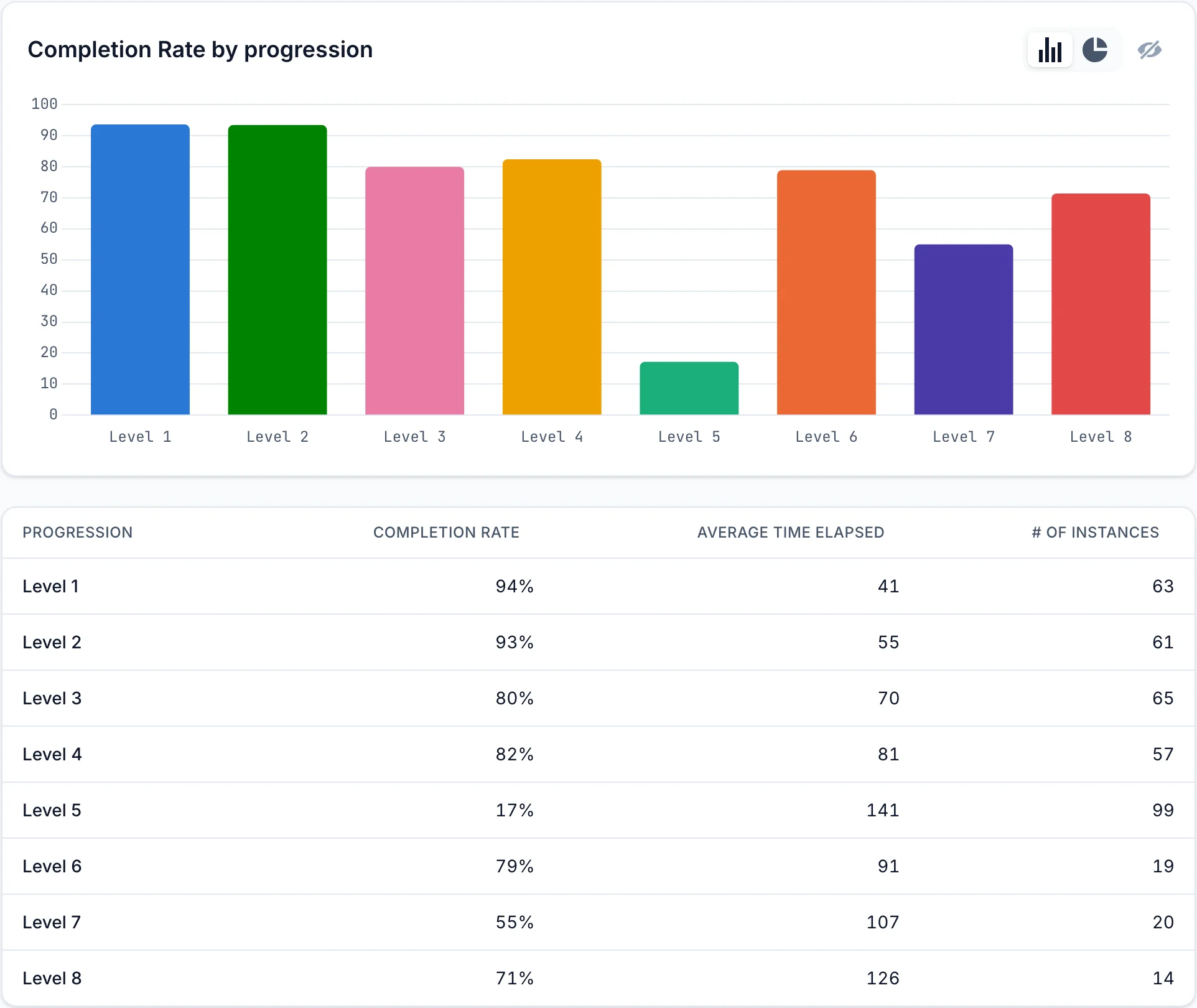
In the example game, Level 5 stands out three ways:
- Its completion rate is 17%, while every other level is between 55% and 94%.
- It has 99 attempts, more than any other level, because players retried it.
- Only 19 attempts were made at Level 6. Most players who reached Level 5 never got past it.
The finished attempts also took 141 seconds on average, the longest of any level.
Step 6: Check the fix in the next version
Version 1.1.0 made Level 5 easier. Pick 1.1.0 in the filters to see only attempts made in that version:
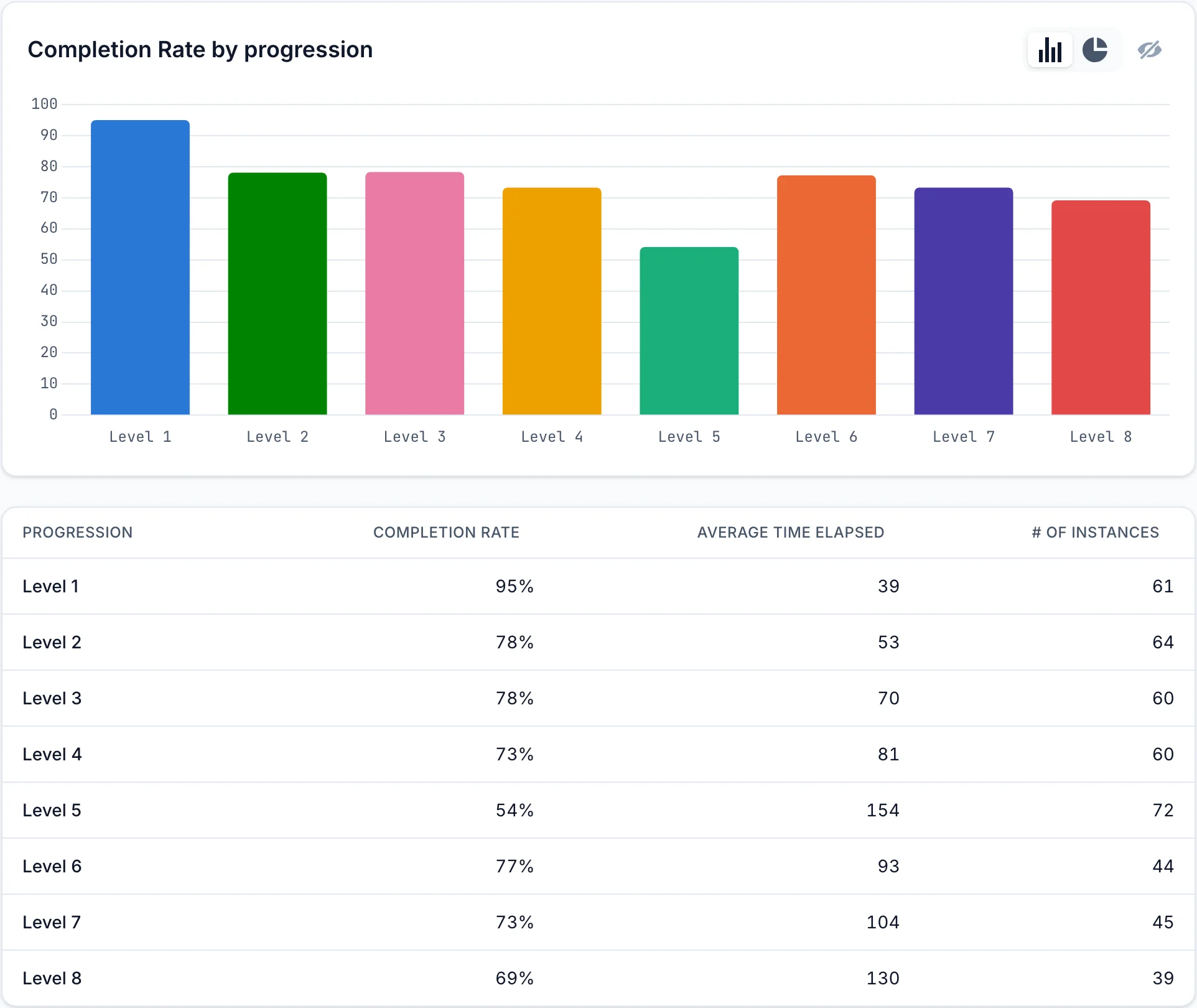
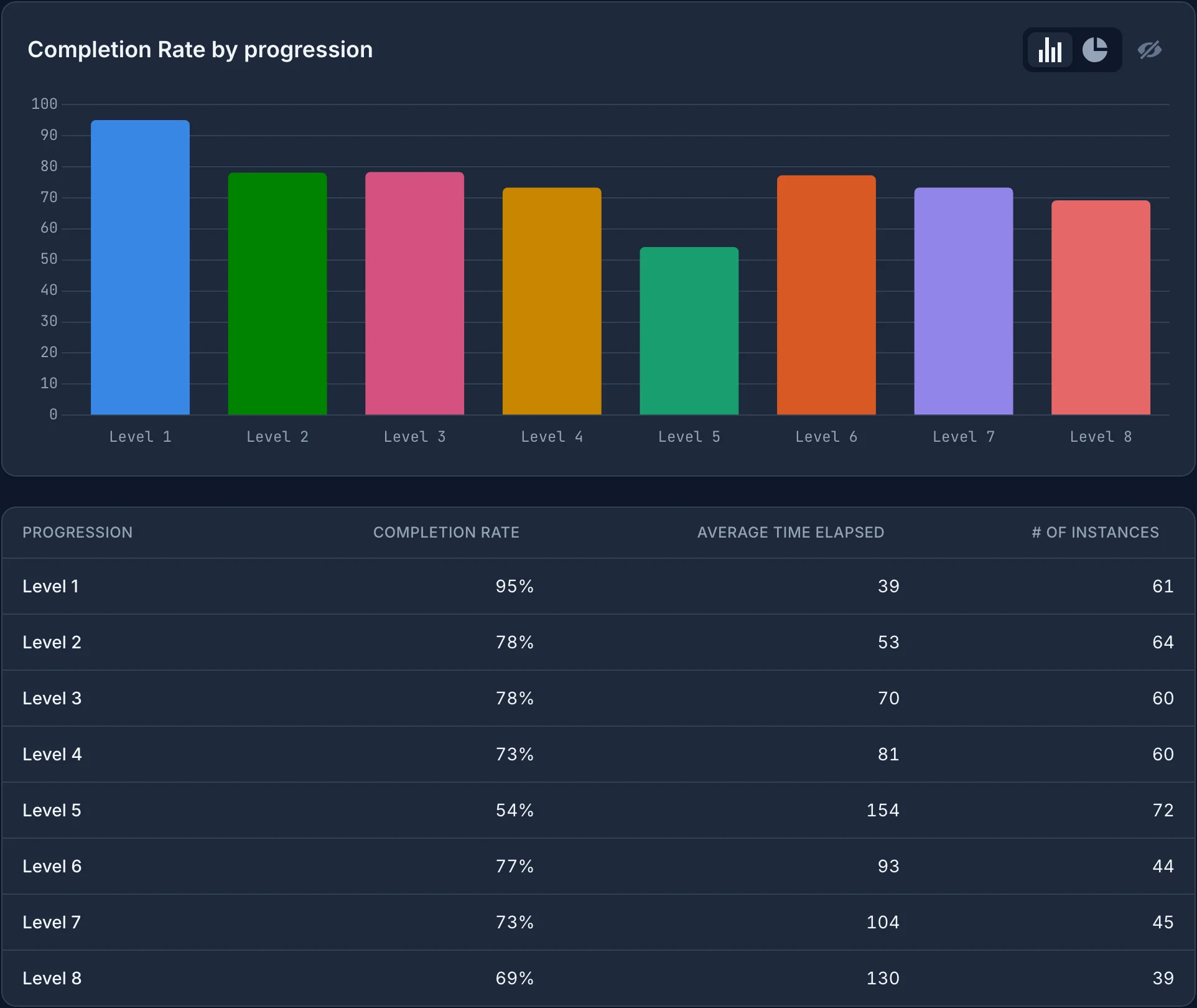
Level 5's completion rate rose from 17% to 54%, and attempts at Level 6 rose from 19 to 44, so more players now reach the rest of the game.
Each attempt belongs to the version in its started
event. Select more than one version in the filters to see them combined.