Game analytics infrastructure: build or buy?
 By Mike Dalton ·
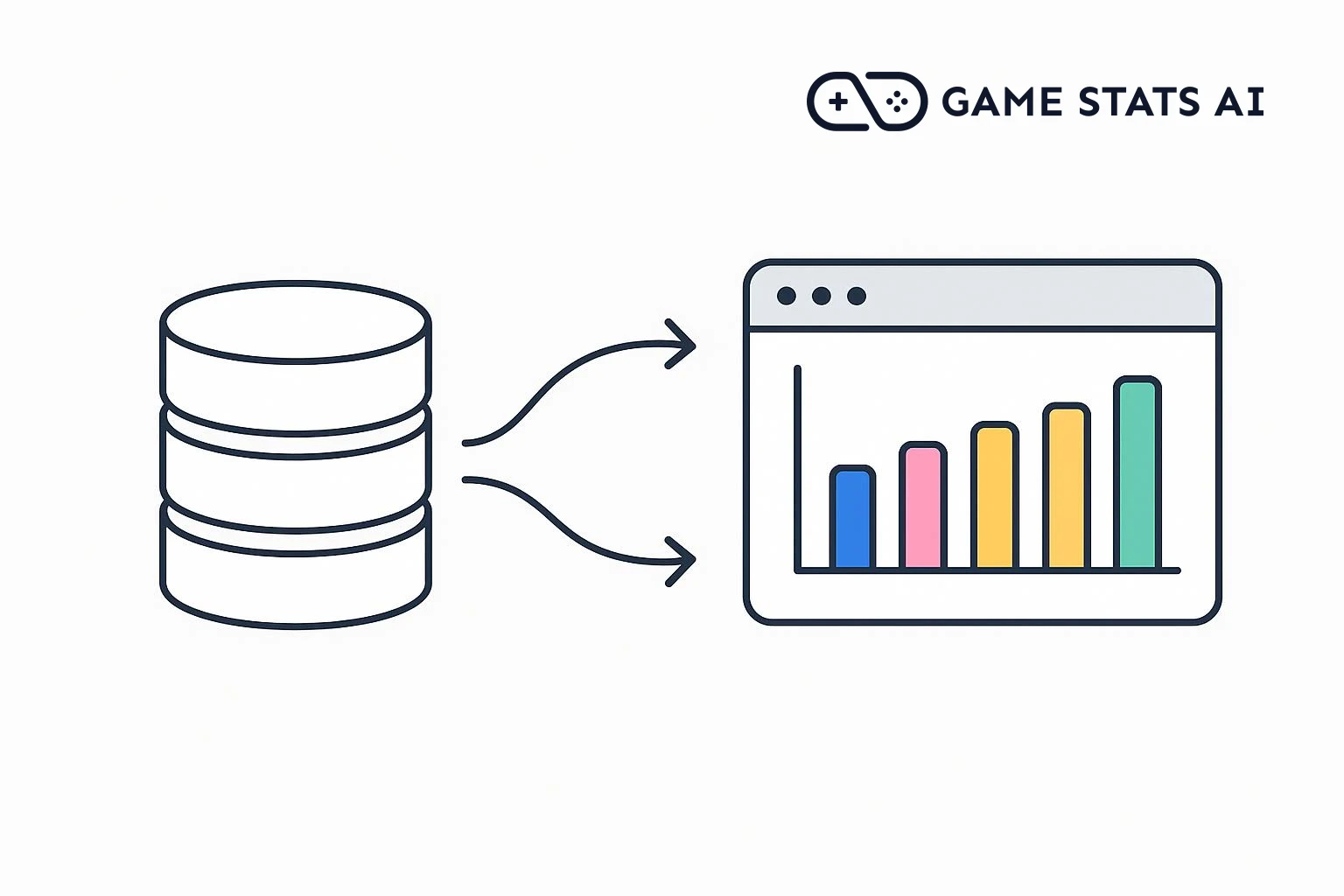
Game analytics infrastructure is the set of systems that collects events from your game and its servers, stores them, and turns them into reports. You can build it yourself on a cloud provider or pay for a tool that runs it for you. This guide covers the parts of a pipeline, what running one costs, the smallest version worth building, and how to decide between building and buying.
What is a game analytics pipeline?
A game analytics pipeline moves an event, such as a match result or a level completion, from the game to a report. Most pipelines have the same parts:
| Part | What it does | Example services |
|---|---|---|
| Collection | The game client or server sends events, through an SDK or HTTP requests. | Your game code |
| Ingest endpoint | Checks credentials, validates events, and accepts them in batches. | API Gateway with Lambda, or your own web server |
| Stream or queue | Holds events between the endpoint and storage, so a spike in traffic does not lose data. | Kinesis, Kafka, Pub/Sub |
| Storage | Keeps every event, as files in object storage (a data lake) or in a data warehouse. | S3, BigQuery, Redshift, Snowflake |
| Transform and query | Cleans events into tables and answers questions with SQL. | Glue, Athena, dbt |
| Reports | Turns query results into dashboards and charts people read. | QuickSight, Metabase, Grafana |
A small pipeline can combine several parts. A large one adds more, such as real-time processing for live dashboards.
The work beyond the diagram
An architecture diagram shows where events go. It does not show the work that keeps the data correct:
- Event design: deciding what to record and what each field means, then changing it between game versions without breaking old reports.
- Delivery from the game: batching events, retrying failed requests, and saving events while the player is offline.
- Duplicate events: retries send some events twice, so you need a way to recognize them.
- Credentials in the game build: anything shipped in a game can be extracted, so the key in the game should only be able to send events. See which API token your game should use.
- Privacy: recording player consent, and finding and deleting a player's data when they ask.
- The reports themselves: retention, funnels, and win rate by game version are queries someone has to write, check, and keep up to date. The guide to balancing a game with data shows how much care a single win rate report needs.
These costs are mostly engineering time, and they continue for as long as the game is live.
The AWS Game Analytics Pipeline
AWS publishes a ready-made design called the Guidance for Game Analytics Pipeline on AWS. You deploy it into your own AWS account with the AWS CDK or Terraform. It includes:
- A REST API built on API Gateway, Lambda, and DynamoDB that accepts events from game clients, game servers, and backend services.
- A data stack of your choice: a data lake in S3 (Hive or Iceberg tables) processed with Glue and queried with Athena, or Redshift Serverless as a data warehouse.
- Optional real-time analytics with Kinesis Data Streams, Managed Service for Apache Flink, and OpenSearch.
AWS's estimate, as of August 2025 in the US East (N. Virginia) region, for 100 events of 1 KB per second (259.2 million events a month):
| Data stack | Estimated monthly cost |
|---|---|
| Data lake (Iceberg tables) | $65.88 |
| Data lake (Hive tables) | $92.06 |
| Redshift | $252.50 |
| Real-time analytics (added to the above) | $770.94 |
AWS calls these rough estimates and recommends testing your own. Most of the services charge by usage, so a game with less traffic pays less.
AWS publishes the guidance as sample code, provided as is. Once it is deployed, your team runs it: updates, monitoring, and fixes are yours. It covers collection, storage, and queries, with sample Athena queries for common game questions, but it does not include dashboards. You connect a dashboard tool such as QuickSight yourself.
The smallest pipeline worth building
If your game already has a server and a database, the smallest pipeline is one table and SQL. The server writes an event row whenever something happens:
CREATE TABLE game_events (
  id bigserial PRIMARY KEY,
  player_id text NOT NULL,
  game_version text NOT NULL,
  name text NOT NULL,
  properties jsonb NOT NULL DEFAULT '{}',
  created_at timestamptz NOT NULL DEFAULT now()
);
Then a query answers a question. This one calculates win rate by character for each game version, with each match result stored as 1 for a win and 0 for a loss:
SELECT
  game_version,
  properties->>'character' AS character,
  round(avg((properties->>'result')::int), 3) AS win_rate,
  count(*) AS games
FROM game_events
WHERE name = 'match_finished'
GROUP BY game_version, character
ORDER BY game_version, character;
This works well for a small game, and the data stays in a database you already back up. It reaches its limits when:
- Analytics queries slow down the database the game depends on.
- People ask more questions than anyone has time to write queries for.
- Someone other than the person who wrote the queries needs to read the results.
What it costs to build versus buy
Building has two costs: the cloud bill, and the engineering time to build the pipeline and keep it running. The cloud bill is often the smaller of the two for a small studio.
Buying has one cost, the subscription, and many tools are free at small scale:
- GameAnalytics: free with no limit on monthly active users (MAU).
- Google Analytics for Firebase: free.
- Unity Analytics: free up to 50,000 MAU, then charged per MAU.
- Game Stats AI: free for 1,000 tracked records a month, with paid plans from $19 a month.
The comparison of game analytics tools has prices, engine support, and raw data access for each one.
When to build your own
Building is the better choice when:
- You already have a data team or a data warehouse that someone maintains.
- You need game data in the same place as other company data, such as marketing or support data.
- Your volume is high enough that per-player or per-event pricing costs more than running your own pipeline.
- You have data residency or ownership requirements that no vendor meets.
When to use a tool
A tool is the better choice when:
- No one on the team can own a pipeline as an ongoing job.
- Your questions are the common ones: retention, revenue, progression, or win rates.
- You want reports during development and at launch, not after a data project finishes.
Keep the option to switch
Whichever you choose, a few habits keep a later change cheap:
- Own your event format. Write down your events and their fields, and keep that definition in your code, not in one vendor's dashboard.
- Send events from your server where you can. Changing a destination on a server takes one deploy. Changing it in the game takes a new build and players updating.
- Check how you get data out. Some tools include raw data export on every plan, some only on higher plans (Unity Analytics requires Snowflake), and some only through an API.
Game Stats AI is built for this. It accepts events through a REST API without a schema to register first, and on the Studio plan and above, a custom ingest endpoint accepts the payload format your game or server already sends. If you build your own pipeline later, or already have one, your server can send the same events to both. Reports are readable through the API with a server token.
Frequently asked questions
What is game analytics infrastructure?
The systems that collect events from a game and its servers, store them, and turn them into reports. It usually includes an ingest endpoint, a stream or queue, storage in a data lake or warehouse, a query engine, and dashboards.
How much does a game analytics pipeline cost?
AWS estimates its Game Analytics Pipeline at about $66 to $92 a month for a data lake, or about $253 for Redshift, at 100 events per second, plus about $771 for real-time analytics. Add the engineering time to build and maintain it. Many analytics tools are free at small scale.
Should an indie studio build its own analytics?
Usually not at first. Unless the studio already has someone who maintains data systems, a tool gives reports sooner. If the game has a server, writing events to one database table is a reasonable start, and you can move to a larger pipeline later.
What does the AWS Game Analytics Pipeline include?
A REST API for events, a data lake in S3 with Glue and Athena or a Redshift data warehouse, and optional real-time analytics with Kinesis, Apache Flink, and OpenSearch. You deploy it into your own AWS account with the AWS CDK or Terraform and maintain it yourself.