How to track achievements in a Godot game
 By Mike Dalton ·
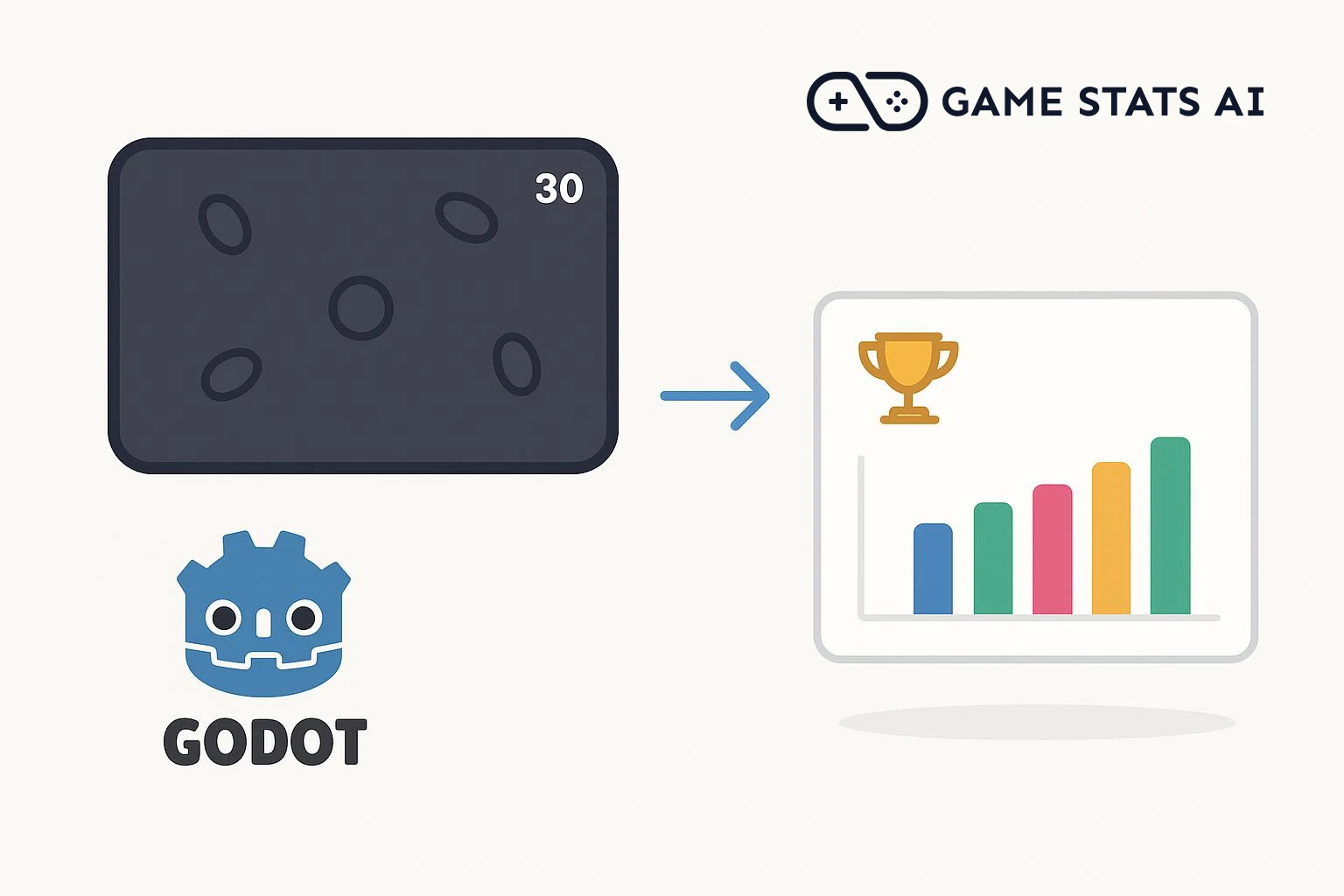
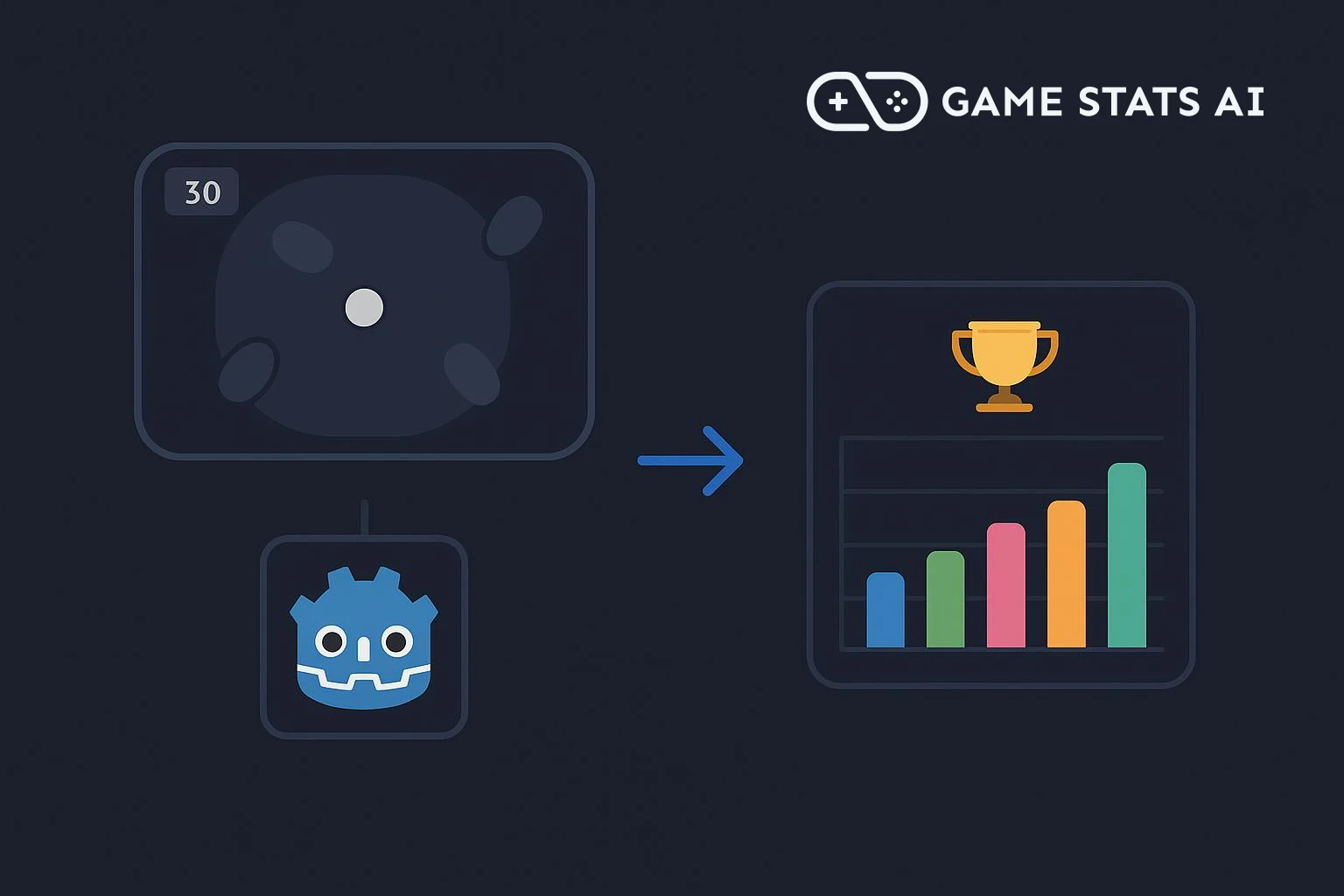
Achievement tracking records the milestones players reach in your game: clearing a level, finding a hidden item, defeating a boss. Those records show how far players get, where they stop, and which content they never find.
To show what that looks like in Godot, we integrated the Game Stats AI API into Dodge the Creeps, the game built in Godot's Your first 2D game tutorial. The finished project is in our example repository. It uses Godot 4.7 and GDScript.
Step 1: Decide what counts as an achievement
Map achievements onto moments that already exist in your game. Dodge the Creeps has no levels: the score goes up by one for every second the player survives. So the achievements are survival milestones at 10, 30, and 60 seconds.
The score already updates in main.gd, so that is where the unlock call goes:
const SURVIVAL_ACHIEVEMENTS = {
    10: "Survived 10 Seconds",
    30: "Survived 30 Seconds",
    60: "Survived 60 Seconds",
}


func _on_ScoreTimer_timeout():
    score += 1
    $HUD.update_score(score)
    if score in SURVIVAL_ACHIEVEMENTS:
        GameStats.unlock(SURVIVAL_ACHIEVEMENTS[score])
GameStats is the autoload the rest of this guide builds.
Step 2: Create a client token
Game Stats AI accepts achievement events at a single endpoint:
POST https://gamestats.ai/api/v1/accounts/{account_id}/achievement_events
Authorization: Bearer <token>
Content-Type: application/json
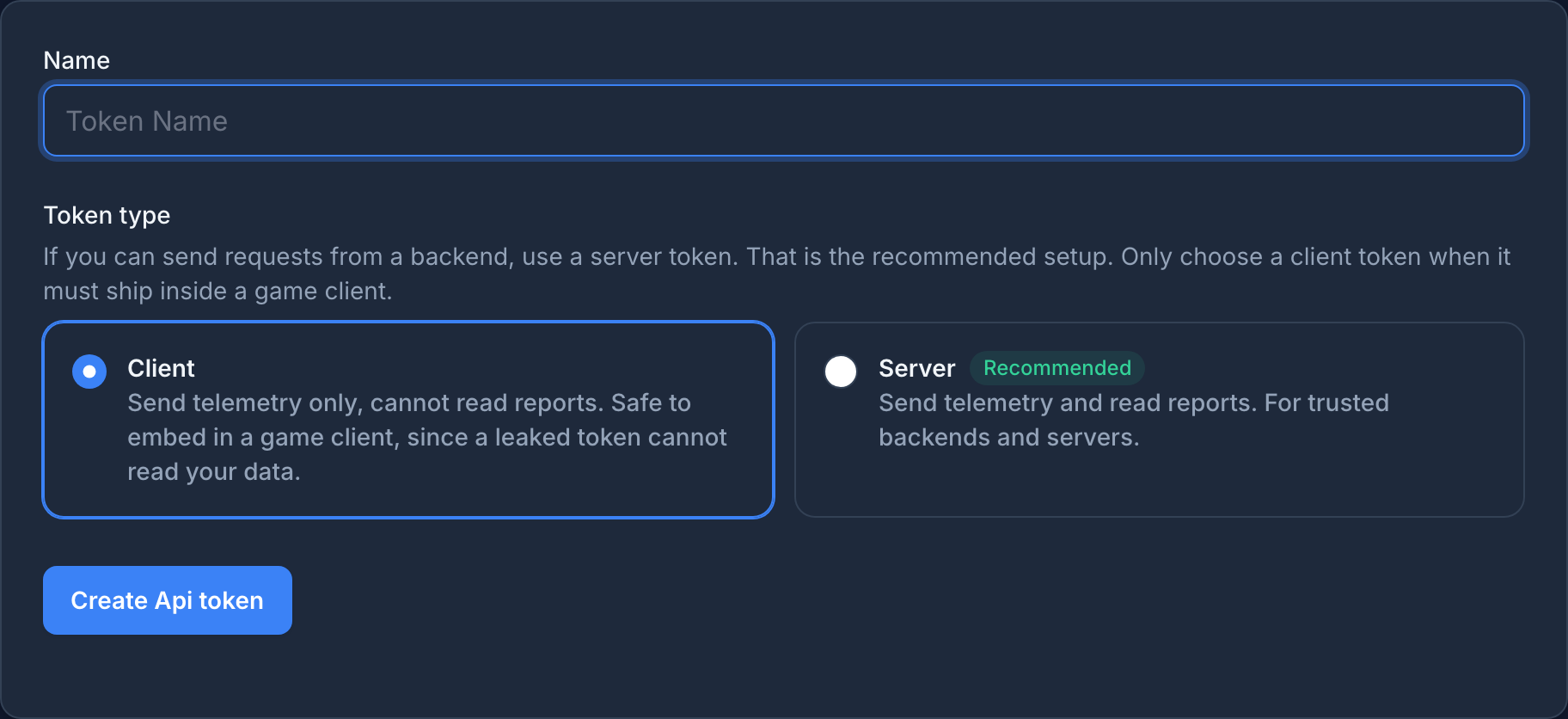
This token ships inside your game, which players download and run, so treat it as public. Create a client token, not a server token. In Settings > API tokens, choose Client
when you create the token. A client token can only send telemetry, so a leaked one cannot read your account's reports.
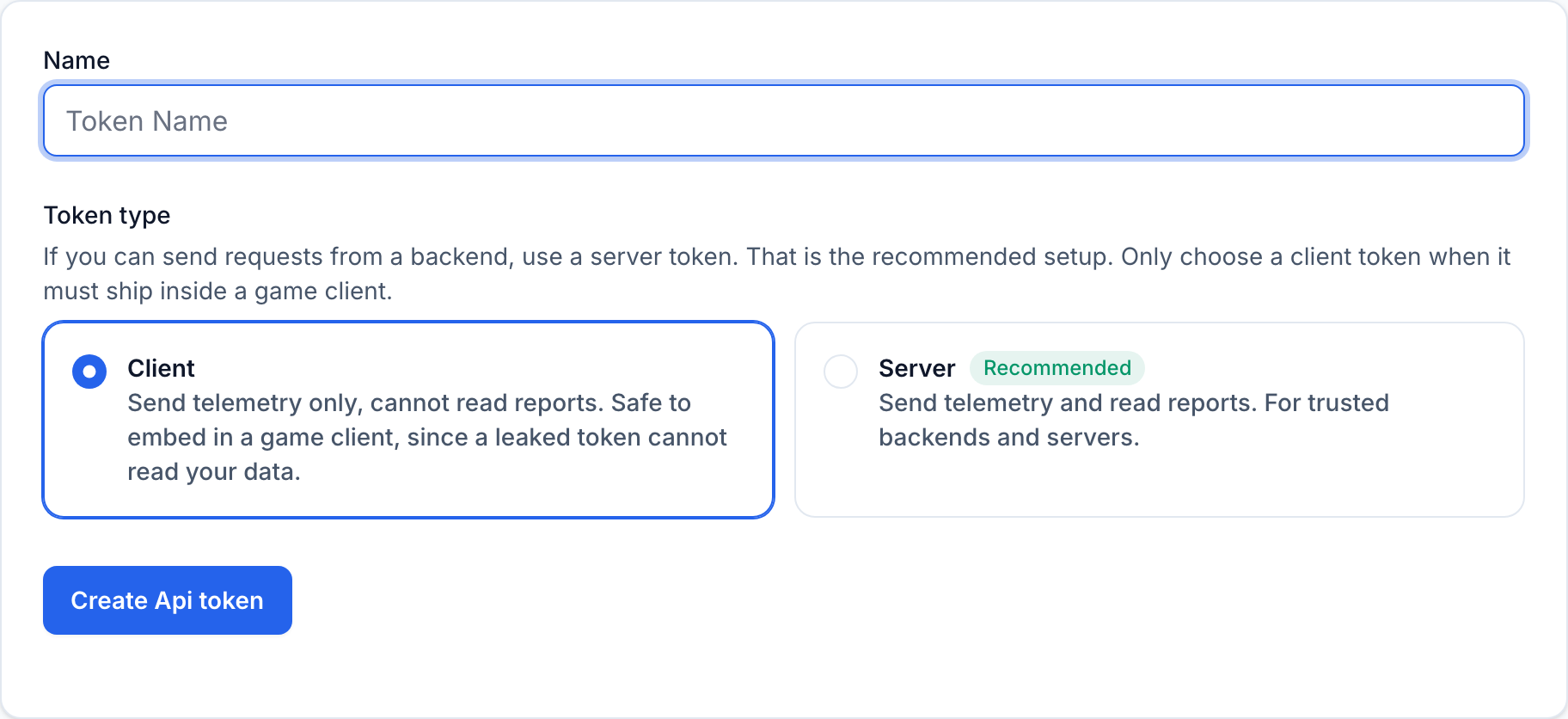
Store the account id and token in a game_stats.cfg file at the root of the project:
[game_stats]

account_id="your_account_id"
api_token="client_your_token"
Adding the file to .gitignore keeps the token out of your repository, but it does not hide the token from players: the file ships inside every exported build.
Step 3: Add an autoload
An autoload is a node that Godot creates when the game starts and keeps alive across scene changes, which makes it a good home for code any scene can call. Create game_stats.gd and register it as GameStats in Project > Project Settings > Globals > Autoload. That adds this to project.godot:
[autoload]

GameStats="*res://game_stats.gd"
In _ready, the autoload reads the config file and builds the URL and headers once. If the file is missing, it turns itself off and the game runs normally:
func _ready():
    var config = ConfigFile.new()
    if config.load(CONFIG_PATH) != OK:
        push_warning("Game Stats AI is disabled: %s is missing." % CONFIG_PATH)
        return

    var base_url = config.get_value("game_stats", "base_url", "https://gamestats.ai")
    var account_id = config.get_value("game_stats", "account_id")
    var api_token = config.get_value("game_stats", "api_token")
    endpoint_url = "%s/api/v1/accounts/%s/achievement_events" % [base_url, account_id]
    headers = PackedStringArray([
        "Authorization: Bearer %s" % api_token,
        "Content-Type: application/json",
    ])
    version_name = ProjectSettings.get_setting("application/config/version")

    load_state()

    http_request = HTTPRequest.new()
    http_request.timeout = 10.0
    http_request.request_completed.connect(_on_request_completed)
    add_child(http_request)

    enabled = true
    send_next_event()
The version comes from Project Settings > Application > Config > Version. Set it before you ship each build, and Game Stats AI groups unlocks by that version.
Step 4: Build the payload
The body is four required fields:
func unlock(achievement_name):
    if not enabled or achievement_name in unlocked_achievements:
        return

    unlocked_achievements.append(achievement_name)
    pending_events.append({
        "version_name": version_name,
        "player_username": player_username,
        "achievement_name": achievement_name,
        "occurred_at": Time.get_datetime_string_from_system(true) + "Z",
    })
    save_state()
    send_next_event()
Time.get_datetime_string_from_system(true) returns the current UTC time without a time zone suffix, so the Z marks it as UTC. Achievements, players, and versions are created on first use, so there is nothing to register in advance.
The event is stamped with occurred_at once, when the player unlocks the achievement, and stored with that timestamp. Game Stats AI ignores an unlock it has already received only when the player, achievement, version, and occurred_at all match. A retry that rebuilt the payload with a new timestamp would record a second unlock.
Step 5: Send events with an HTTPRequest node
HTTPRequest is a node that makes HTTP and HTTPS requests without blocking the game. You call request, the game keeps running, and the node emits request_completed when the response arrives.
Each HTTPRequest node handles one request at a time, so the autoload sends the first pending event and waits for the response before it sends the next one:
func send_next_event():
    if request_in_flight or pending_events.is_empty():
        return

    var body = JSON.stringify(pending_events[0])
    if http_request.request(endpoint_url, headers, HTTPClient.METHOD_POST, body) == OK:
        request_in_flight = true
    else:
        retry_later()


func _on_request_completed(result, response_code, _headers, body):
    request_in_flight = false

    if result == HTTPRequest.RESULT_SUCCESS and response_code == 201:
        pending_events.pop_front()
    elif result == HTTPRequest.RESULT_SUCCESS and response_code == 422:
        push_warning("Game Stats AI rejected an event: %s" % body.get_string_from_utf8())
        pending_events.pop_front()
    else:
        retry_later()
        return

    save_state()
    send_next_event()


func retry_later():
    get_tree().create_timer(RETRY_DELAY_SECONDS).timeout.connect(send_next_event)
A 201 means the event was accepted. A 422 means the payload itself is invalid, for example {"errors":["Version name can't be blank"]}, so sending it again will not help: log it and move on. Anything else, including no connection at all, keeps the event at the front of the queue and tries again in 30 seconds.
Step 6: Save unlocks between sessions
The autoload keeps three things in user://game_stats_state.cfg: a generated player name, the achievements already unlocked, and the events not yet sent.
func load_state():
    var state = ConfigFile.new()
    state.load(STATE_PATH)
    player_username = state.get_value("player", "username", "")
    if player_username.is_empty():
        player_username = "player_" + Crypto.new().generate_random_bytes(6).hex_encode()
    unlocked_achievements = state.get_value("achievements", "unlocked", [])
    pending_events = state.get_value("achievements", "pending", [])
    save_state()


func save_state():
    var state = ConfigFile.new()
    state.set_value("player", "username", player_username)
    state.set_value("achievements", "unlocked", unlocked_achievements)
    state.set_value("achievements", "pending", pending_events)
    state.save(STATE_PATH)
The unlocked list means each achievement is sent once per player, not once per run. The pending list means an unlock made while the player is offline is not lost: it is sent with its original timestamp the next time the game starts. If your game already has player accounts, use that id for player_username instead of a generated one.
Step 7: Include the config file in exports
Godot only exports resource files by default, and game_stats.cfg is not a resource. Without an extra step, the exported game cannot find the file and the integration turns itself off.
In Project > Export, open the Resources tab of each export preset and enter game_stats.cfg in Filters to export non-resource files/folders.
Anyone who downloads your game can read this file, which is why it must hold a client token and never a server token.
The full integration is in the example repository.