Analytics MCP servers compared: PostHog, Mixpanel, GA4
 By Mike Dalton ·
· Updated
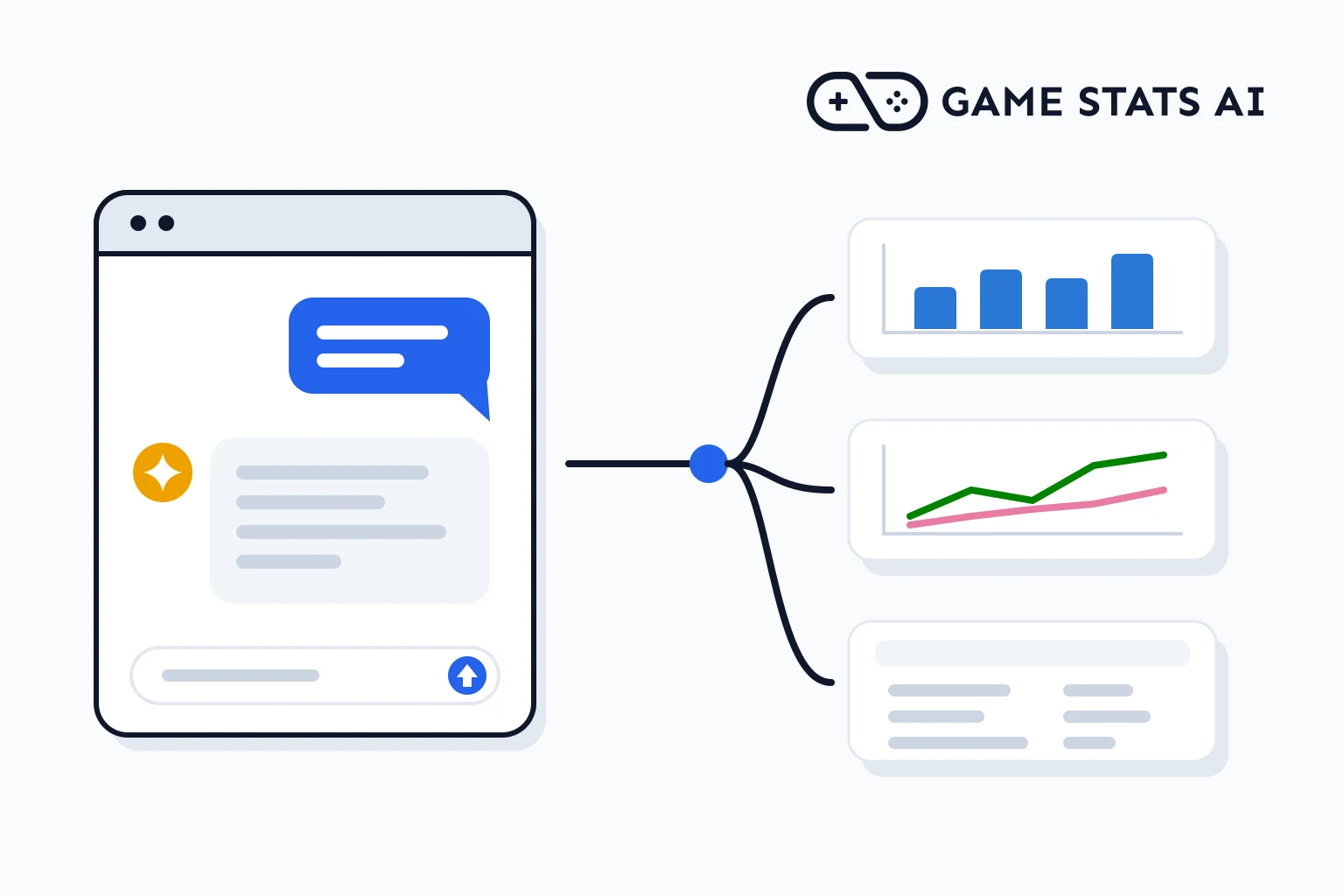
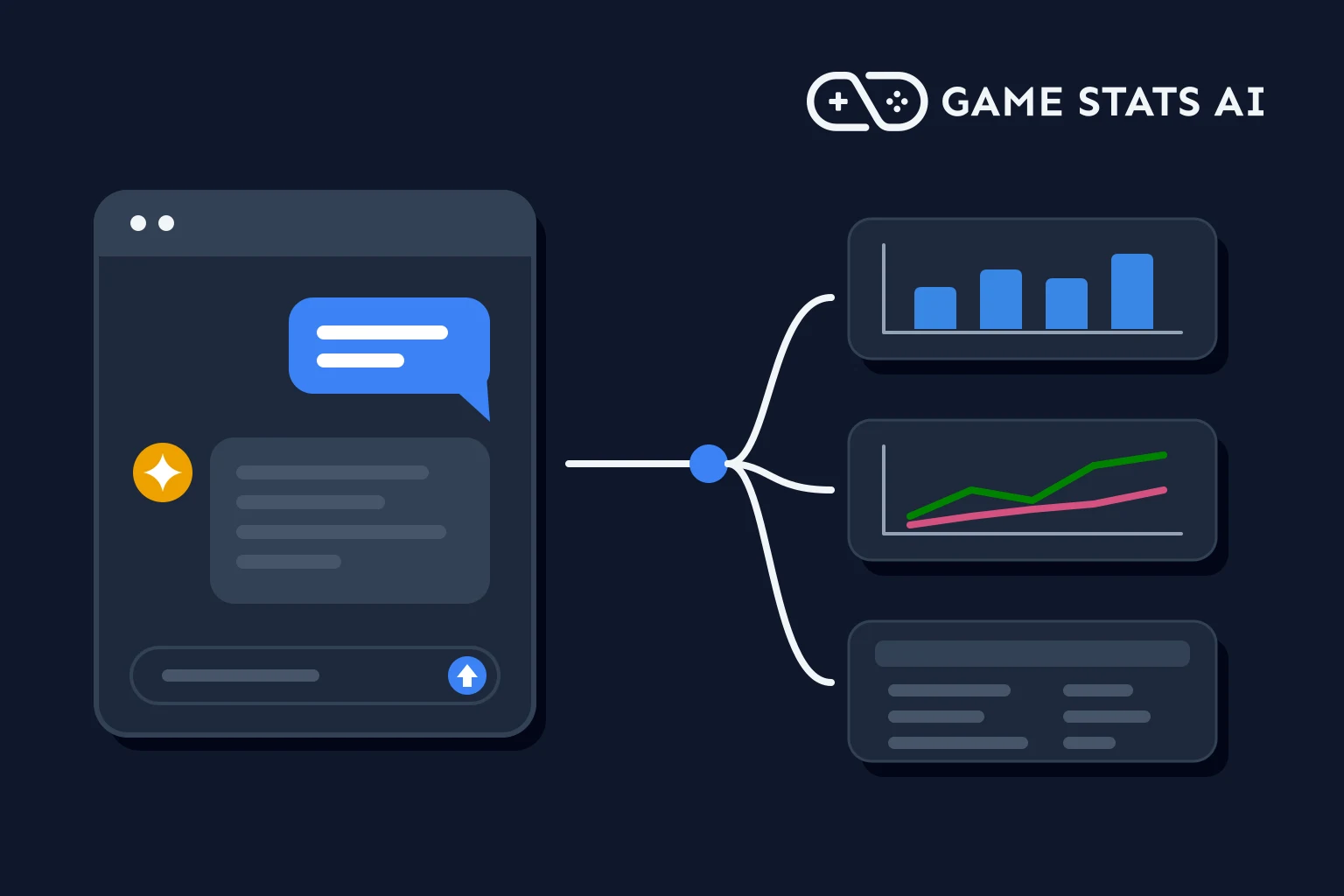
An analytics MCP server lets an AI assistant such as Claude, ChatGPT, or Cursor query your analytics data directly: you ask what was D7 retention for last week's players?
and the assistant calls the analytics tool for the answer. This guide compares the analytics tools game studios use on whether they have an official MCP server, how it is hosted, how you sign in, whether it can change your data, and what it costs. It is about analytics tools you can query over MCP, not about measuring the usage of your own MCP server.
Facts were checked against each vendor's documentation on November 6, 2026. MCP servers change often, so check the linked pages before you decide.
What is an MCP server?
The Model Context Protocol (MCP) is an open standard that lets AI assistants call tools in other services. An analytics tool that hosts an MCP server exposes tools such as run a query
or get a retention report
, and an MCP client (Claude, ChatGPT, Cursor, VS Code, and others) calls them when you ask a question. A hosted server runs at a URL the vendor operates. A local server runs on your own machine, and you install and update it yourself.
Analytics MCP servers at a glance
| Tool | Official MCP server | Hosted or local | Sign-in | Read or write | Cost |
|---|---|---|---|---|---|
| PostHog | Yes | Hosted (US or EU), or run locally against self-hosted PostHog | OAuth, or a personal API key | Read and write, with a read-only mode | Free to connect, normal usage billing applies |
| Mixpanel | Yes | Hosted (US, EU, India) | OAuth, service accounts in beta | Read and write | Included on Free, Growth, and Enterprise |
| Amplitude | Yes | Hosted (US, EU) | OAuth 2.0, service accounts on Enterprise | Read and write | Amplitude's pages disagree, see below |
| Google Analytics 4 | Yes, open source from Google | Local, or self-hosted over HTTP | Application Default Credentials, optional OAuth 2.1 | Read-only by default | You run it yourself |
| GameAnalytics | Yes | Hosted, plus a self-hosted option | OAuth (hosted), Metrics API key (self-hosted) | Read-only | MCP Access at $149/mo, or PipelineIQ Pro |
| Firebase | No Analytics tools in its MCP server | Local (Firebase CLI) | Not applicable | Not applicable | Not applicable |
| Unity Analytics | No, Unity's MCP is for the editor | Not applicable | Not applicable | Not applicable | Not applicable |
| Azure PlayFab | None found | Not applicable | Not applicable | Not applicable | Not applicable |
| devtodev | None found | Not applicable | Not applicable | Not applicable | Not applicable |
| Game Stats AI | Yes | Hosted | OAuth, or a server token | Read and write | Included on every plan, including Free |
Two differences matter most when you pick one:
- Read-only or read-write. PostHog, Mixpanel, and Amplitude can create dashboards, feature flags, and experiments from a chat, and Game Stats AI can create and edit reports and dashboard cards. GameAnalytics only reads. A read-write server is more useful when you want the assistant to build things, and a read-only one is safer to hand to everyone on the team.
- Hosted or local. A hosted server is a URL you add to your AI client. Google Analytics' server and Firebase's run on your own machine.
PostHog
PostHog hosts its MCP server at https://mcp.posthog.com/mcp, which routes to your US or EU project, over streamable HTTP. You sign in with OAuth by default, or use a personal API key with the MCP Server
preset. See PostHog's MCP documentation.
- Install:
npx @posthog/wizard mcp addsets it up for PostHog Desktop, Cursor, Claude Code, Claude Desktop, Codex, VS Code, and Zed. In Claude Desktop, it is also in the connector directory. - What you can ask: the tools include insight-query, query-trends, query-funnel, query-retention, and execute-sql for SQL queries.
- Writes: it can create and change dashboards, feature flags, experiments, and surveys. To make it read-only, send the
x-posthog-read-onlyheader or thereadonlyparameter. - Cost: PostHog's FAQ says
connecting to the MCP server and calling its MCP tools is free
. Your normal PostHog usage billing still applies, and tools backed by an LLM may count as PostHog AI spend. The limit is 480 requests a minute and 4,800 an hour per credential. - Self-hosted: the server code is MIT licensed and lives in the PostHog monorepo (
services/mcp), so you can run it locally against a self-hosted PostHog. The older PostHog/mcp repository was archived in January 2026.
Mixpanel
Mixpanel hosts its MCP server at https://mcp.mixpanel.com/mcp in the US, with mcp-eu and mcp-in endpoints for the EU and India, over streamable HTTP. Sign-in is OAuth, and service accounts are in beta. See Mixpanel's MCP documentation.
- What you can ask: 64 tools, 36 that read and 28 that write. They include Run-Query, Get-Report, Create-Dashboard, Create-Cohort, Create-Feature-Flag, and Create-Experiment.
- Limits: Run-Query cannot filter or break down by cohort and does not work with Saved Metrics. Each user can make 600 MCP requests an hour.
- Cost: it is available on the Free, Growth, and Enterprise plans, according to Mixpanel's pricing page. On Free, you may hit Query API limits. It is on by default for Free and Growth accounts created after August 1, 2026. For other accounts, an organization admin turns it on.
Amplitude
Amplitude hosts its MCP server at https://mcp.amplitude.com/mcp in the US and https://mcp.eu.amplitude.com/mcp in the EU, over streamable HTTP. Sign-in is OAuth 2.0, and service accounts are available on Enterprise. See Amplitude's MCP documentation.
- What you can ask: tools include query_amplitude_data and get_amplitude_charts, plus tools for dashboards, notebooks, cohorts, experiments, and feature flags.
- Writes: it can read and write. Writes need the
Use MCP (write)
permission. - Cost: Amplitude's own pages disagree. The plan table in the MCP documentation lists the server as an add-on on Plus and included on Enterprise, not on Free or Growth, while the pricing page lists it on every plan, including Free. Check both, or ask Amplitude, before you rely on it.
Google Analytics 4
Google's server is googleanalytics/google-analytics-mcp (the analytics-mcp package on PyPI), documented in the Google Analytics developer guide. There is no Google-hosted endpoint. You run it locally with pipx run analytics-mcp, or host it yourself over HTTP.
- Sign-in: Application Default Credentials, from a gcloud user or a service account, with optional built-in OAuth 2.1.
- What you can ask: run_report, run_realtime_report, run_funnel_report, run_conversions_report, get_account_summaries, get_property_details, and get_custom_dimensions_and_metrics.
- Writes: read-only by default.
Firebase Analytics is the app version of Google Analytics 4 (see Firebase Analytics for games), so this is the server that reads a Firebase game's analytics data.
GameAnalytics
GameAnalytics hosts its MCP server at https://mcp.gameanalytics.com, over remote HTTP with OAuth sign-in. It is read-only: GameAnalytics says it cannot change your game data or settings
. See the GameAnalytics MCP documentation.
- What you can ask: get_games, get_studios, get_dimensions, query_metric, query_retention (D1, D7, and D30), and query_cumulative.
- Cost: the hosted server needs an MCP Access subscription at $149/mo, or PipelineIQ Pro. The free plan does not include it. For what each plan includes, see GameAnalytics pricing and alternatives.
- Self-hosted: GameAnalytics/GA-MCP is an Apache-2.0 server for Python 3.11 and later with 33 read-only tools. It signs in with a Metrics API key from PipelineIQ. See the self-hosted documentation.
Firebase
The Firebase MCP server is part of the Firebase CLI and runs locally (npx -y firebase-tools@latest mcp). Its tools cover Firestore, Authentication, Functions, Remote Config, Crashlytics, and more, but it has no Analytics tools. To query Firebase Analytics data, use the Google Analytics server above.
Unity Analytics
Unity has no official MCP server for Unity Analytics or other Unity Gaming Services data. Unity's MCP is for the editor: scenes, assets, and scripts. The MCP server in the AI Assistant package is deprecated in favor of unity mcp in the Unity CLI. For Unity Analytics' plans and limits, see Unity Analytics pricing and alternatives.
Azure PlayFab and devtodev
We found no MCP server published by Microsoft for PlayFab, and no MCP server for devtodev. To ask an AI assistant about that data, you would send it to a tool that has one, or build your own server on their APIs. For PlayFab's plans and analytics, see PlayFab pricing and alternatives.
Game Stats AI
Game Stats AI hosts its MCP server at https://gamestats.ai/api/v1/mcp, over streamable HTTP. It is listed in the official MCP registry as ai.gamestats/game-stats-ai.
- Sign-in: OAuth when you add it as a connector in Claude or ChatGPT, or a server token sent as a Bearer header for clients without OAuth, such as Claude Code. Each connection reads one account. The setup guide walks through Claude Code.
- What you can ask: tools read retention, revenue, session, player, character win rate, deck archetype, event, and progression reports.
- Writes: it can create and edit reports, and add or change cards on your dashboard.
- Cost: included on every plan, including the free plan with 1,000 tracked records a month. See pricing.
- Fit: it is built for competitive and match-based games, with no SDK: your game or server sends events to a REST API. For general product analytics, feature flags, or experiments, the tools above cover more.
Which analytics MCP server should you use?
- Your studio already uses PostHog, Mixpanel, or Amplitude: use that tool's hosted server. All three can also create dashboards, flags, and experiments from a chat.
- You want the assistant to only read data: GameAnalytics is read-only, Google Analytics is read-only by default, and PostHog has a read-only mode.
- Your game uses Google Analytics or Firebase: run Google's Google Analytics server locally. Firebase's own MCP server does not read analytics.
- Your game uses GameAnalytics: the hosted server needs MCP Access ($149/mo) or PipelineIQ Pro.
- Your game uses Unity Analytics, PlayFab, or devtodev: none of them has an official MCP server for analytics data today.
- A competitive or match-based game on a free plan: Game Stats AI includes its server on every plan.
For pricing, engines, and data access beyond MCP, see the full comparison of game analytics tools.
Frequently asked questions
What does MCP actually mean?
MCP stands for Model Context Protocol, an open standard that lets AI assistants call tools in other services. An analytics tool with an MCP server lets Claude, ChatGPT, Cursor, or another MCP client run queries and read reports from it when you ask a question.
Is PostHog MCP free?
PostHog says connecting to its MCP server and calling its tools is free. Your normal PostHog usage billing still applies, and tools backed by an LLM may count as PostHog AI spend. Each credential can make 480 requests a minute and 4,800 an hour.
How do you install PostHog MCP?
Run npx @posthog/wizard mcp add. It sets up the hosted server at https://mcp.posthog.com/mcp for PostHog Desktop, Cursor, Claude Code, Claude Desktop, Codex, VS Code, or Zed. You sign in with OAuth, or with a personal API key that uses the MCP Server
preset.
Can you connect PostHog to Claude?
Yes. In Claude Desktop, PostHog is in the connector directory. For Claude Code, run npx @posthog/wizard mcp add. Both connect to PostHog's hosted server, which can read your data and, unless you turn on read-only mode, create dashboards, feature flags, experiments, and surveys.
Is there a Google Analytics MCP server?
Yes. Google publishes googleanalytics/google-analytics-mcp, the analytics-mcp package on PyPI. It runs locally or on a server you host, signs in with Application Default Credentials, and is read-only by default. There is no Google-hosted endpoint.
Does Unity Analytics have an MCP server?
No. Unity's MCP server is for the Unity editor (scenes, assets, and scripts), not for Unity Analytics or Unity Gaming Services data.
Which analytics MCP servers are included on a free plan?
PostHog's is free to connect, with normal usage billing. Mixpanel's is on its Free plan. Game Stats AI's is on every plan, including Free. GameAnalytics' hosted server needs MCP Access at $149 a month or PipelineIQ Pro. Amplitude's documentation and pricing page disagree, so check both.